


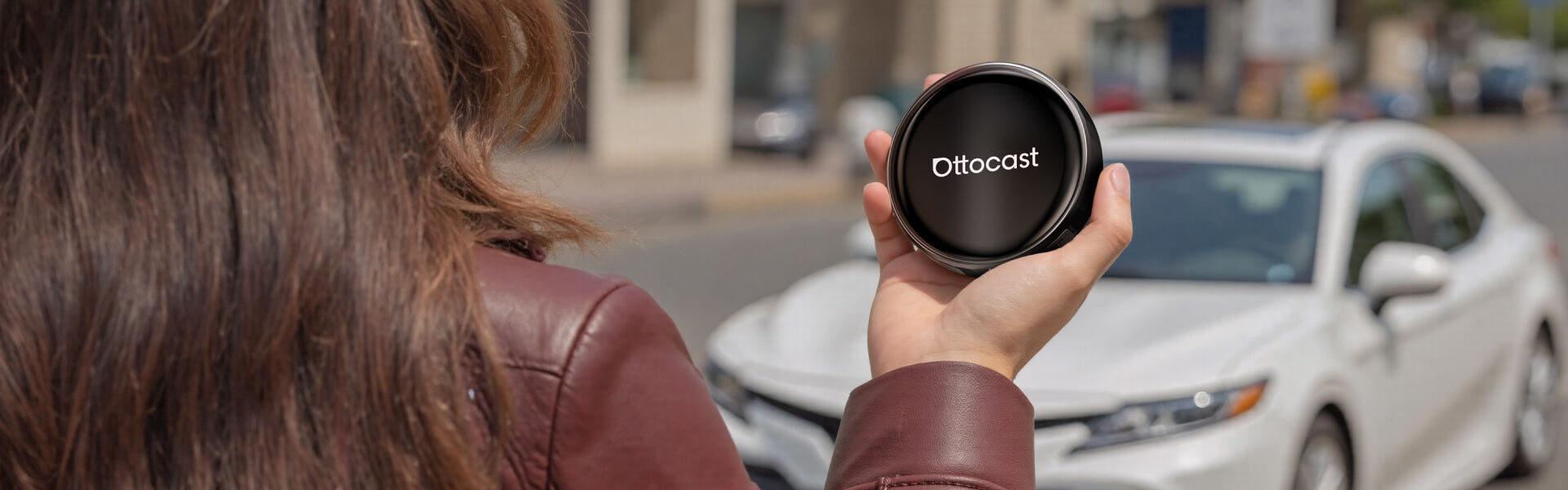
Simple over-the-air updates let you install the latest system version with just a few taps.









Ottocast P3 Pro CarPlay AI Box
PRICE
Summer Special Deal: Extra -10% Off
-10%
CODE:
UP10
Promo code copied!
KEY FEATURES
Entertainment and App Store
Watch your favorite shows and download any app you like.
Seamless Wireless CarPlay/Android Auto
Enjoy CarPlay/Android Auto wirelessly while you drive making it easy to take calls, play music and navigate with ease.
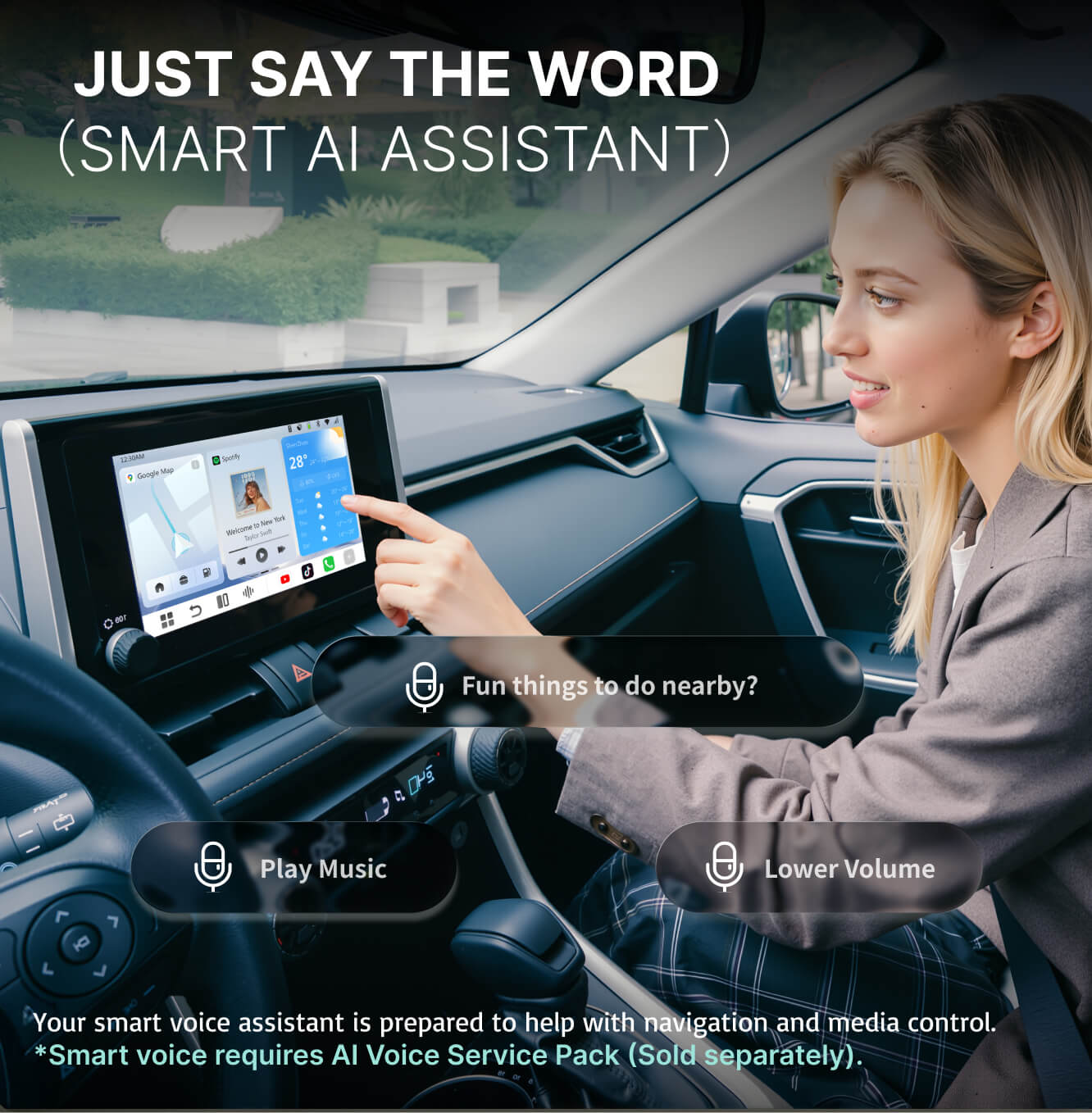
AI Voice Assistant
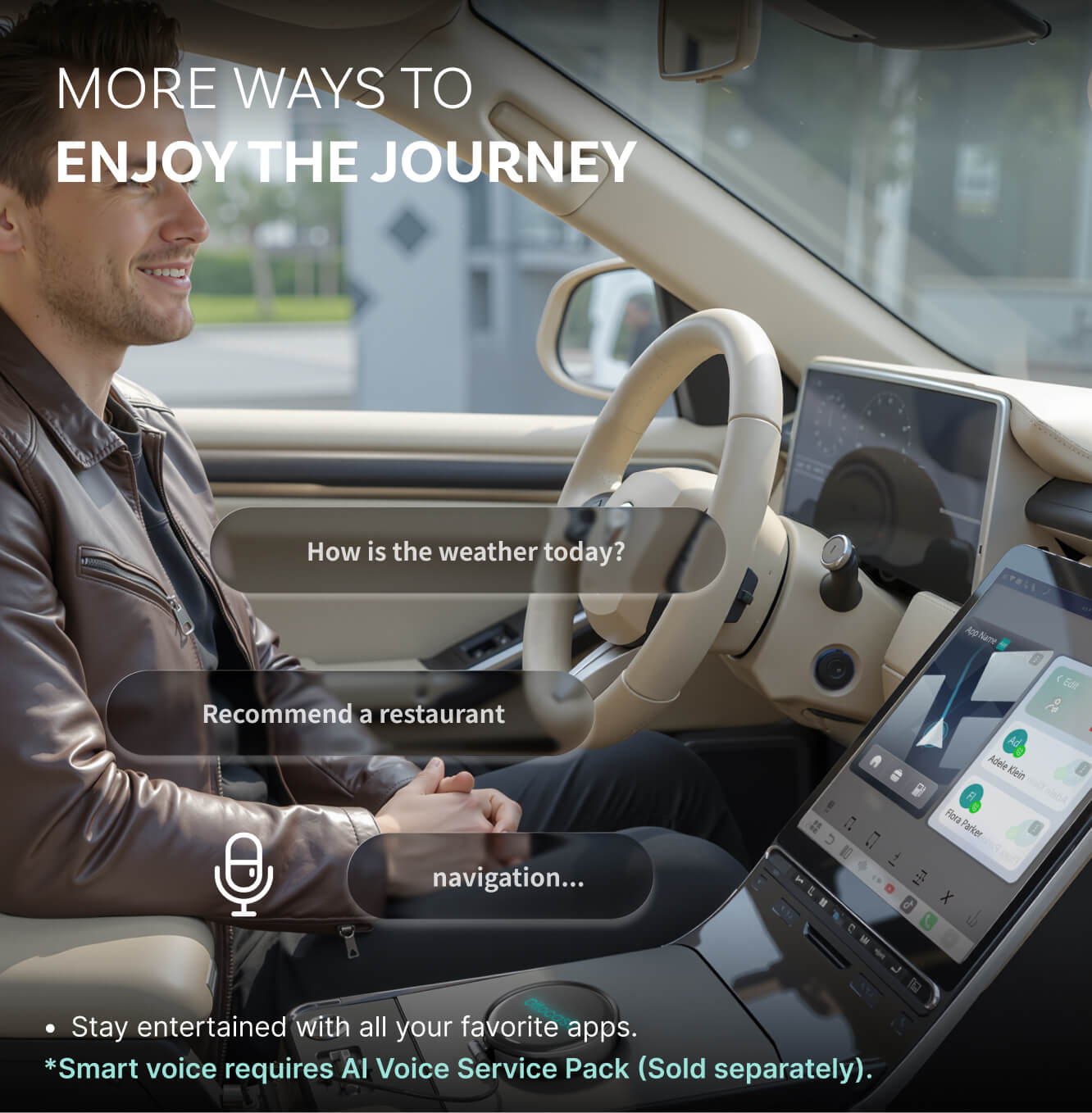
Enjoy a safer, easier drive with a voice assistant that takes care of the small tasks, keeps you company on quiet roads and responds only when you want help.
Performance Upgrade
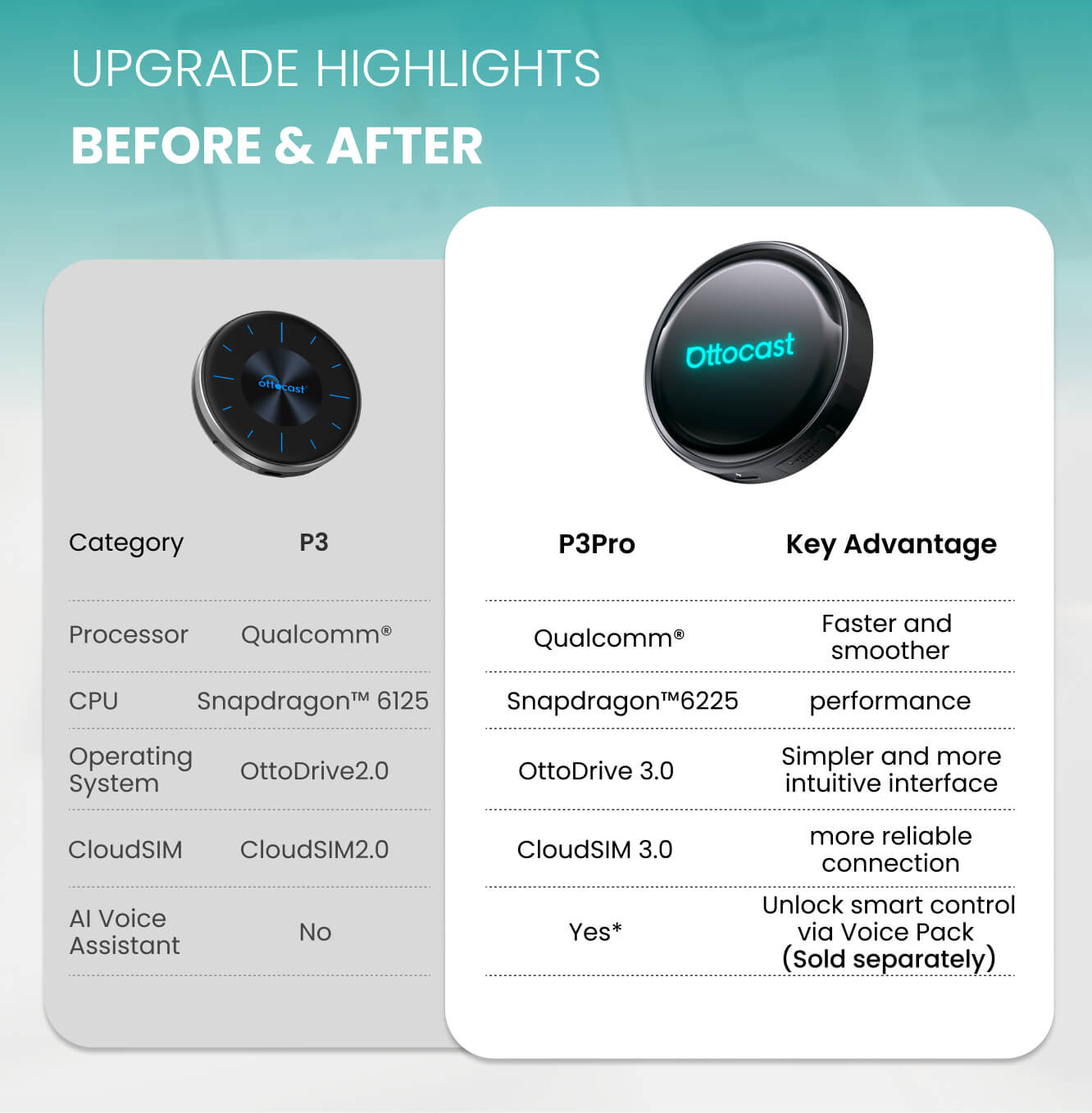
Powered by the Snapdragon 6225 with 8GB RAM and 128GB storage, it delivers fast startup and smooth multitasking.
Otto Drive OS 3.0
A simple, user-friendly interface with day and night modes that switch automatically as you drive.
Upsell products
🚨BEFORE YOU BUY
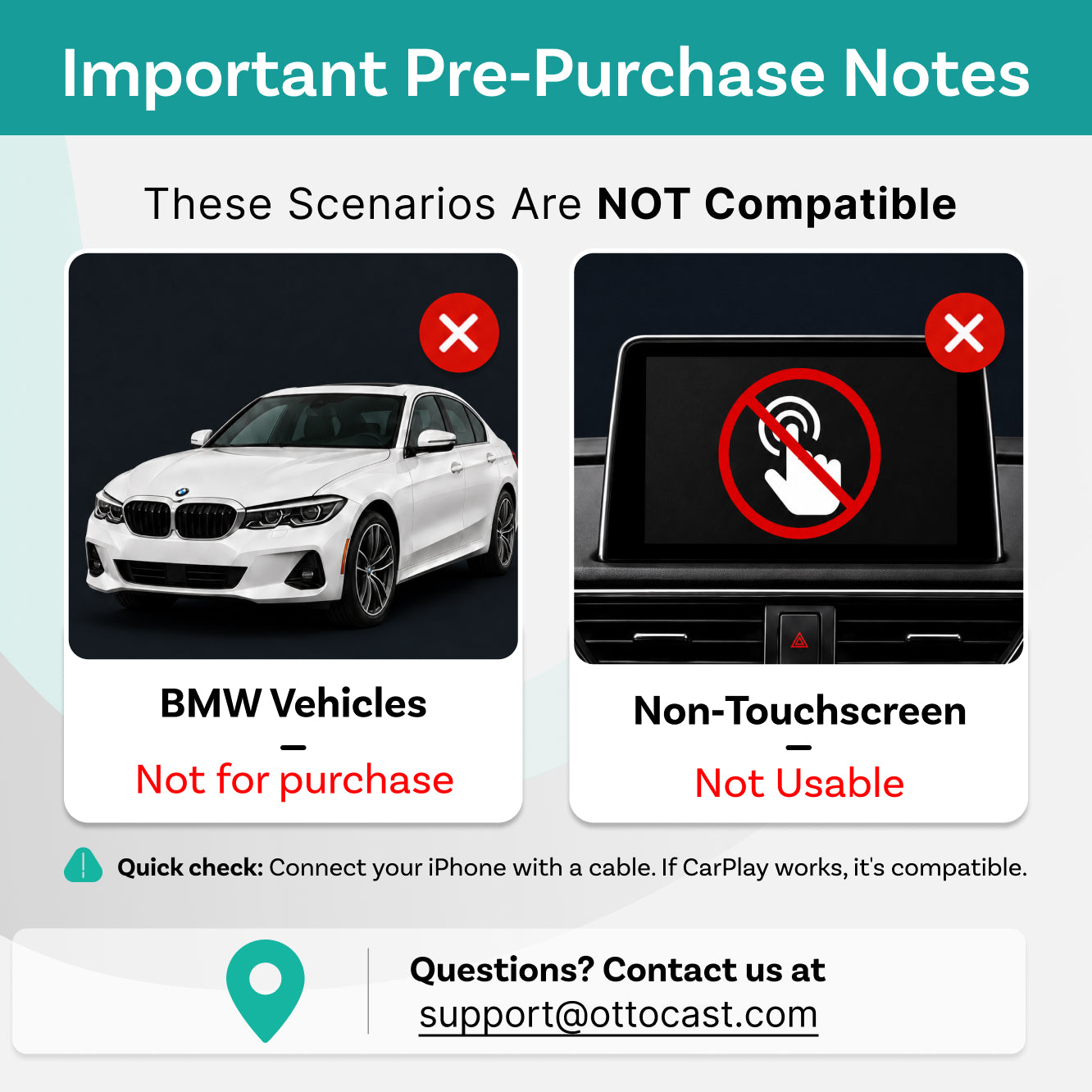
Requires Factory Wired CarPlay or Wired Android Auto
For 2016 or newer vehicles
Requirements:
-
Vehicle:
To use Wireless CarPlay, your vehicle must have factory Wired CarPlayTo use Wireless Android Auto, your vehicle must have factory Wired Android AutoMode Switch: Use the rear switch to switch between CarPlay and Android Auto.
- Phone: iPhone (iOS 10+) Android (Android 11+) Selected Samsung / Google phones also support Android 9
Not Compatible: Sony aftermarket head units.
Mitsubishi Vehicles: Please leave a note at checkout or email us before ordering.
Factory Wireless CarPlay Vehicles (e.g. some BMW models): Recommended Model: OttoAibox i3
How to Check Wired CarPlay / Android Auto Support
After-sale policy

30-Day Returns

1-Year Warranty
Share
Ottocast P3 Pro CarPlay AI Box
Sale price$219.00
Regular price$399.00


Why Choose P3 Pro Ai Box?


Upgrade Your Drive Instantly
Just plug it into your car's USB port and enjoy navigation, music and endless streaming right away.


All Your Favorite Apps on Your Car's Screen
Download what you love and keep everyone entertained, from the morning commute to long road trips.


Intelligent Voice Assistant
Ask it to navigate, play a song or find the nearest café. It’s ready whenever you are.


OttoDrive OS 3.0
A clean, intuitive interface that's simple to use and built for everyday driving.


Wireless CarPlay & Android Auto
Connect your phone in seconds for navigation, calls and music. Switch back to OttoDrive OS with a single tap.

Make Every Trip More Fun
Your family can watch shows, listen to music and enjoy the ride. No more 'Are we there yet?'.

Make Every Morning Easier
Maps, messages and playlists come on automatically.

Smart Assistance Every Time You Drive
Ask for directions, music or food spots and it takes care of it while you keep your hands on the wheel.


Find More About OttoDrive OS 3.0
Enjoy a smarter, smoother drive with an interface that’s easy to use, quick split-screen multitasking and built-in CloudSIM that keeps you connected anywhere you go.
Set up your screen the way you like it and keep your go-to widgets right where you need them.
Tap once to split the screen. Keep your navigation in view and hop into a meeting without losing your focus.
Stay online without a hotspot or SIM card. CloudSIM connects automatically, and your first $1 top-up gives you 10GB to get started.
Easy Setup
Plug it into your car's USB port and it's ready to go. No tools needed and no taking your car apart.

1. Plug it in

2. Access the Android screen and download your favorite apps

3. Switch to CarPlay, Android Auto or Android OS with one tap
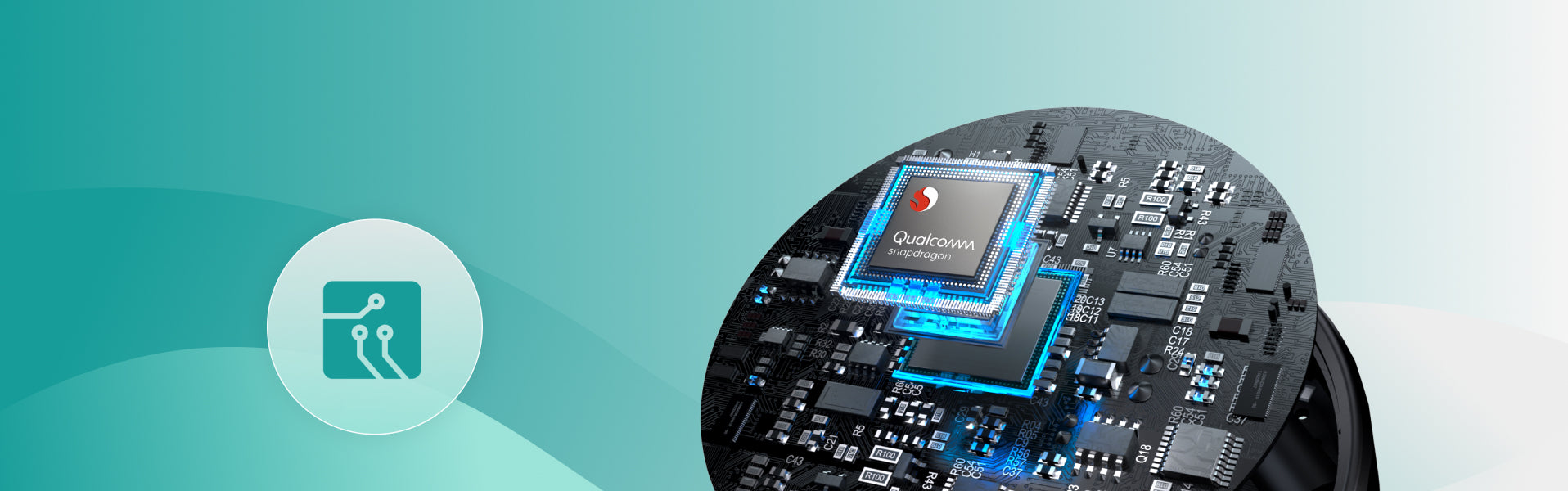
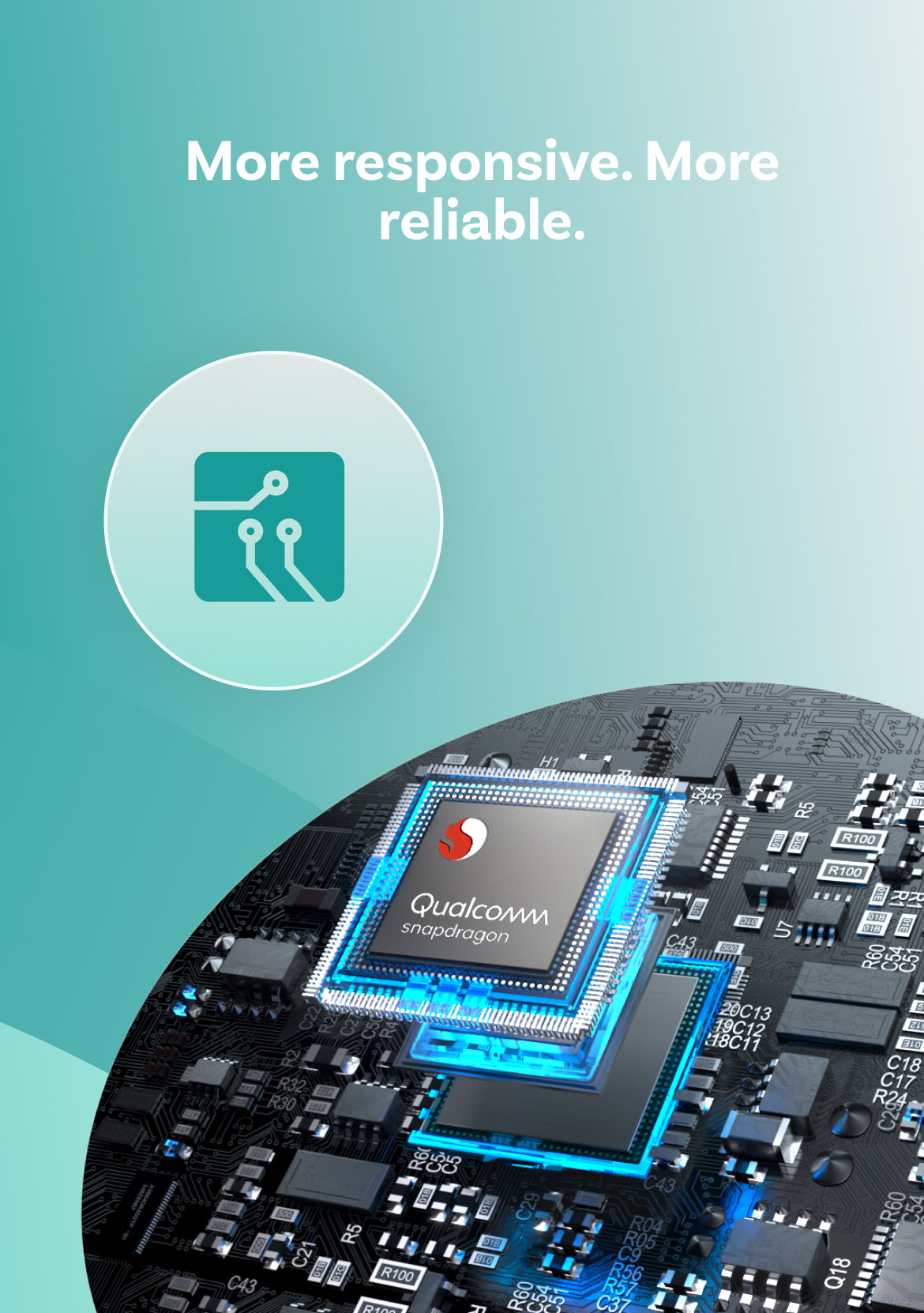
More Responsive.
More Reliable.
AI Voice Assistant
Enjoy a safer, easier drive with a voice assistant that takes care of the small tasks, keeps you company on quiet roads and responds only when you want help.

Call out a command while you keep your hands steady on the wheel. The voice assistant takes care of the small stuff so you can stay focused on the road.

Chat naturally with your assistant and make solo trips feel easier, lighter and a lot less quiet.

Activate it by pressing the steering wheel button or tapping the screen, so it steps in only when you ask for help.
FOTA Upgrades
Always Updated
Stay ahead with new innovations.
No Hassle, No Effort
Get the latest system in minutes with easy over-the-air updates.
Future-Proof Your Car
Enjoy more years of use with fresh tech and easy updates along the way.


FAQ
Is this Ottocast product compatible with my car?
Most Ottocast products are designed for vehicles (typically 2016 or newer) with Factory Wired Apple CarPlay and/or Factory Wired Android Auto. This product is a wired-to-wireless adapter and must be plugged into a USB data port (not a charge-only port).
Quick check: plug your phone in—if CarPlay/Android Auto pops up, it’s supported. Video: 👉 Watch video
Does it support full-screen display?
Full-screen display depends on your car’s factory wired CarPlay system. Non-full-screen factory CarPlay may also appear non-full-screen with this product.
Are there any discount codes, coupons, or vouchers for Ottocast products?
Yes. New customers may receive a welcome offer when subscribing to Ottocast emails, and we run limited-time promotions throughout the year.
For the latest active codes, subscribe at the bottom of the page and we’ll send updates.
If I’ve paired two phones, which one will it connect to next time?
If multiple paired phones are nearby, Ottocast will usually reconnect to the last used phone.
To switch devices, disconnect CarPlay on the current phone (or turn off its Bluetooth/Wi-Fi), then connect with the other phone.
Some models also support one-tap switching or manual device selection.
Do I need a SIM card to watch videos or use maps? What if I can’t connect to Wi-Fi?
No. You need internet, but a physical SIM isn’t required. Depending on your model, you can go online via CloudSIM, phone hotspot, vehicle Wi-Fi, portable Wi-Fi, or a SIM card. If a SIM won’t connect, you may need to set the APN (check with your carrier).
CloudSIM: Learn more
How do I use P3 Pro AI Voice, and what can it do? Any language limits?
Press the steering-wheel voice button or tap the on-screen voice icon, then speak your command.
It can control navigation, music, split-screen, and calls, and launch installed apps (e.g., “Open YouTube”).
Example: “Find the nearest gas station.”
Can I use Netflix in split-screen mode on this product?
Netflix is not supported in split-screen mode on this product.
Does it work with both iPhone and Android?
Yes. P3 Pro works with cars that support factory wired CarPlay and/or factory wired Android Auto (USB data port).
After plugging it in, you can use the P3 Pro system on your car screen and connect either an iPhone or an Android phone for supported features.