


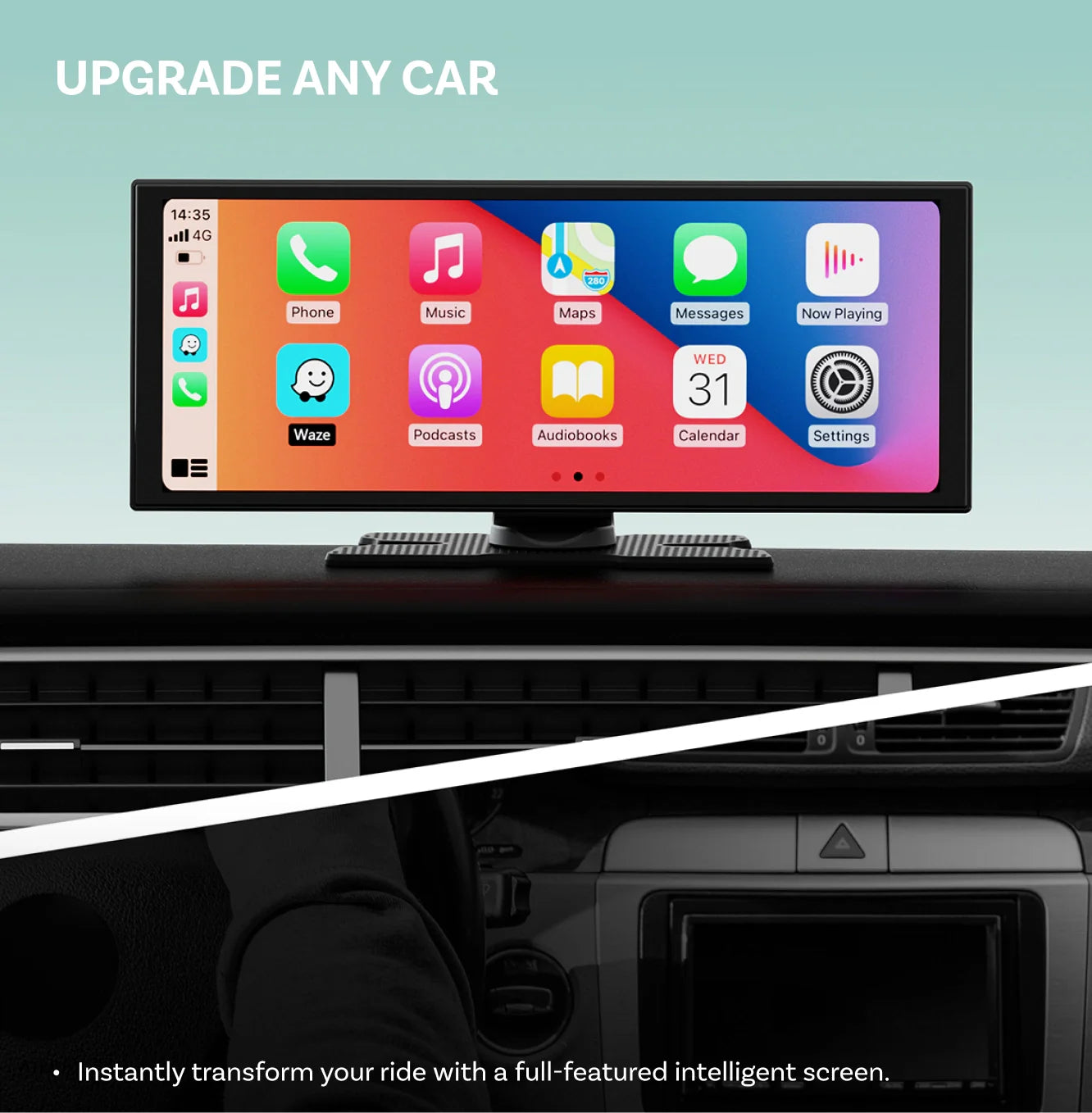
Trådløs CarPlay og Android Auto giver en klogere, enklere og mere forbundet oplevelse i din bil.



Price Drop
Prime Day Deal
Ottoscreen AI
PRICE
KEY FEATURES
Seamless Wireless CarPlay & Android Auto
Enjoy CarPlay wirelessly while you drive making it easy to take calls, play music and navigate with ease.
AI Assistant
The AI assistant lets you control your car and manage navigation, planning and more hands-free.
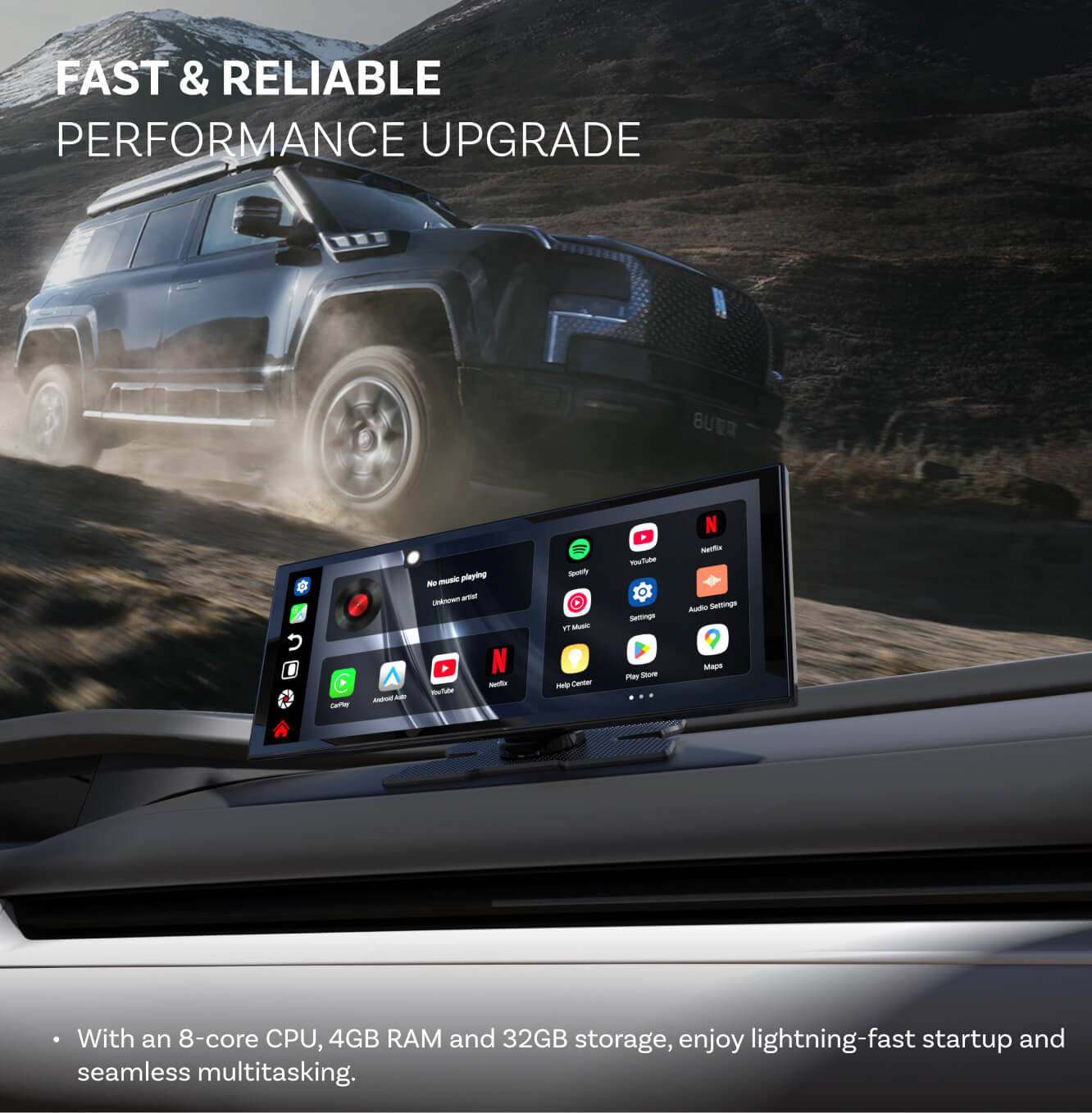
Performance Upgrade
With an 8-core CPU, 4GB RAM and 32GB storage, enjoy lightning-fast startup and seamless multitasking.
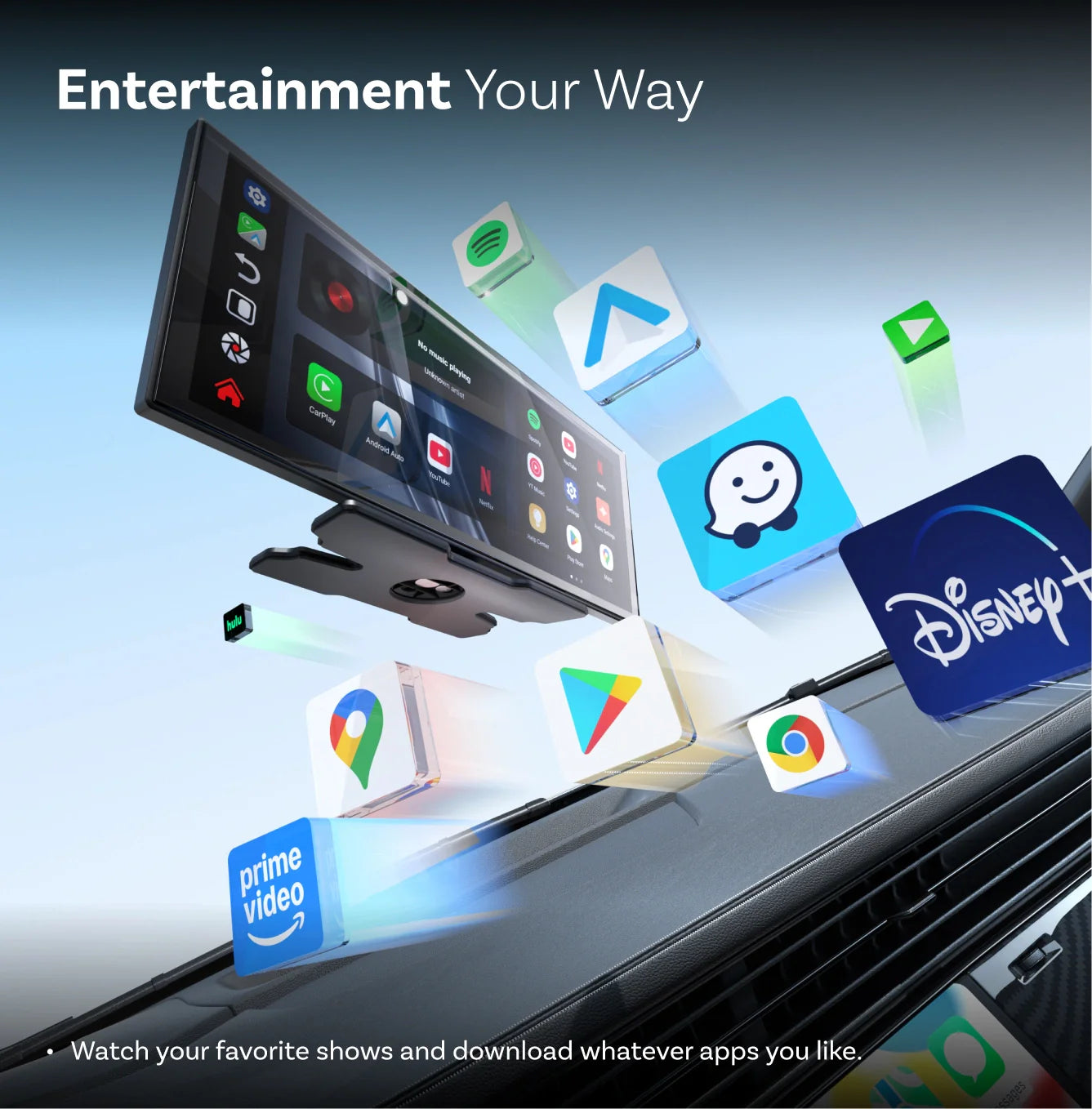
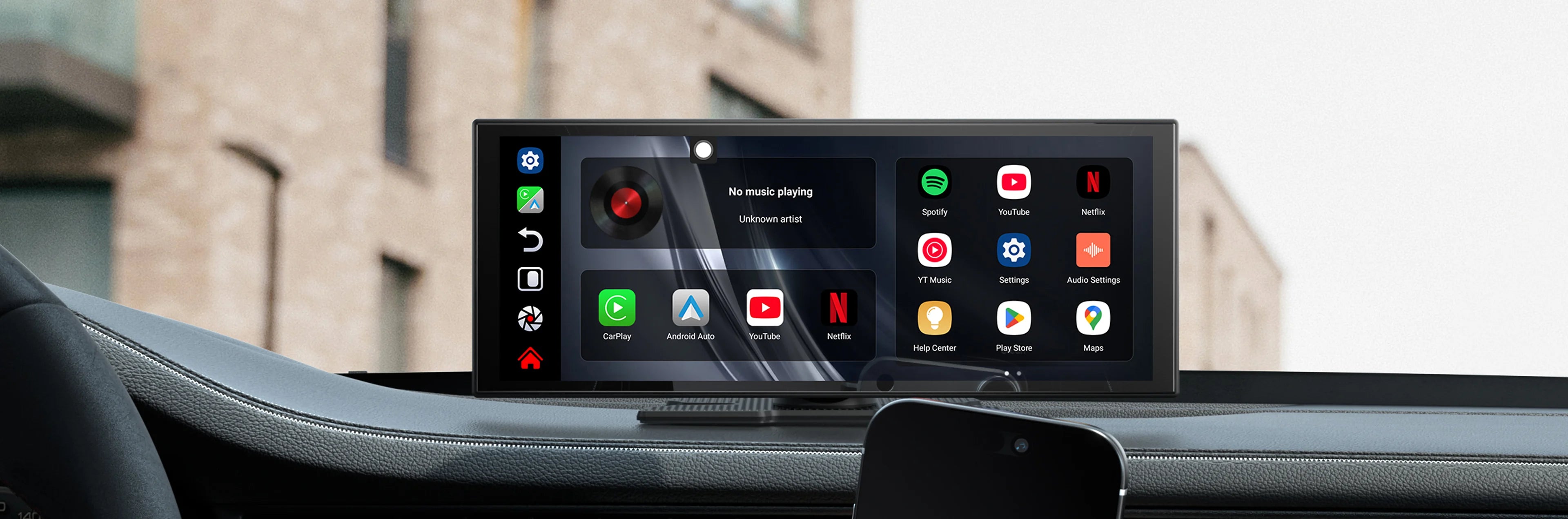
Entertainment and App Store
Watch your favorite shows and download any app you like.
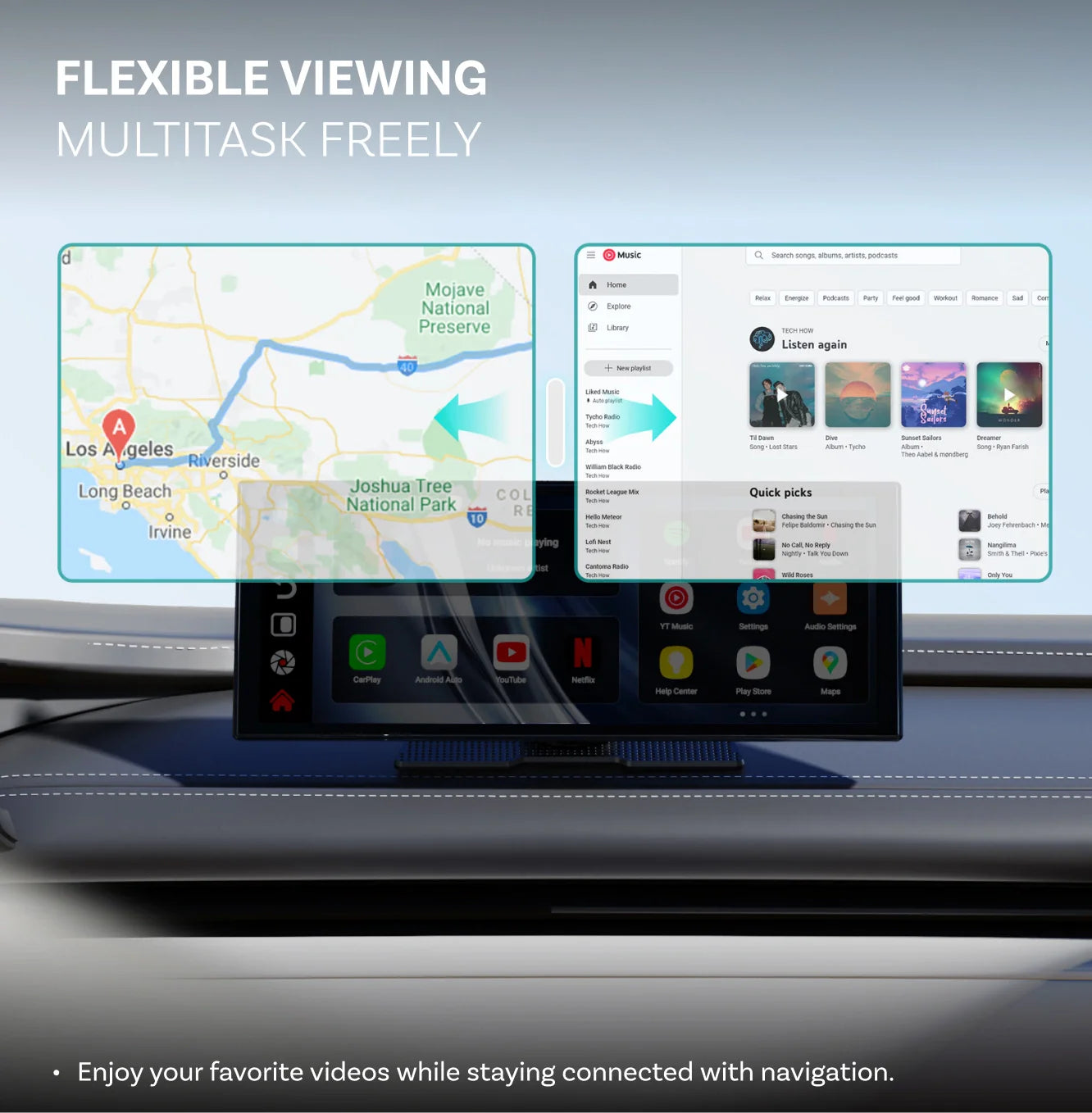
Multitask Freely
Enjoy your favorite videos while staying connected with navigation.
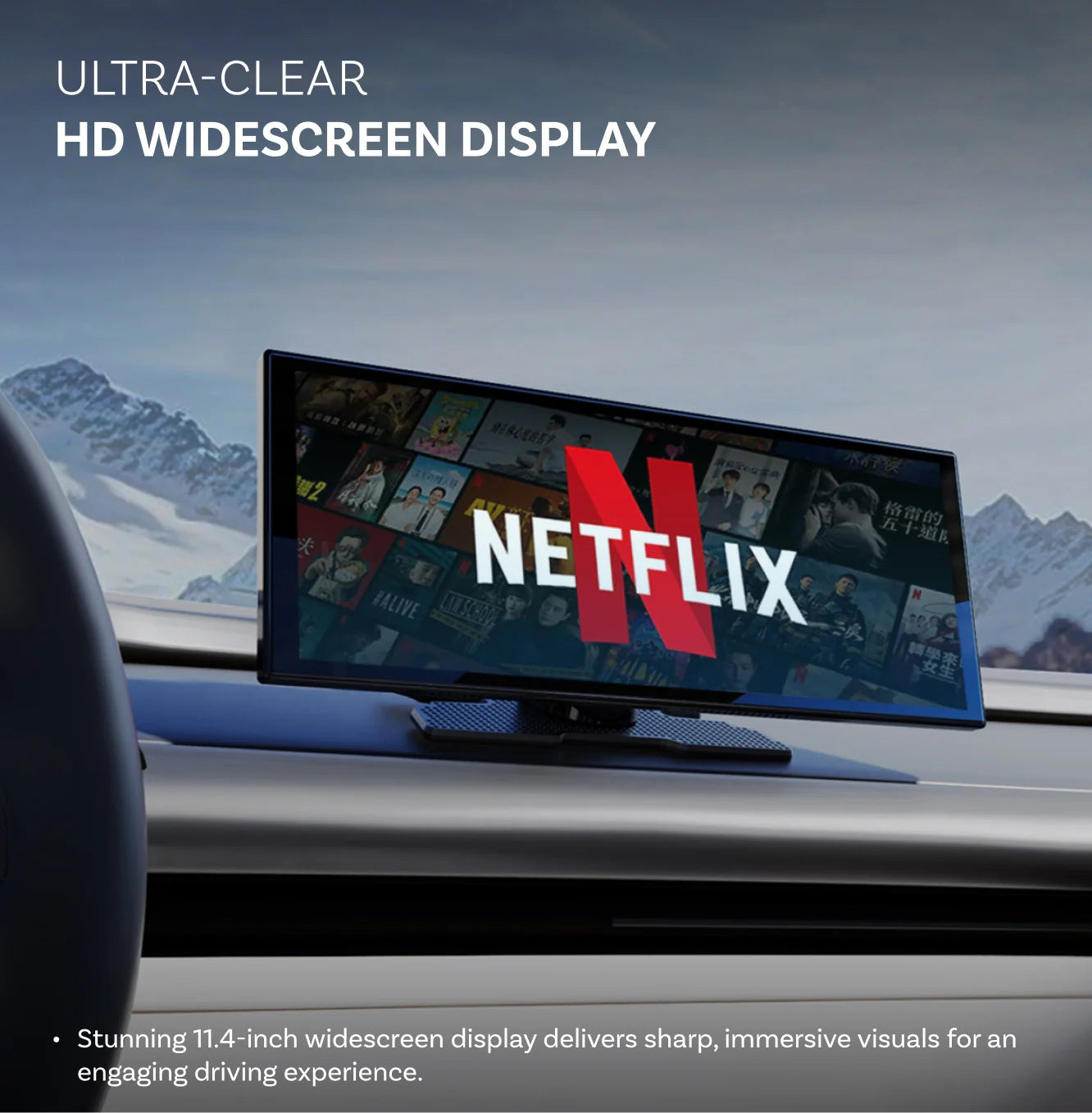
HD Widescreen Display
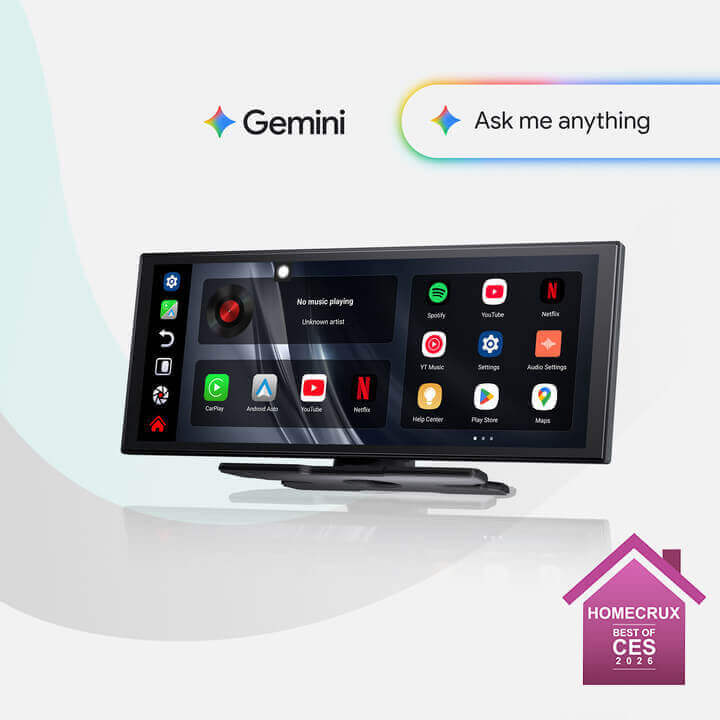
Stunning 11.4-inch widescreen display delivers sharp, immersive visuals for an engaging driving experience.
Complete Your Setup | 40% OFF Accessories
Forsendelsesland:
- Vores logistik dækker de fleste lande, og vi tilbyder flere forsendelsesmetoder.
Behandlingstid:
- Før forsendelsen, bedes du give os 1-2 hverdage til at behandle din ordre, tiden afhænger af den aktuelle situation (offentlige helligdage/weekender undtaget)
- Behandlingstiden kan blive forsinket, hvis din leveringsadresse er tvivlsom, og din ordre markeres som en risiko (vi bruger denne ekstra tid til at sikre sikkerheden af dine kreditoplysninger). Vi kan kræve identitetsbevis for de modtagne faktureringsoplysninger.
Forsendelsesgebyr:
- Standardforsendelse: 5,99 $
- Ekspresforsendelse: 9,99 $
- DHL/FedEx Ekspres (Prioritet): 40 $
Hvis du vælger at bruge ekspreslevering, skal vi opkræve et forsendelsesgebyr på 40 $. Vi vil bruge DHL/FedEx til leveringen. Ankomsttiden afhænger af fragtfirmaet. Det tager normalt omkring 7-10 dage
Forsendelsesomkostningerne fremgår af siden ved kassen.
Forsendelsestid (estimat):
- 10-15 dage
For flere oplysninger, se venligst vores fulde Forsendelsespolitik
Vi har en 30-dages returret, hvilket betyder, at du har 30 dage efter modtagelsen af din vare til at anmode om en retur.
For flere oplysninger, se venligst vores fulde Refusionspolitik.
Efter salgsservicepolitik

30 dages returret

Afsendes inden for 1-2 dage
Del
Ottoscreen AI
Salgspris1.209,00 kr
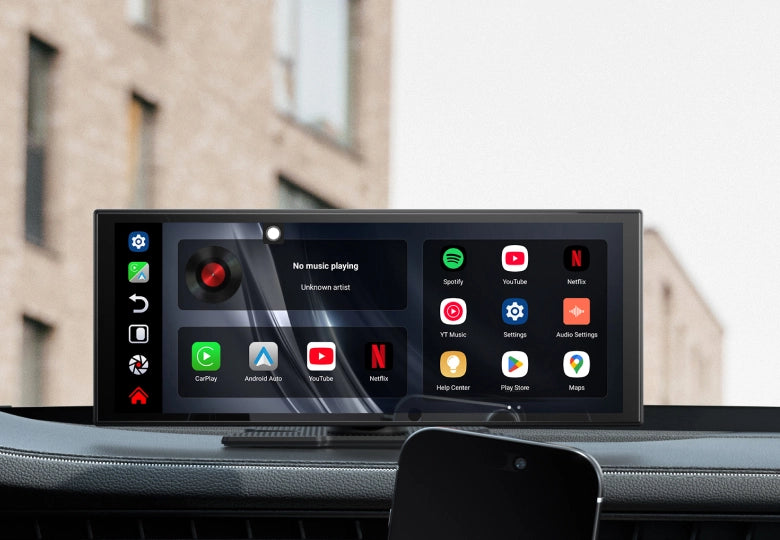
OTTOSCREEN KUNSTIG INTELLIGENS
Klar til at løfte din kørsel til et nyt niveau?



Hvorfor vælge OTTOSCREEN AI?

Din kloge AI-medpilot
Din bil har lige fået en hjerne med svar, vejvisning og hjælp i realtid, når du har brug for det.

Trådløs Apple CarPlay og Android Auto
Nyd problemfri trådløs forbindelse med fuld støtte til både iPhone og Android-enheder.

Underholdning lige ved hånden
Gør lange rejser sjove med videoer, programmer og underholdning for alle om bord.

Multitask uden at gå på kompromis
Kør med rutevejledning synlig, mens passagererne nyder underholdning side om side.

Opsæt nemt
Bare sæt den i og kør. Ingen kompliceret opsætning, ingen ændringer på bilen—let kørsel på få minutter.
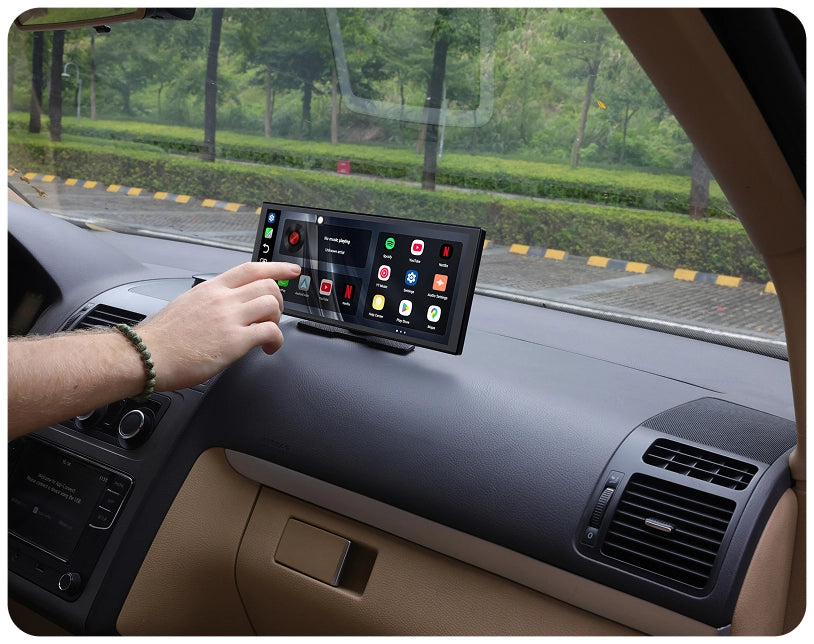
Mangler du stadig en berøringsskærm?
Opgrader din bil med en moderne intuitiv skærm
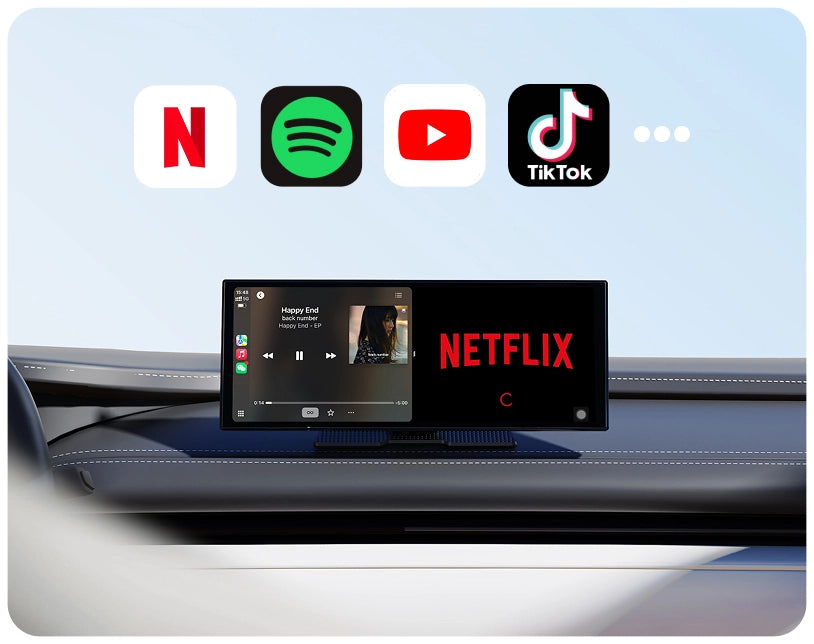
Begrænsede underholdningsmuligheder?
Se videoer, lyt til musik og brug apps når som helst.
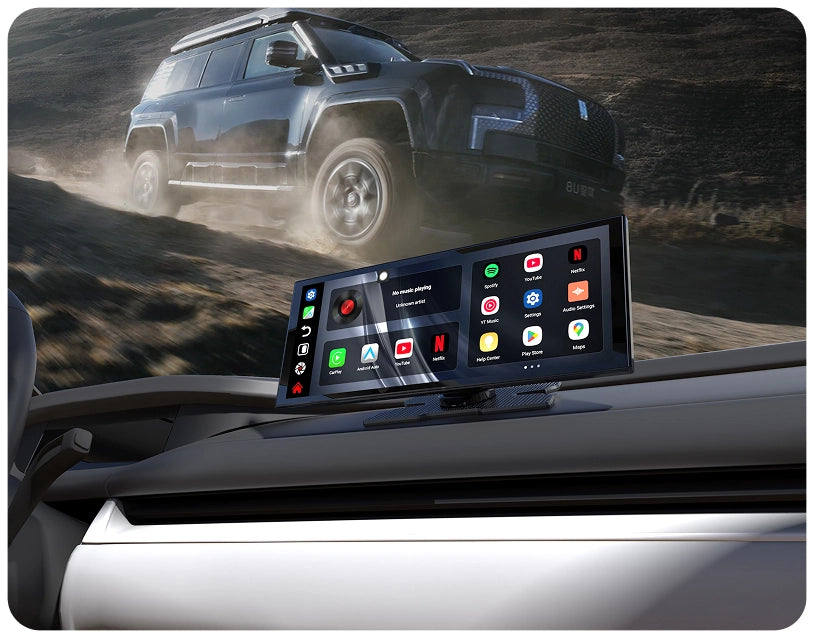
Opgradering føles kompliceret?
Tilslut den, og begynd at bruge den med det samme.


Trådløs Frihed Ombord
Ny køreoplevelse
Forvandl, hvad du kan opnå på vejen med trådløse funktioner.
Pålidelig forbindelse
Nyd en forbindelse, der føles som bilens indbyggede system
Sikkerhed og Bekvemmelighed
Hold øjnene på vejen, mens du håndterer opkald, musik og kort uden at bruge hænderne.

Android 15 Opgradering
Oplev en mere jævn, sikker og forbundet kørsel med det nyeste Android 15 system.
Multitask på din måde
Se en video, mens du følger vejledningen eller tjekker dine programmer side om side.


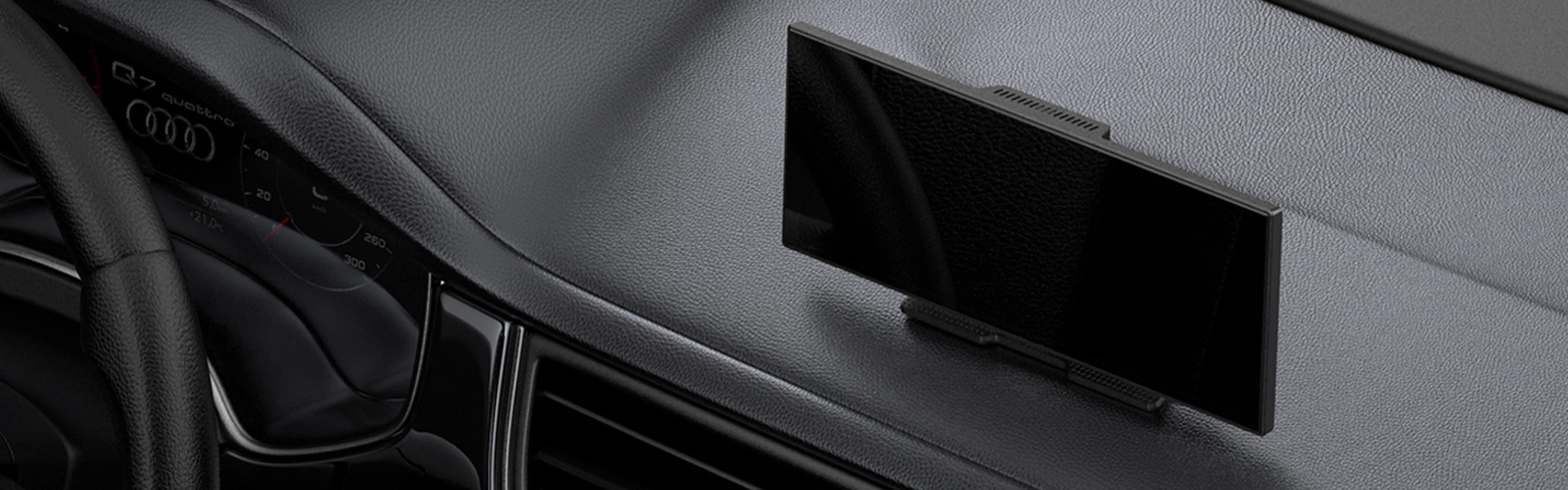
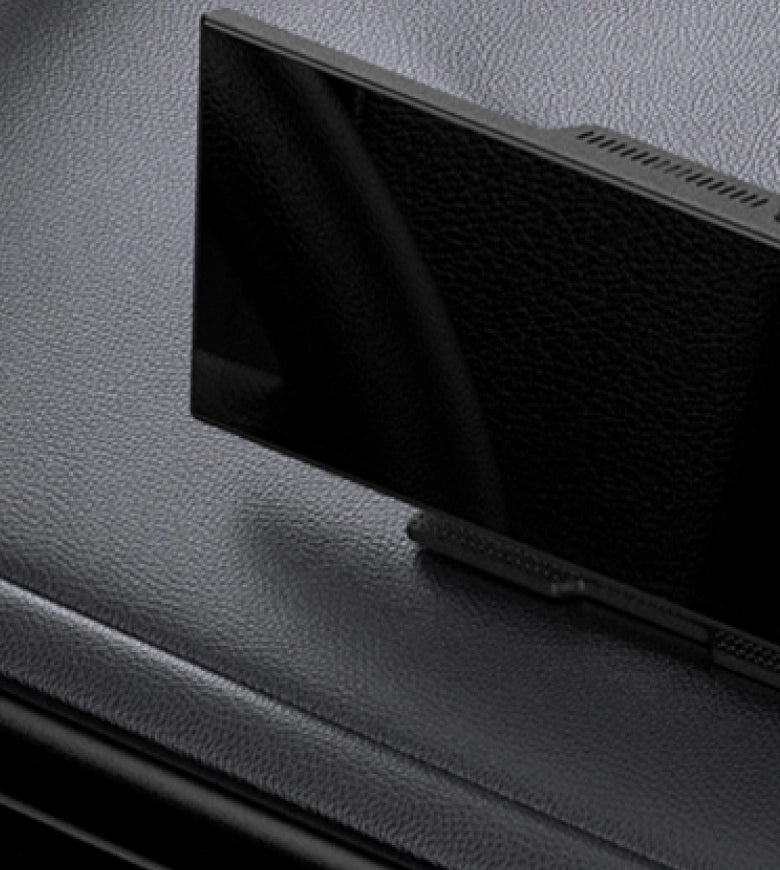
FOTA-opgraderinger
Teknologien udvikler sig hurtigt. FOTA-opdateringer holder dit bilsystem på forkant uden at du behøver løfte en finger.
Altid opdateret
få de seneste opdateringer automatisk
Ingen besvær, ingen anstrengelse
Opdateringer installeres i baggrunden
Gør din bil fremtidssikret
Vær på forkant med nye nyskabelser


FAQ
Is this Ottocast product compatible with my car?
Most Ottocast products are designed for vehicles (typically 2016 or newer) with Factory Wired Apple CarPlay and/or Factory Wired Android Auto. This product is a wired-to-wireless adapter and must be plugged into a USB data port (not a charge-only port).
Quick check: plug your phone in—if CarPlay/Android Auto pops up, it’s supported. Video: 👉 Watch video
Are there any discount codes, coupons, or vouchers for Ottocast products?
Yes. New customers may receive a welcome offer when subscribing to Ottocast emails, and we run limited-time promotions throughout the year.
For the latest active codes, subscribe at the bottom of the page and we’ll send updates.
If I’ve paired two phones, which one will it connect to next time?
If multiple paired phones are nearby, Ottocast will usually reconnect to the last used phone.
To switch devices, disconnect CarPlay on the current phone (or turn off its Bluetooth/Wi-Fi), then connect with the other phone.
Some models also support one-tap switching or manual device selection.
Can I move it between two cars?
Yes. Since it’s a plug-and-play portable screen, you can move it to another compatible vehicle. You’ll need to re-mount the bracket and reconnect power/accessories.
In the new car, you may need to re-pair your phone or complete a quick first-time setup.
Can two phones connect at the same time? How do I switch the primary phone?
Typically, only one phone can be active for Wireless CarPlay/Android Auto at a time.
To switch, disconnect CarPlay/Android Auto on the current phone (or turn off its Bluetooth/Wi-Fi), then connect with the other phone from its Bluetooth list.
Can I use Ottoscreen AI without connecting my phone?
Ottoscreen AI can work independently without staying connected to your phone. You can connect it to the internet via Wi-Fi (for example, a portable Wi-Fi hotspot/MiFi). Once online, you can use its online features (app availability may vary by region).
Does it have AI Voice / an AI Assistant?
Yes. OttoScreen AI includes a built-in AI Assistant, so you can use voice control for a smarter, more convenient drive.
Can I use split-screen to navigate while watching videos?
Yes. OttoScreen AI supports split-screen multitasking, so you can keep navigation visible while running video or other apps side by side.
For safety, play videos only when parked or for passengers.
OttoScreen AI vs. ScreenFlow—Which is smoother for multitasking?
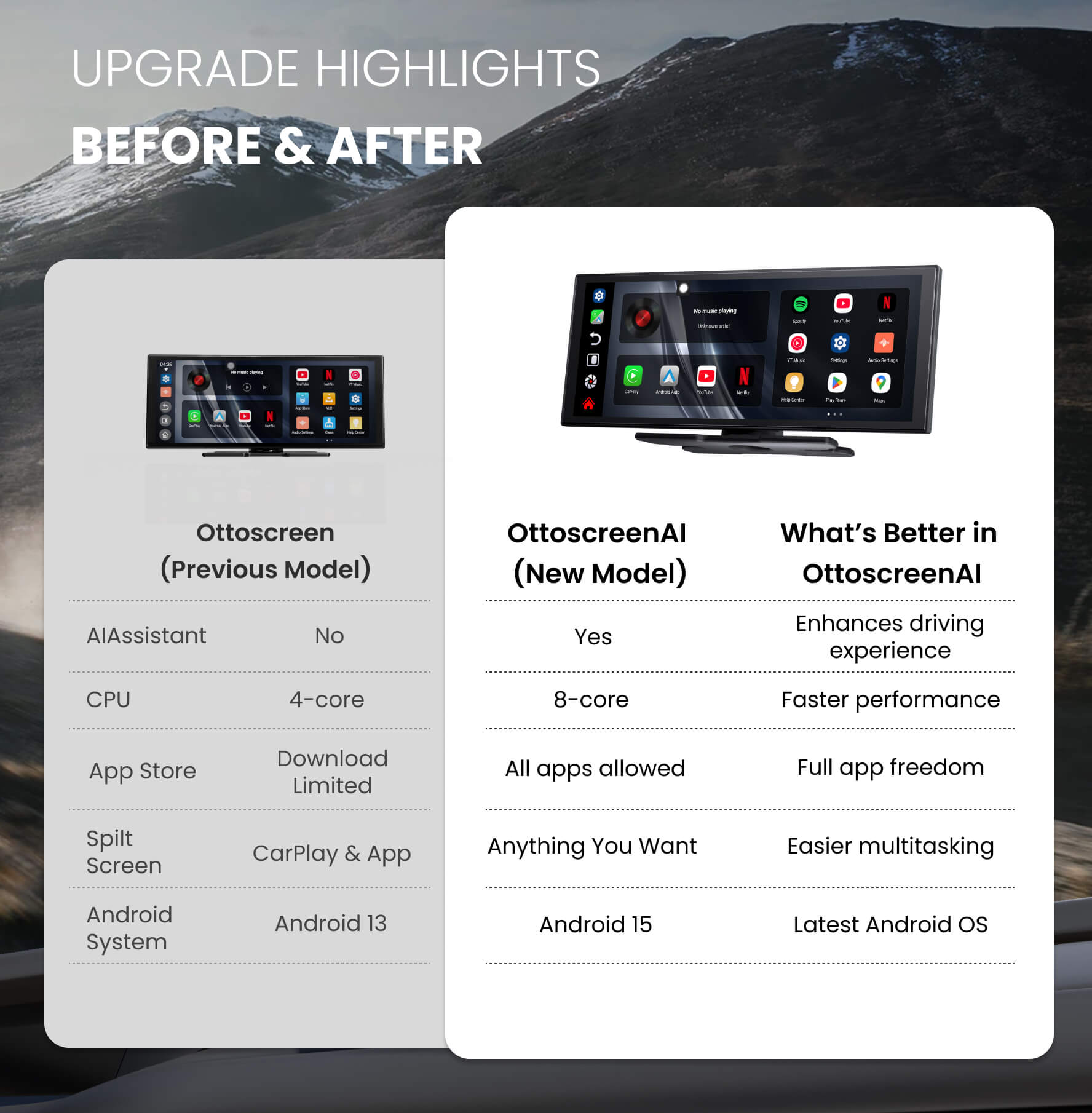
Choose OttoScreen AI. It’s the higher-performance option (8-core + 4GB/32GB) with Android 15, AI Assistant, and more flexible split-screen/app support.
ScreenFlow is a solid plug-and-play choice for lighter daily use, but it’s lower spec (4-core + 2GB/32GB, Android 13) with more limited multitasking.