


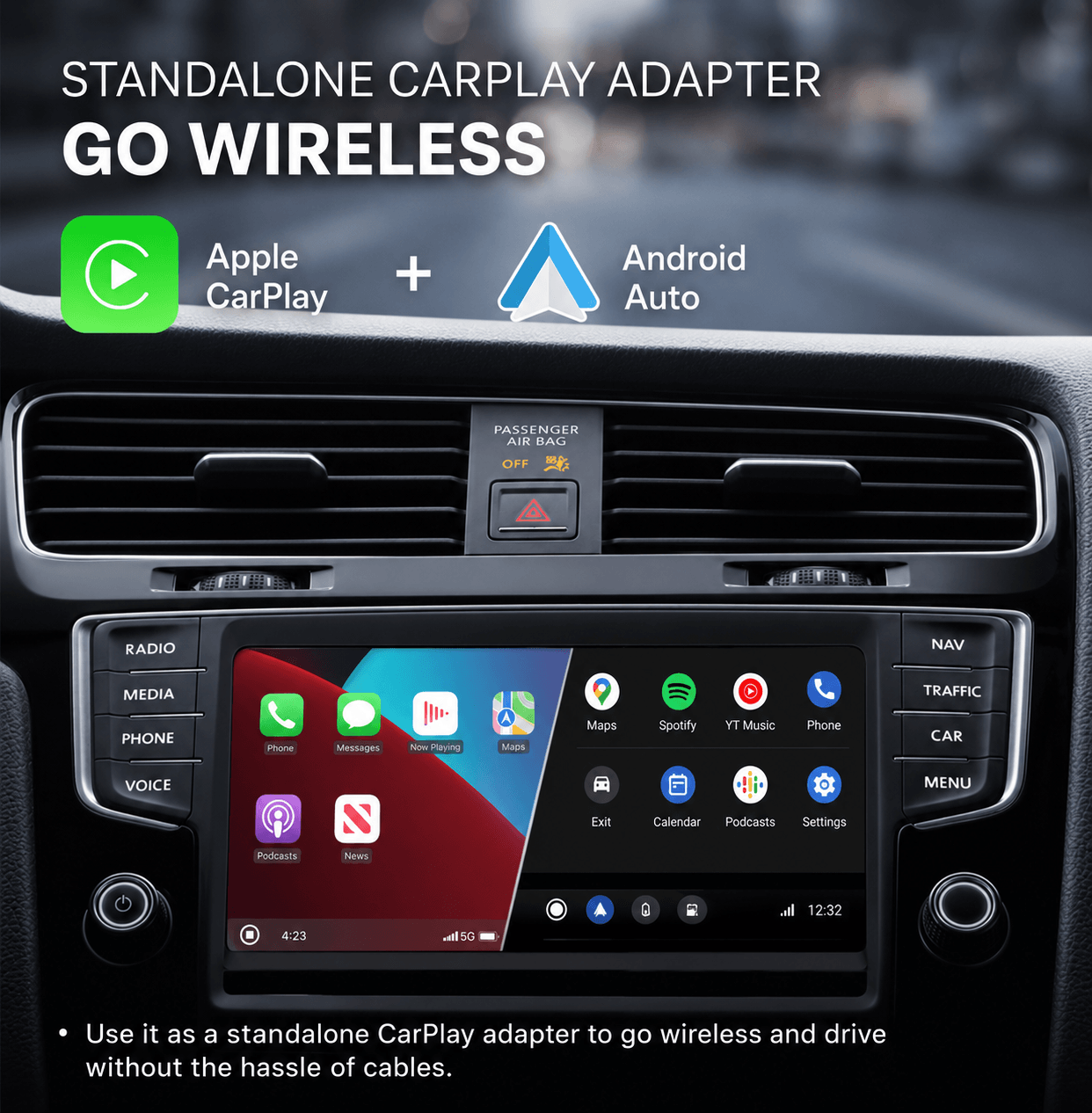
Say goodbye to tangled wires and enjoy seamless wireless freedom with full support for CarPlay.
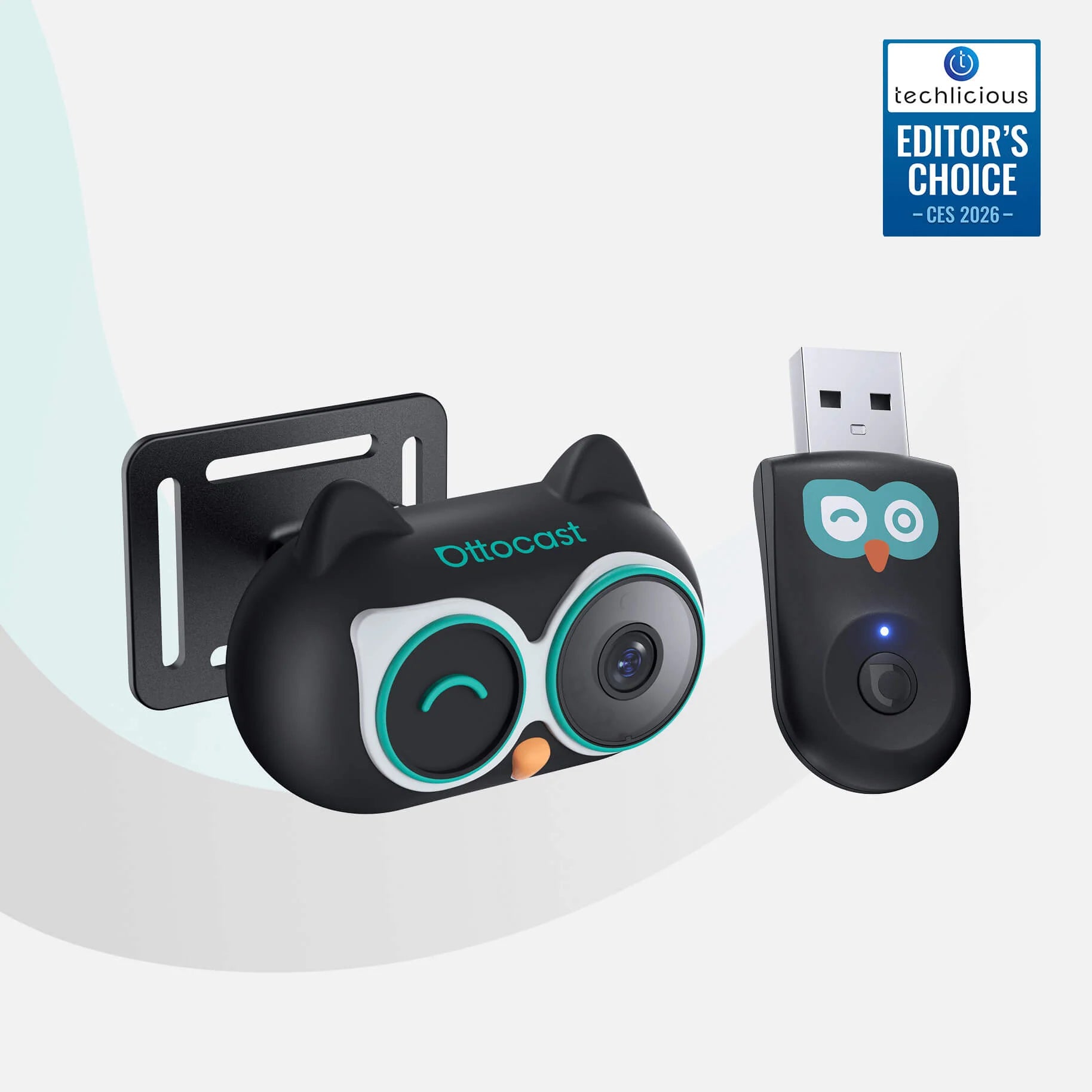


Cabin Care Car Adapter Wireless CarPlay/Android Auto and Real-time Monitoring
PRICE
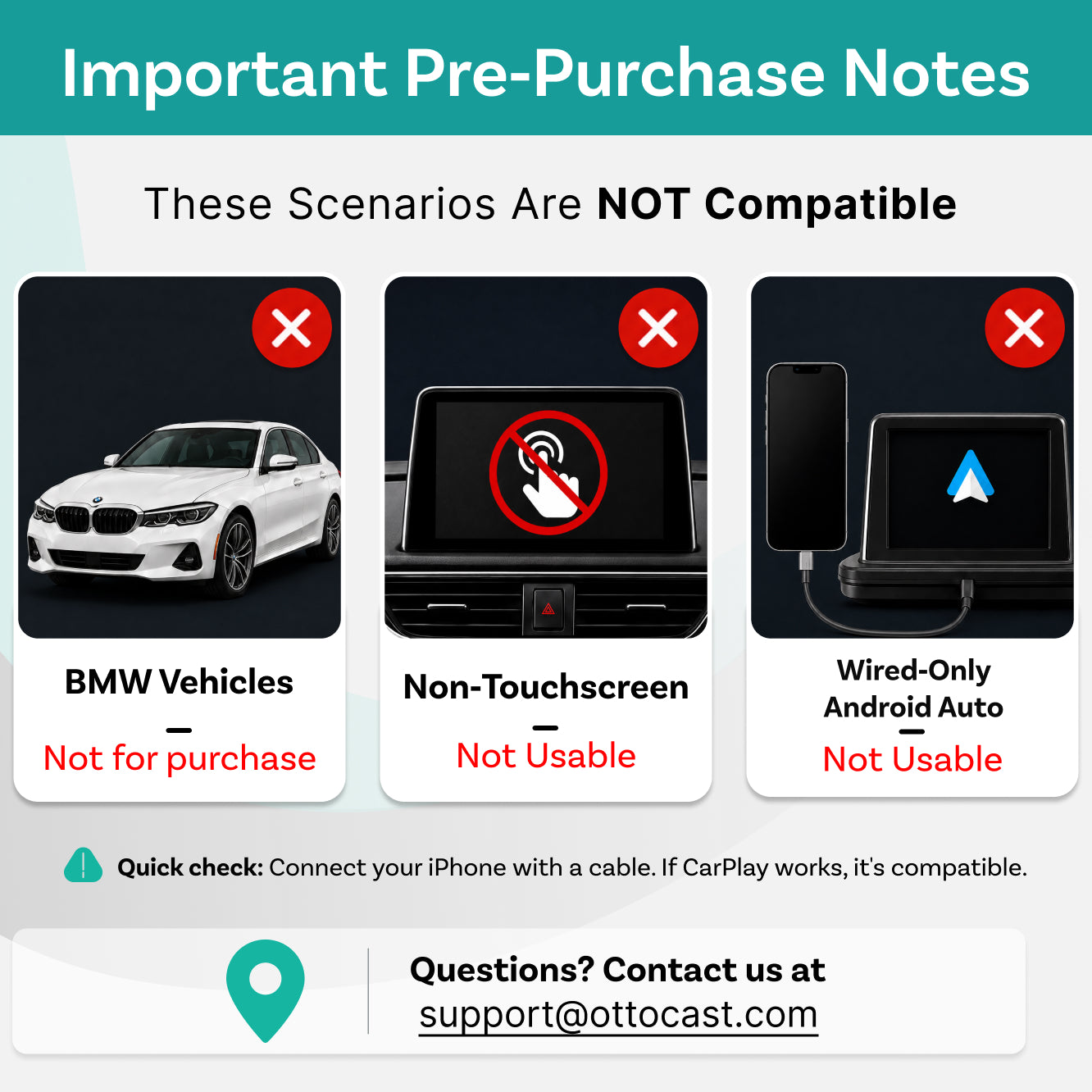
❌ Unsupported car models: BMW and Tesla
❌ Not compatible with vehicles without a touchscreen
Warranty products
After-sale policy

30-Day Returns

1-Year Warranty
Share


Why Choose CABIN CARE?


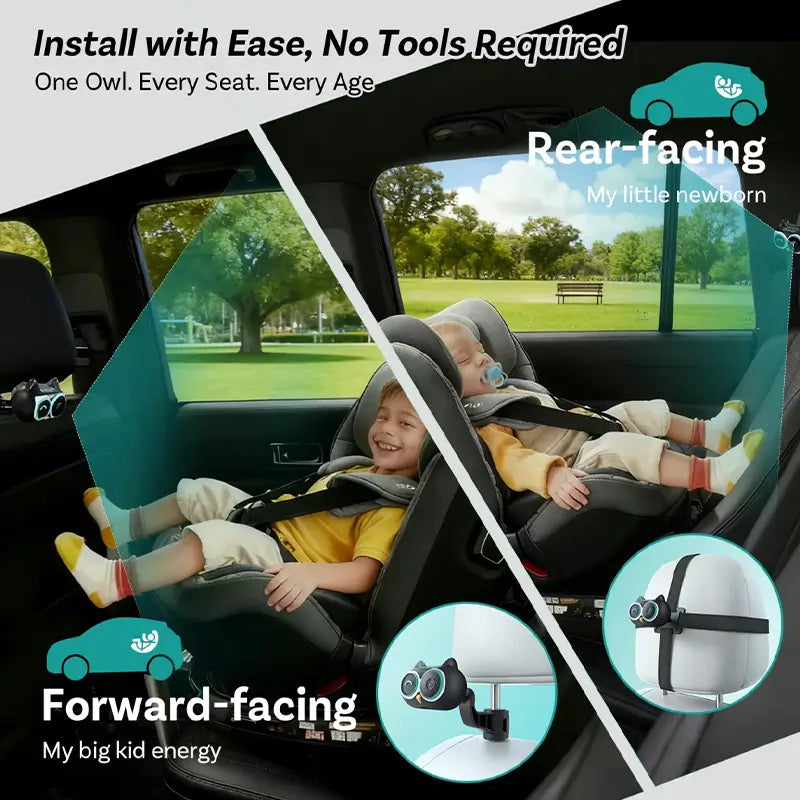
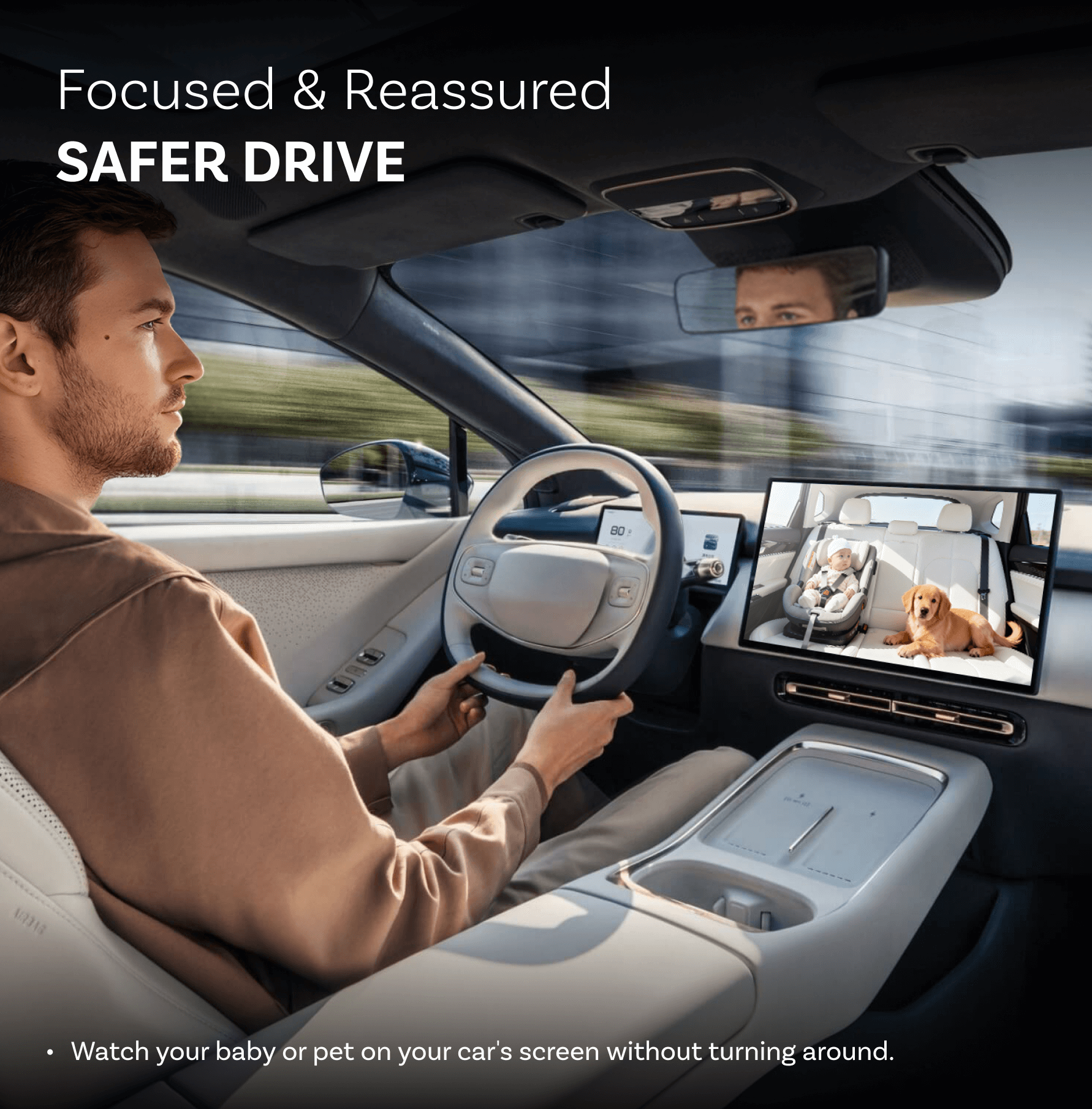
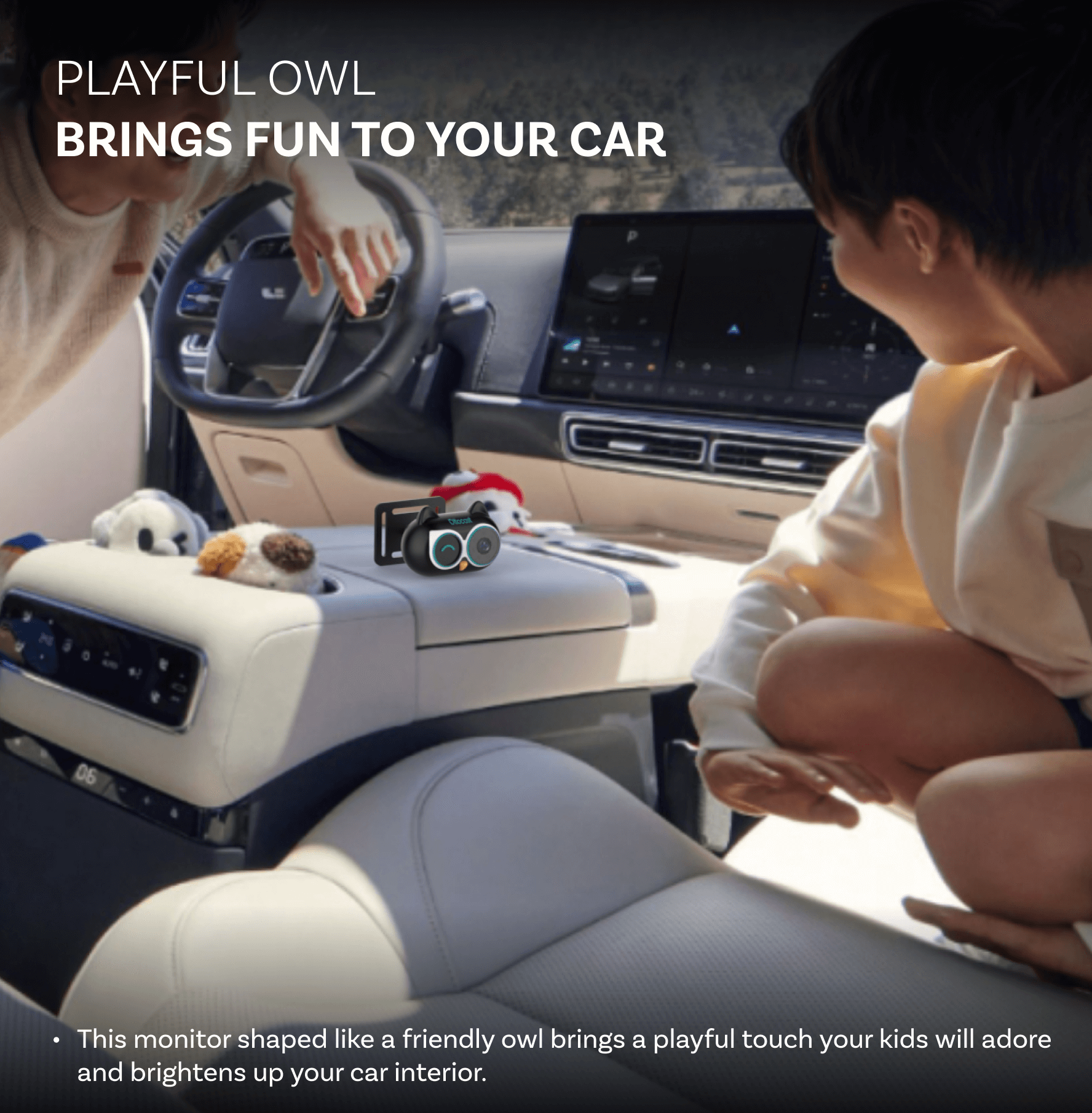
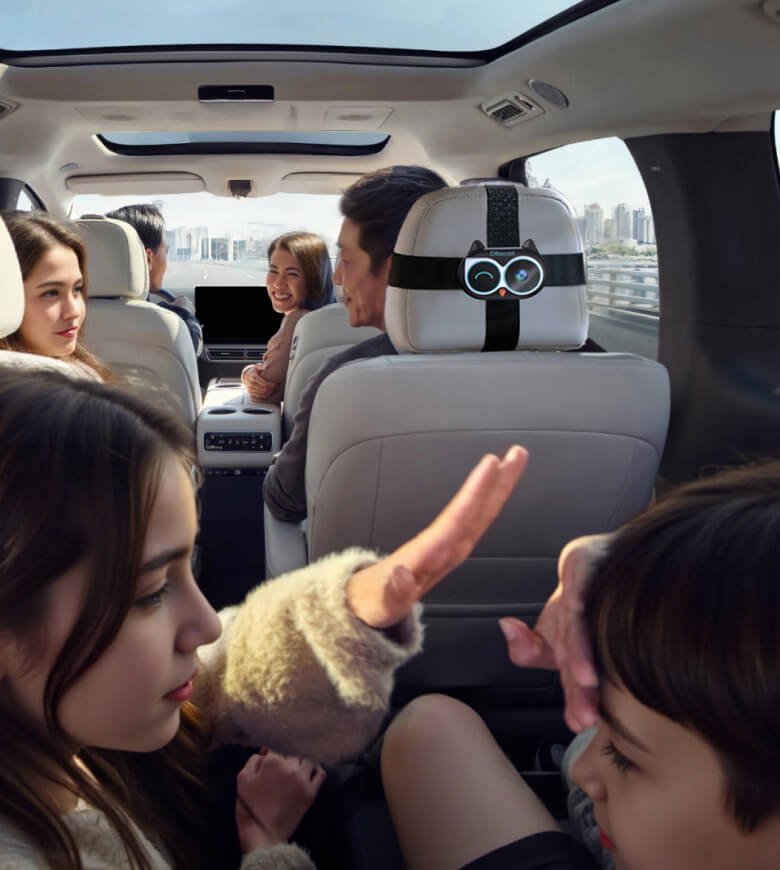
See Back Seat in Real Time
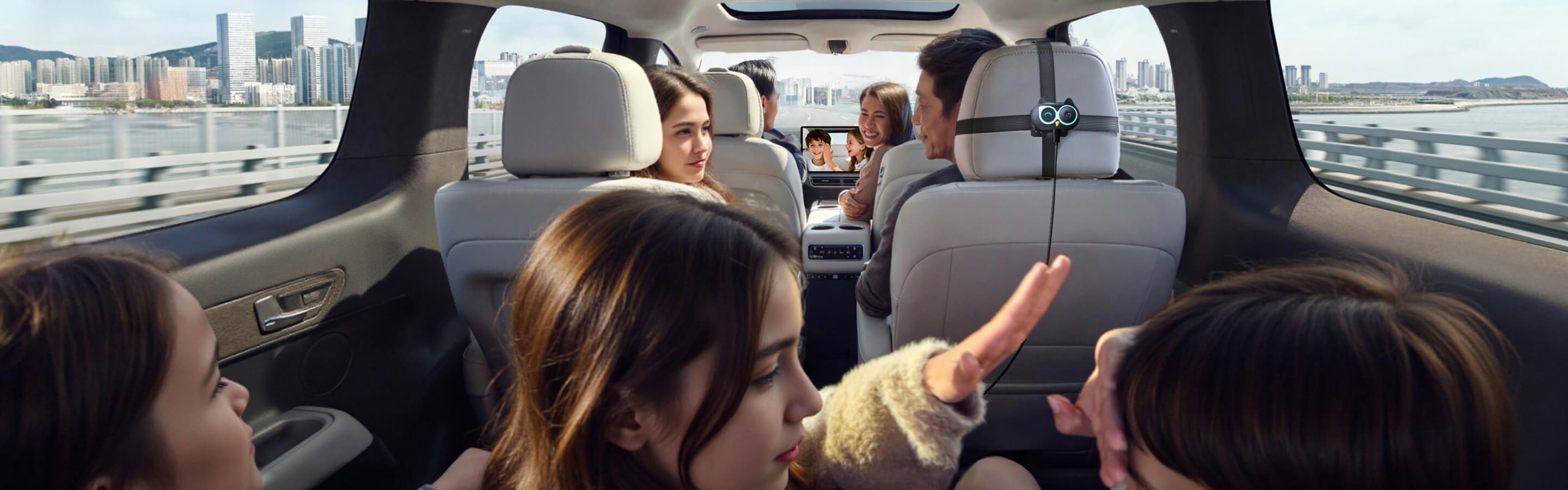
Keep an eye on your baby on your car's screen without turning around.


Wireless CarPlay /Android Auto
Freedom


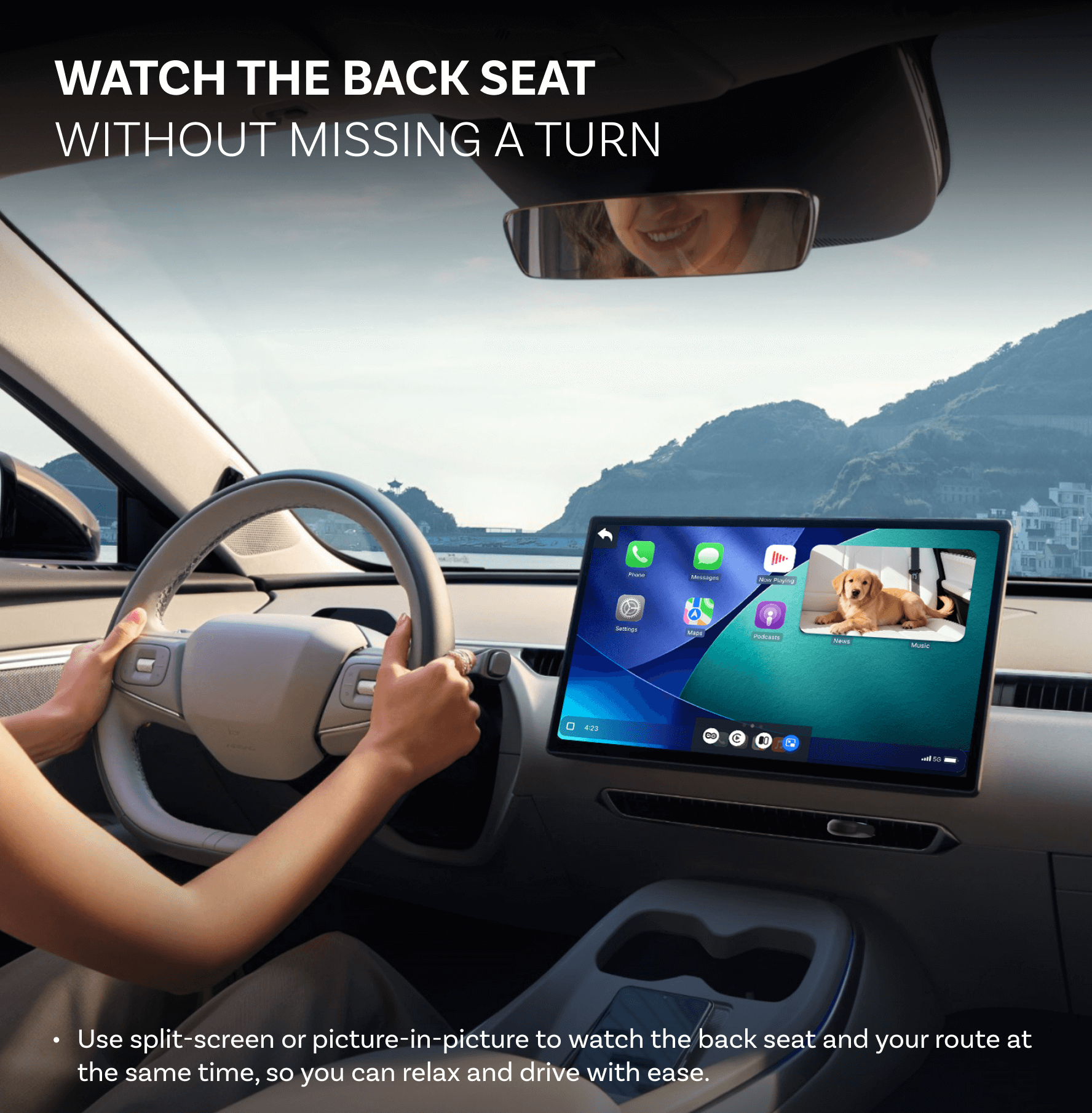
Seamless Multitasking
Keep an eye on the back seat while checking your route.


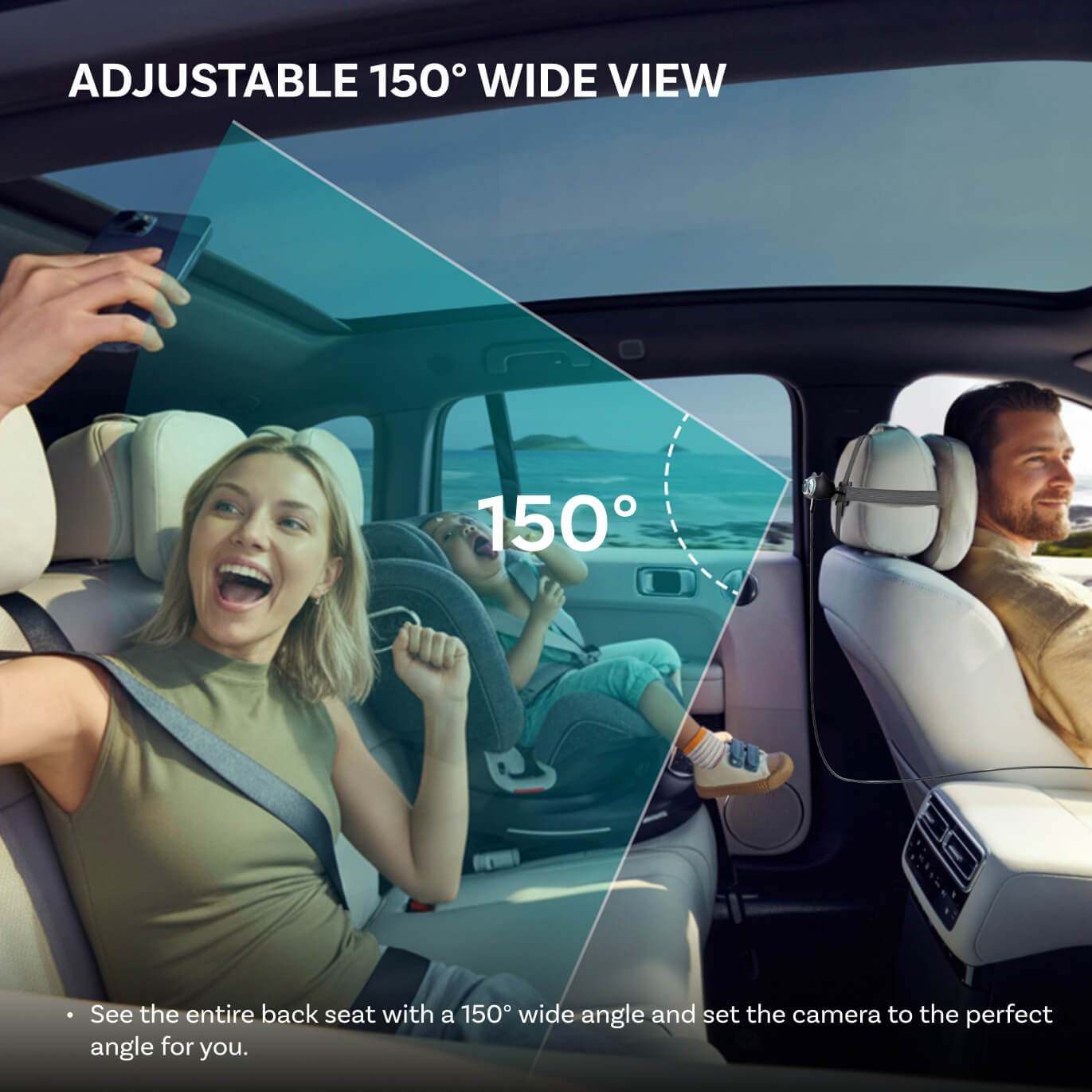
Clear & Wide
Enjoy every moment with a crisp 1080p view and wide 150° coverage


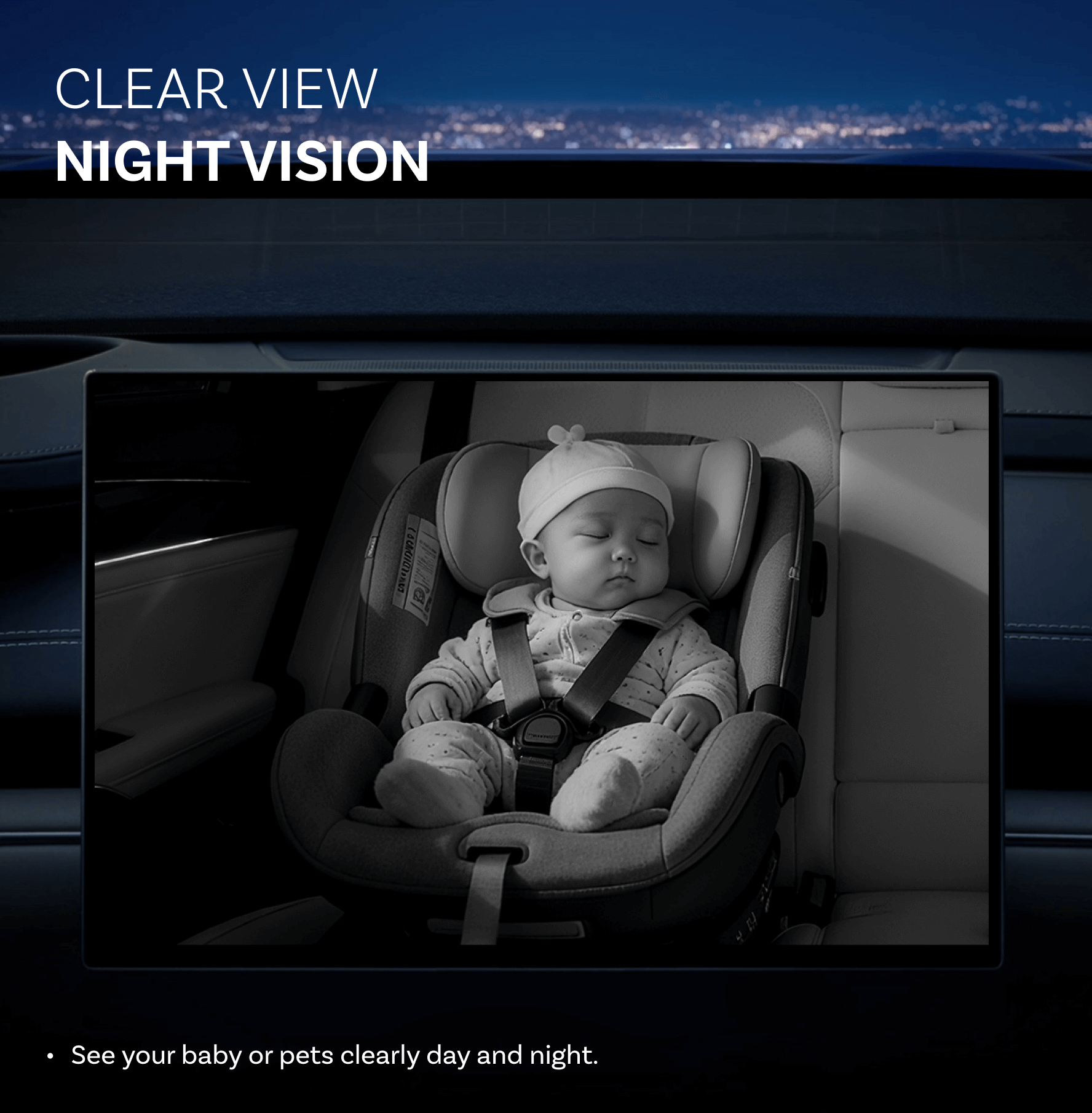
Night Vision
Enjoy a clear image of your baby day and night.

Worried About the Back?
See your little one in real time on your car's screen and drive with peace of mind.

Concerned About Privacy?
Our monitor streams live video only, with no recording or uploading, so you can drive with peace of mind.

Need Multitasking Made Easy?
See your route and your little one side by side with split-screen or picture-in-picture.


Go from Wired to Wireless
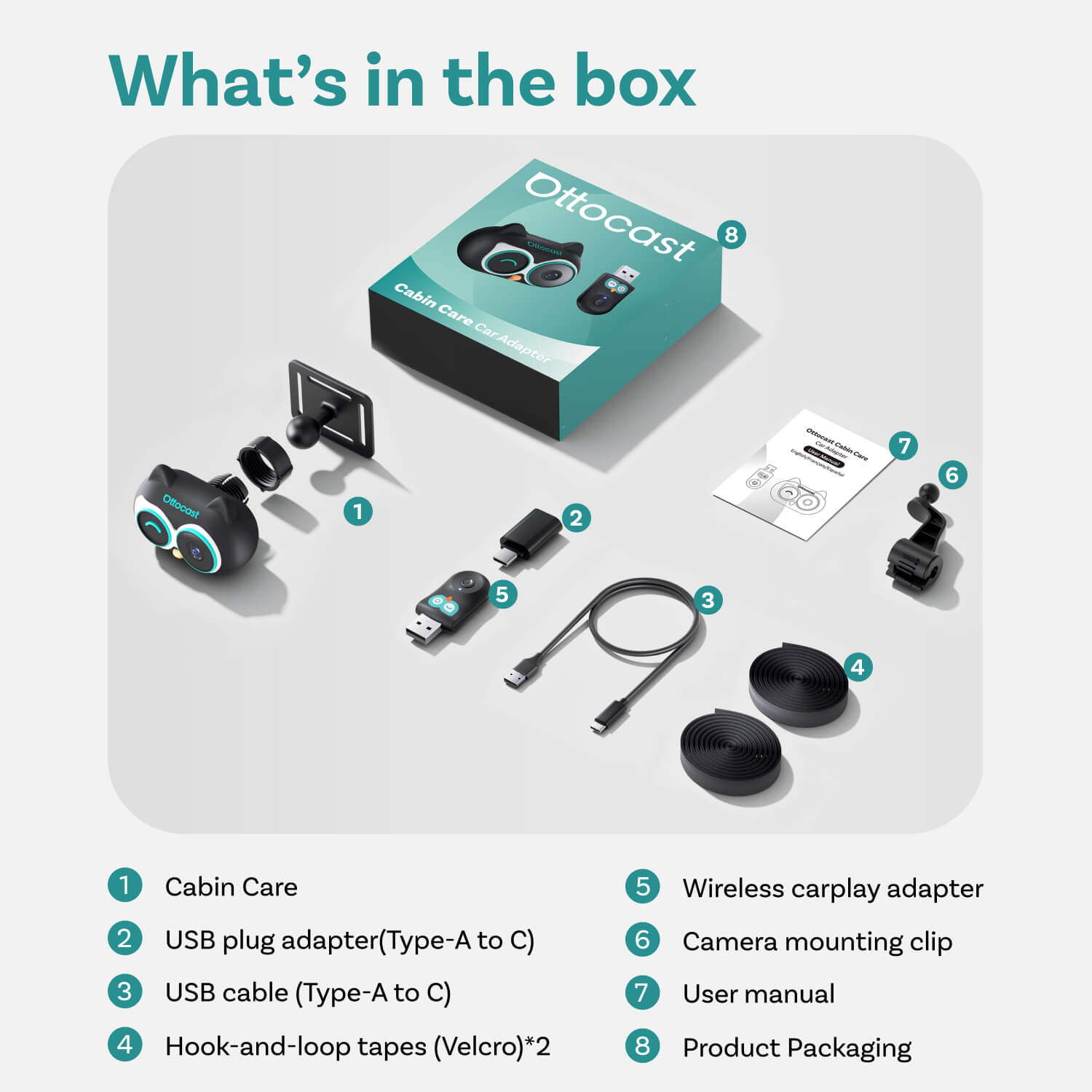
Simple Plug-and-Play Setup
Just plug in the adapter and experience the same expanded functionality that CarPlay offers.
Works with Your Car's Controls
Keep your hands on the wheel and control CarPlay the way you already do.
Easy Switch
Switch between devices with a click of a button.


Effortless Driving for Every Trip
Effortless Driving for Every Trip
· Monitor the back seat and use navigation on your existing screen without adding extra displays.
· Power it with your car or a power bank and let the care continue wherever you go.
· Monitor the back seat and use navigation on your existing screen without adding extra displays.
· Power it with your car or a power bank and let the care continue wherever you go.
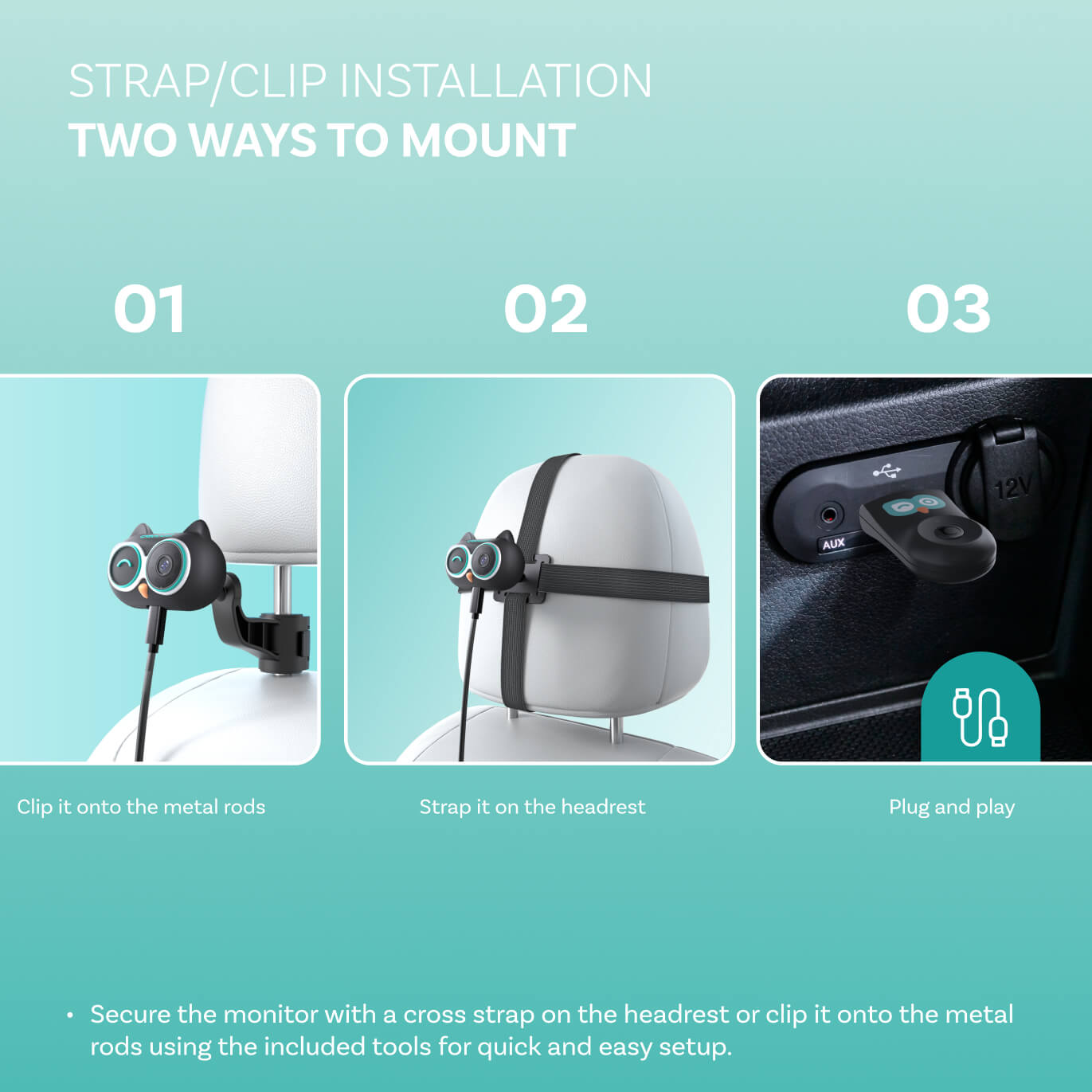
Two ways to install


Clip it onto the metal rods


Strap it on the headrest


Plug and play
FOTA Upgrades
Simple over-the-air updates let you install the latest system version with just a few taps.
Always Updated
Stay ahead with new innovations.
No Hassle, No Effort
Get the latest system in minutes with easy over-the-air updates.
Future-Proof Your Car
Enjoy more years of use with fresh tech and easy updates along the way.


FAQ
How can I check compatibility on your website?
On the product page, click “Check If It Fits Your Car” (under “Add to Cart”), then select your make / model / year to see the result.
Is it hard to install?
Not at all. Mount the camera in a suitable spot, 🚨connect it with the included cable, and the view will display on your car’s screen.
Do I need an extra display/monitor?
No. The live camera view shows directly on your car’s existing screen—no additional monitor is required.
Is the camera wireless?
🚨No. The camera is wired and connects using the included cable. Please make sure the cable is securely plugged in before use.
Does Cabin Care work with both iPhone and Android?
✅ Works with cars that have factory wired Apple CarPlay (USB data port) — iPhone and Android Auto
📷 Camera Mode works without a phone — just power the camera and connect it to your car display
Is it safe to use while driving?
✅Yes—when used responsibly. The video feed is intended for quick, occasional checks.
Please keep your attention on the road and avoid watching the screen continuously while driving.
Can rear passengers control the screen?
❌ No. The screen controls remain in the front—rear passengers can’t operate the car display.