


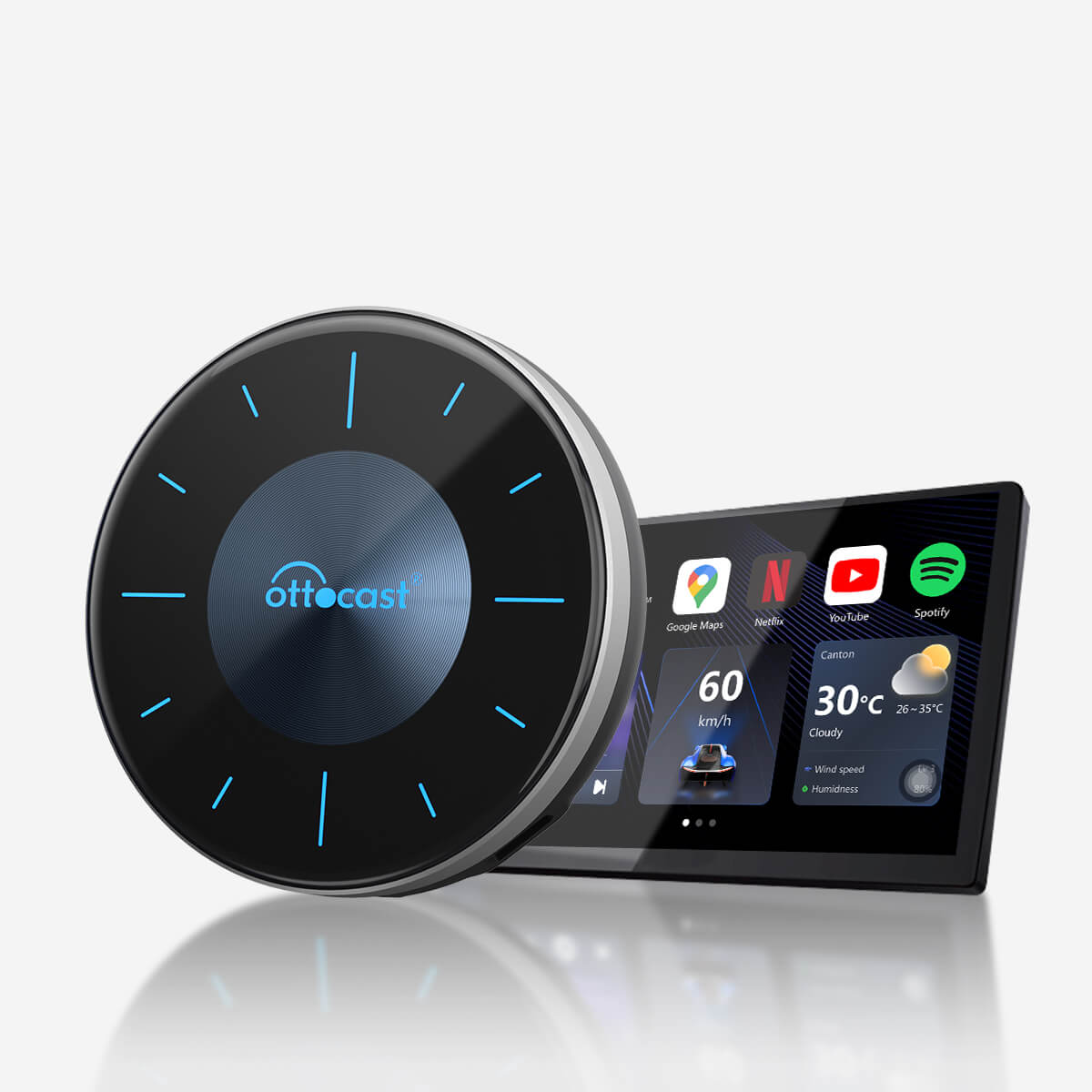


OttoAibox P3 CarPlay AI Box
PRICE
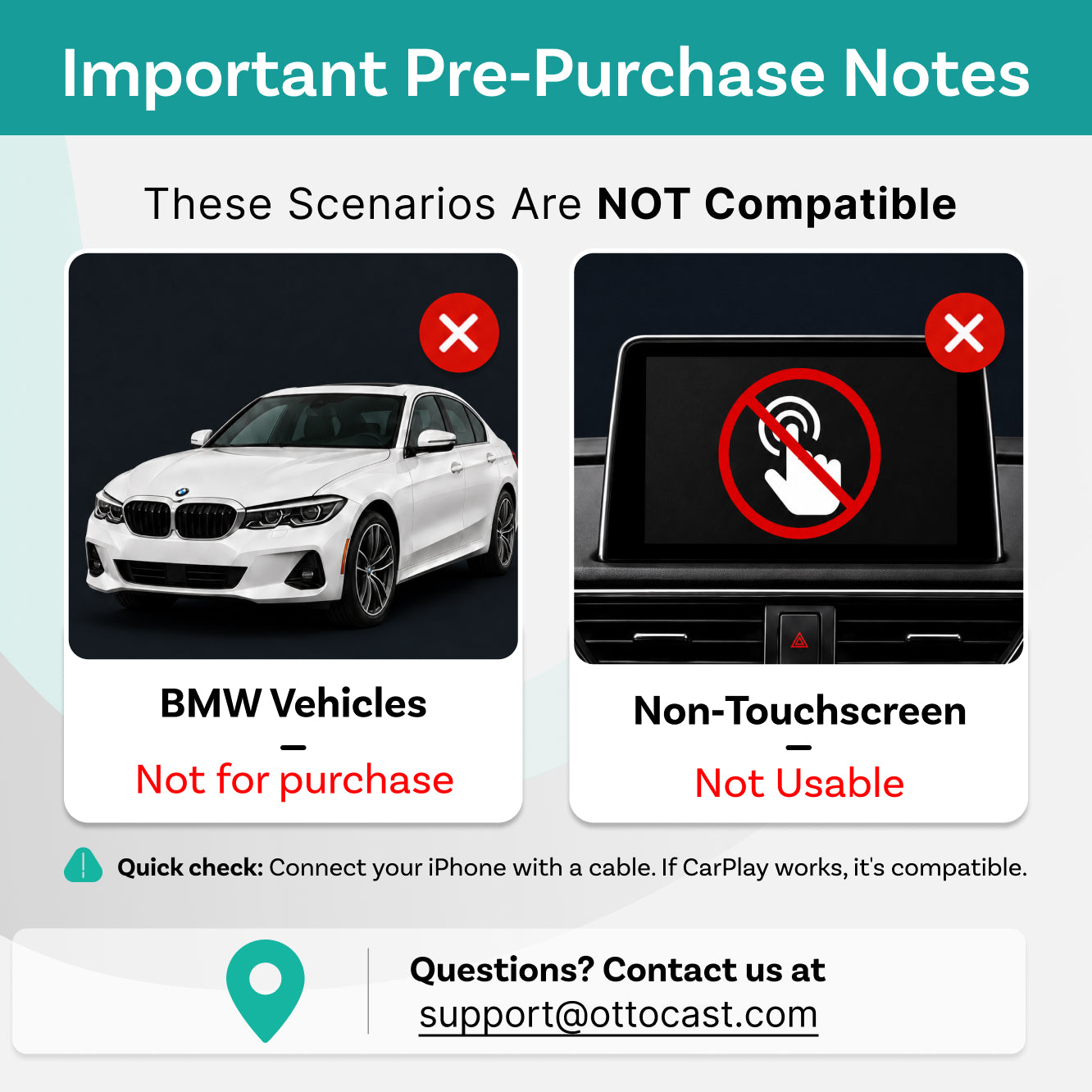
Requires Factory Wired Apple CarPlay
- Vehicle: Factory wired Apple CarPlay required.
- Phone: iPhone (iOS 10+) Android (Android 11+) Selected Samsung / Google phones also support Android 9
- Not supported: Android Auto-only or wireless-only CarPlay vehicles.
Not Compatible: Sony aftermarket head units.
Mitsubishi Vehicles: Please leave a note at checkout or email us before ordering.
Factory Wireless CarPlay Only Vehicles (found on some BMW models): OttoAibox i3 is recommended.
How to Check Wired CarPlay / Android Auto Support
We have a 30-day return policy, which means you have 30 days after receiving your item to request a refund.
After-sale policy

30-Day Returns

1-Year Warranty
Share


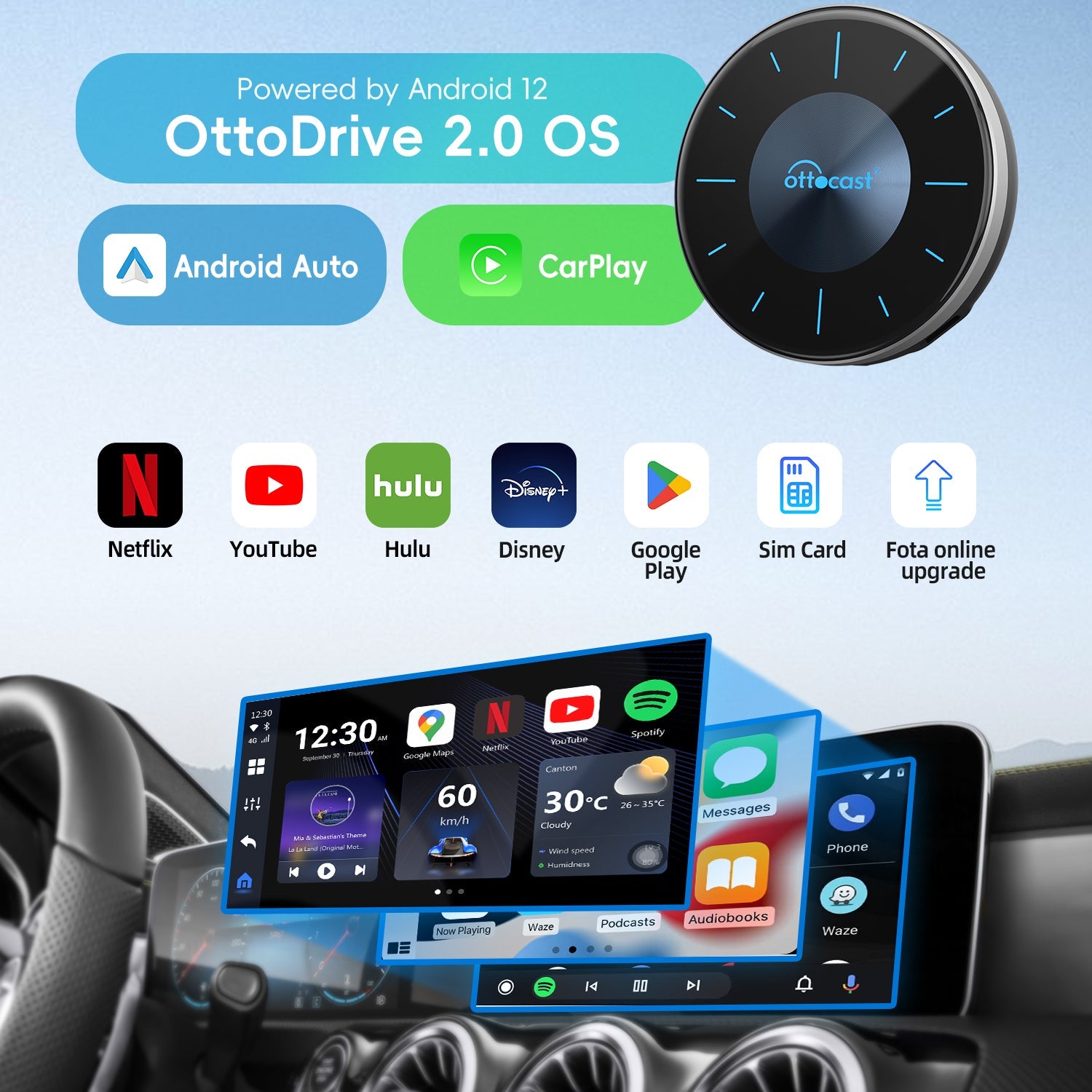
CarPlay/Android Auto/OttoDrive 2.0,3-system switching at any time.

Upgraded UI.More features.More choice

One-click split-screen mode in 5:5,3:7, and 7:3.

Seamlessly efficient.Always a step ahead.

Customize your homepage and its components with complete freedom via the UI

Your information hub at a glance.


Car Ambient Light


Simple and convenient updates

Share your dashboard screen with the headrest monitor.
More Uses
1.Family
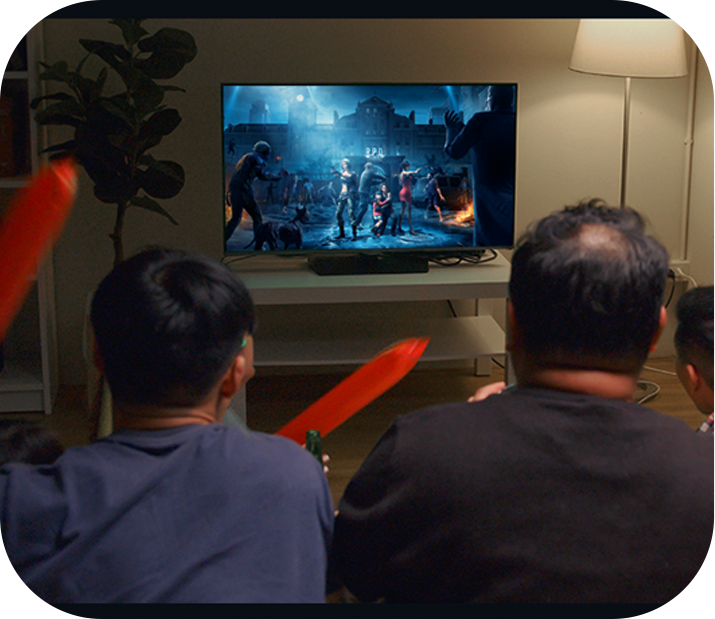
The P3 with its HDMI™I out can be used as a TV box and enjoyed with your family.
2.Office
Storage can be expanded with an additional SD card of up to 256 GB to facilitate your office work.

3.Camping
We are exploring more possibilitiies.



FAQ
Is this Ottocast product compatible with my car?
Most Ottocast products are designed for vehicles (typically 2016 or newer) with Factory Wired Apple CarPlay and/or Factory Wired Android Auto.
This product is a wired-to-wireless adapter and must be plugged into a USB data port (not a charge-only port).
Quick check: plug your phone in—if Apple CarPlay pops up, it’s supported.
Video: 👉 Watch video
Does it support full-screen display?
Full-screen display depends on your car’s factory wired CarPlay system. Non-full-screen factory CarPlay may also appear non-full-screen with this product.
How can I check compatibility on your website?
On the product page, click “Check If It Fits Your Car” (under “Add to Cart”), then select your make / model / year to see the result.
Are there any discount codes, coupons, or vouchers for Ottocast products?
Yes. New customers may receive a welcome offer when subscribing to Ottocast emails, and we run limited-time promotions throughout the year.
For the latest active codes, subscribe at the bottom of the page and we’ll send updates.
If I’ve paired two phones, which one will it connect to next time?
If multiple paired phones are nearby, Ottocast will usually reconnect to the last used phone.
To switch devices, disconnect CarPlay on the current phone (or turn off its Bluetooth/Wi-Fi), then connect with the other phone.
Some models also support one-tap switching or manual device selection.
Can I use Netflix in split-screen mode on this product?
Netflix is not supported in split-screen mode on this product.