


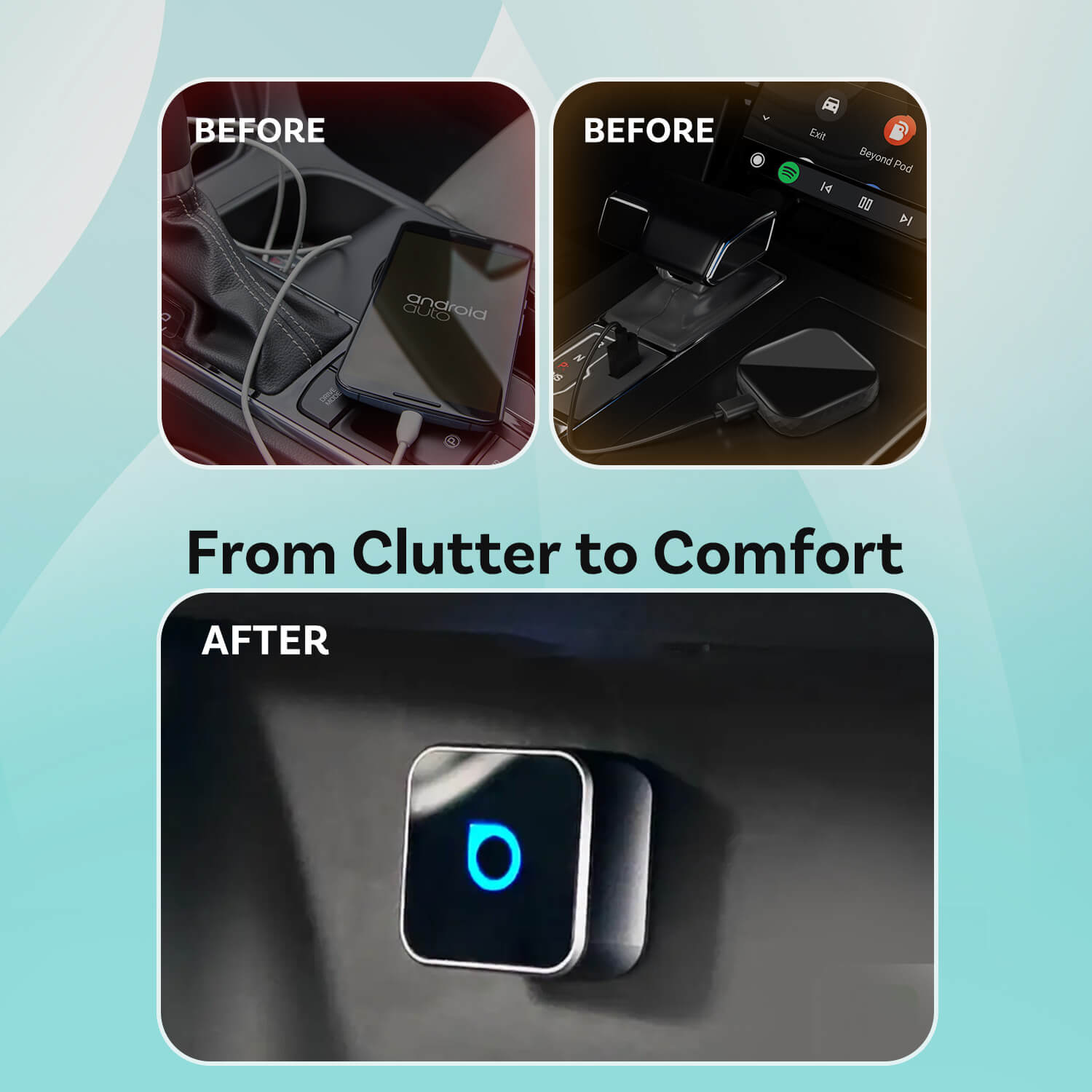
Say goodbye to tangled wires and enjoy seamless wireless freedom with full support for both CarPlay and Android Auto.
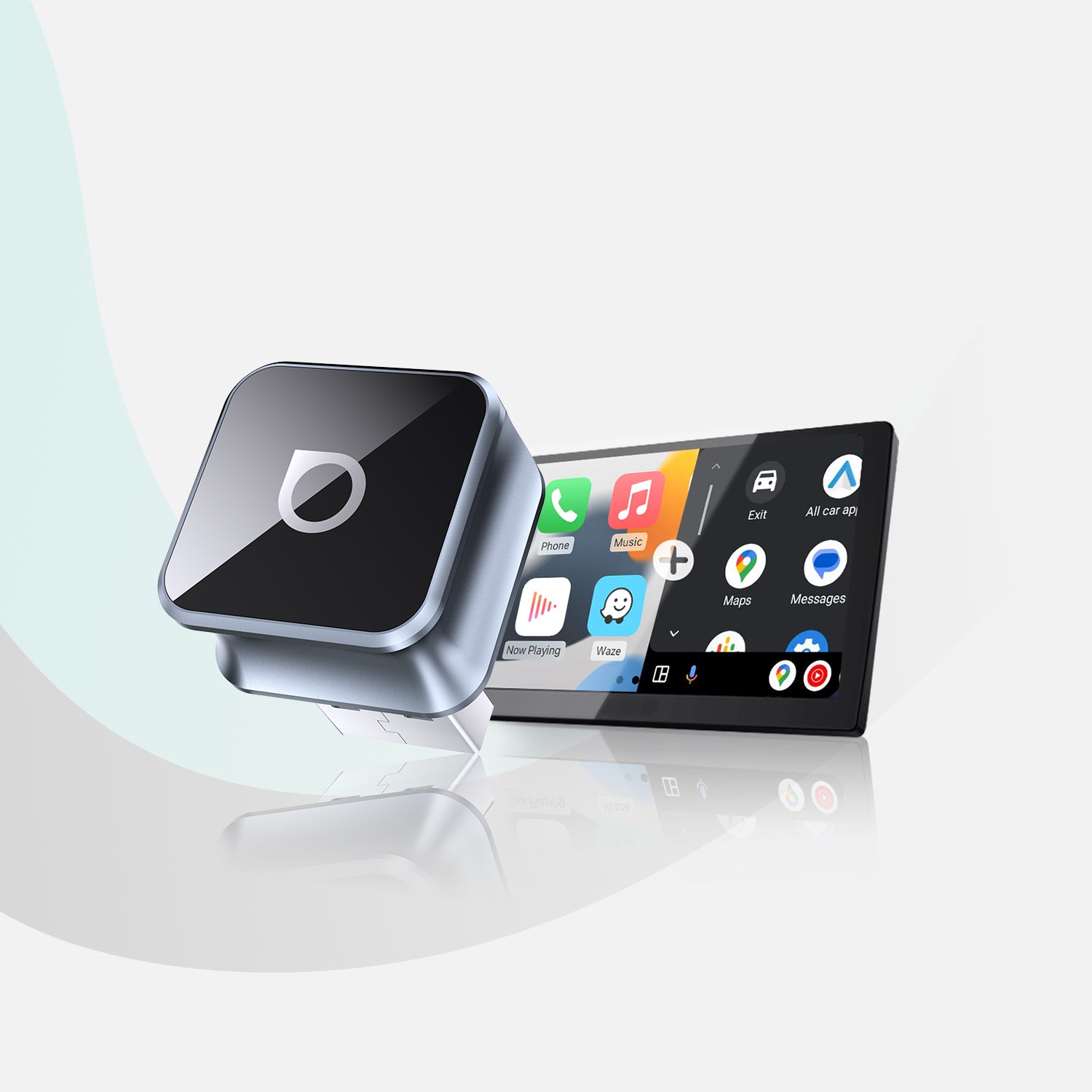


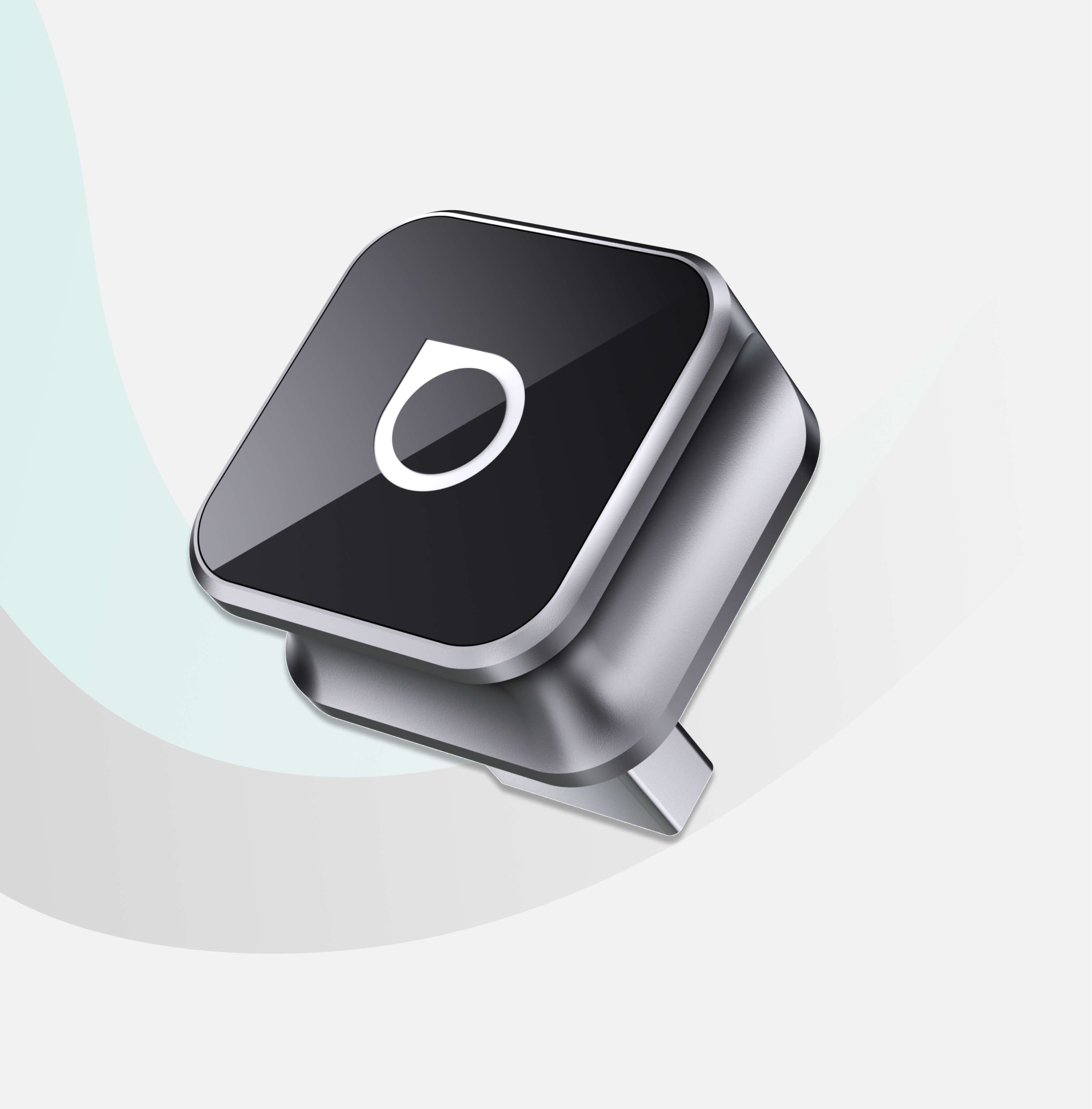


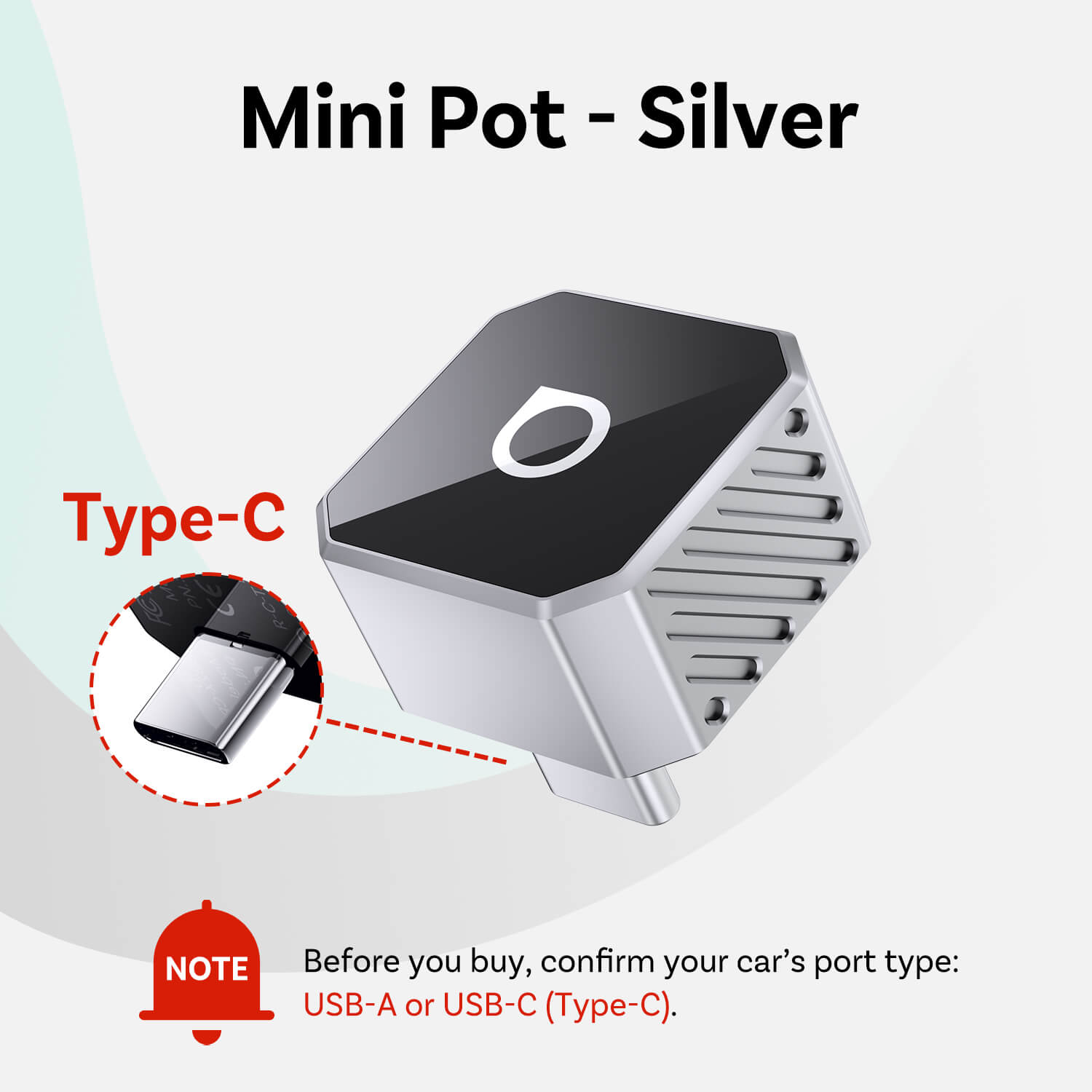
Mini Cube 3.0 Wireless CarPlay/Android Auto
PRICE
KEY FEATURES
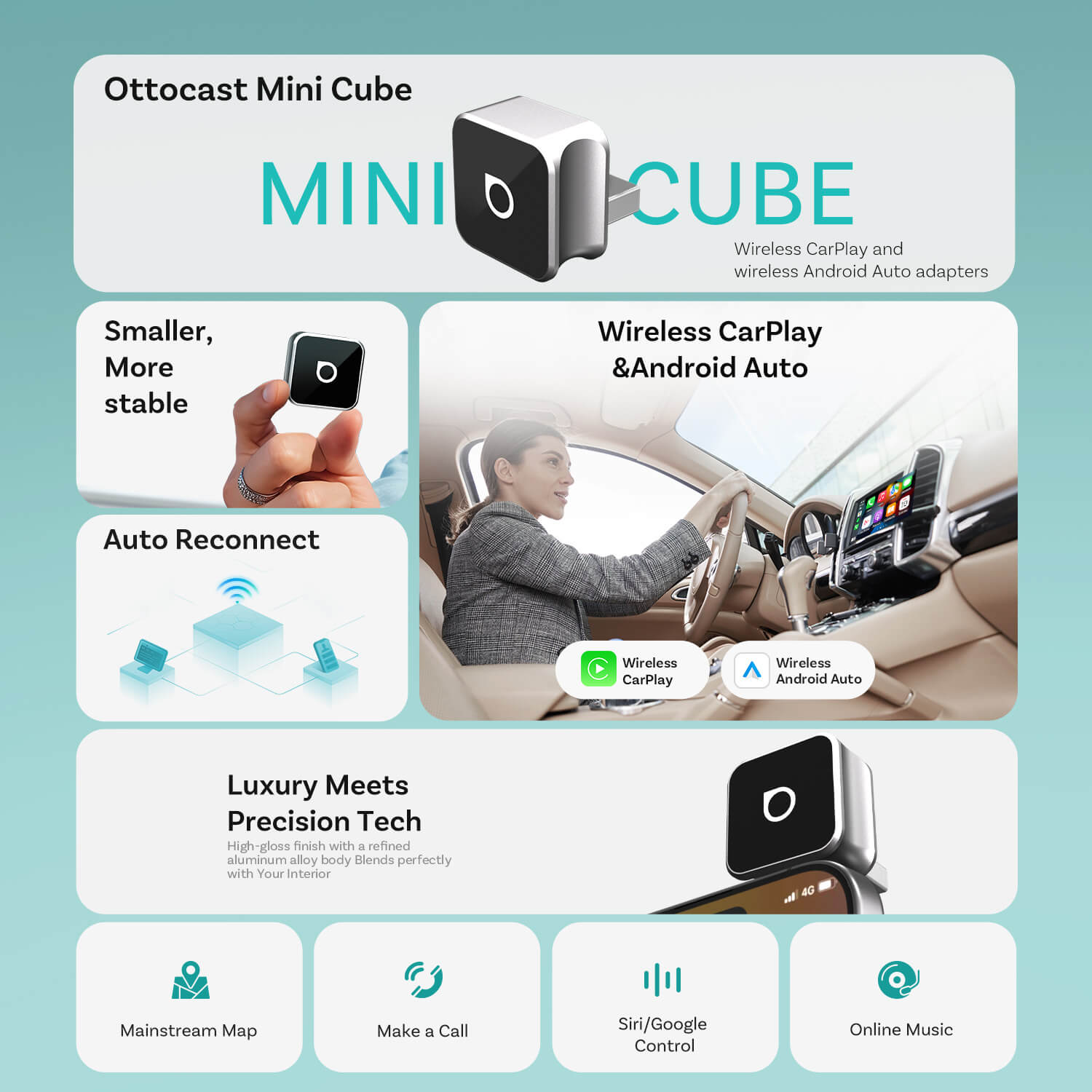
Seamless Wireless CarPlay and Android Auto
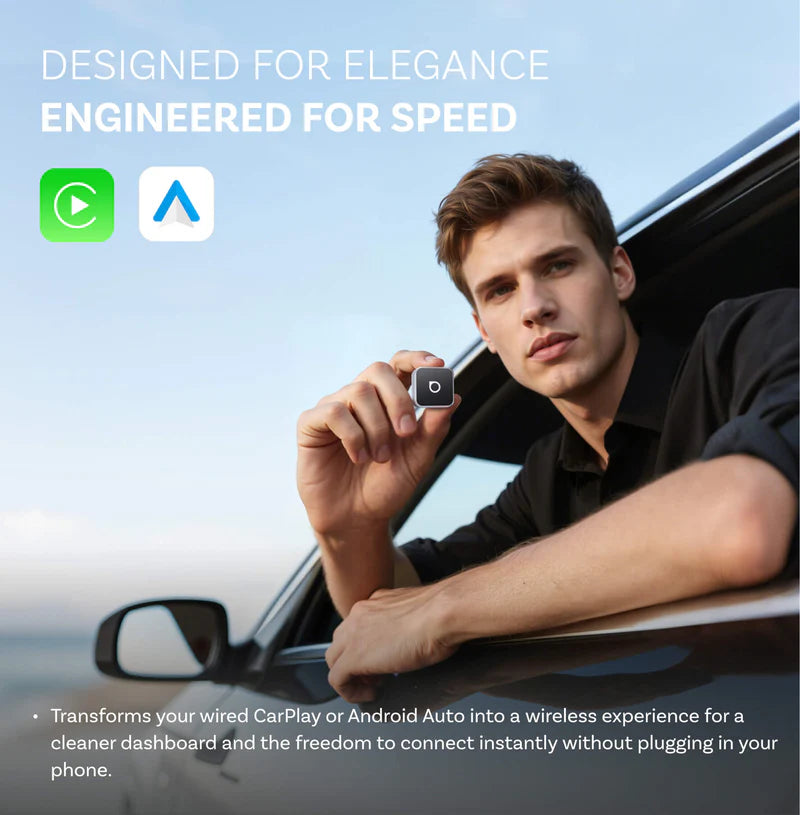
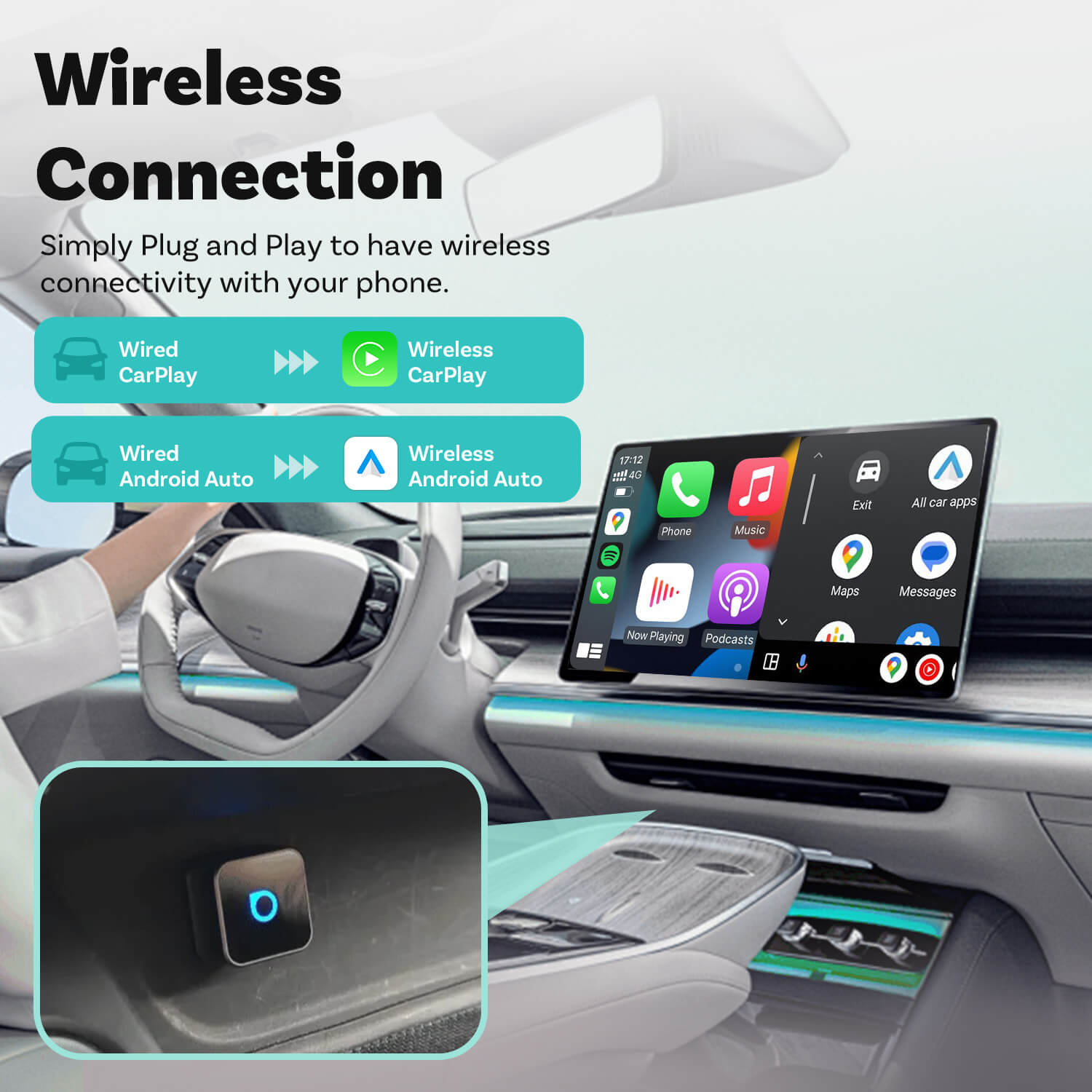
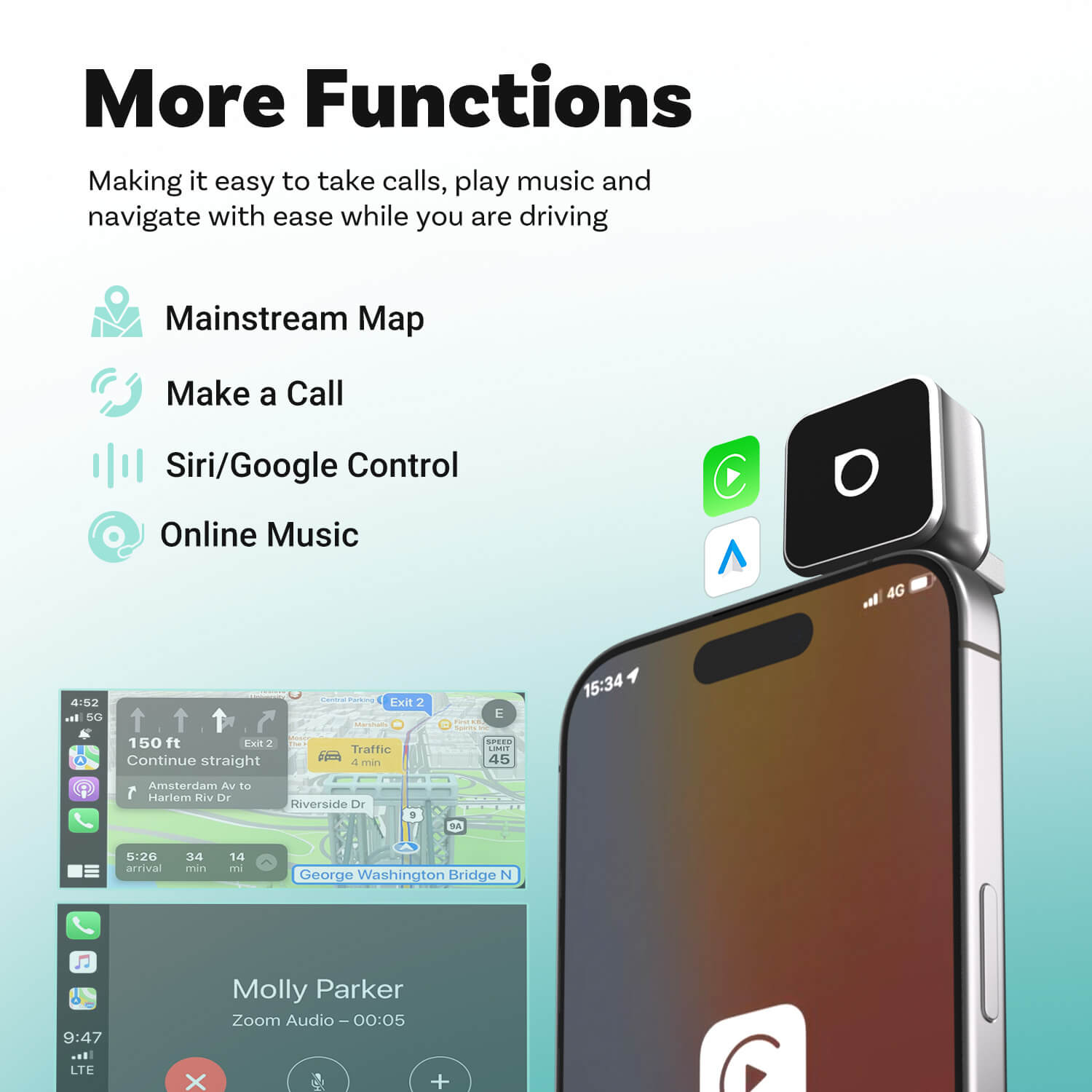
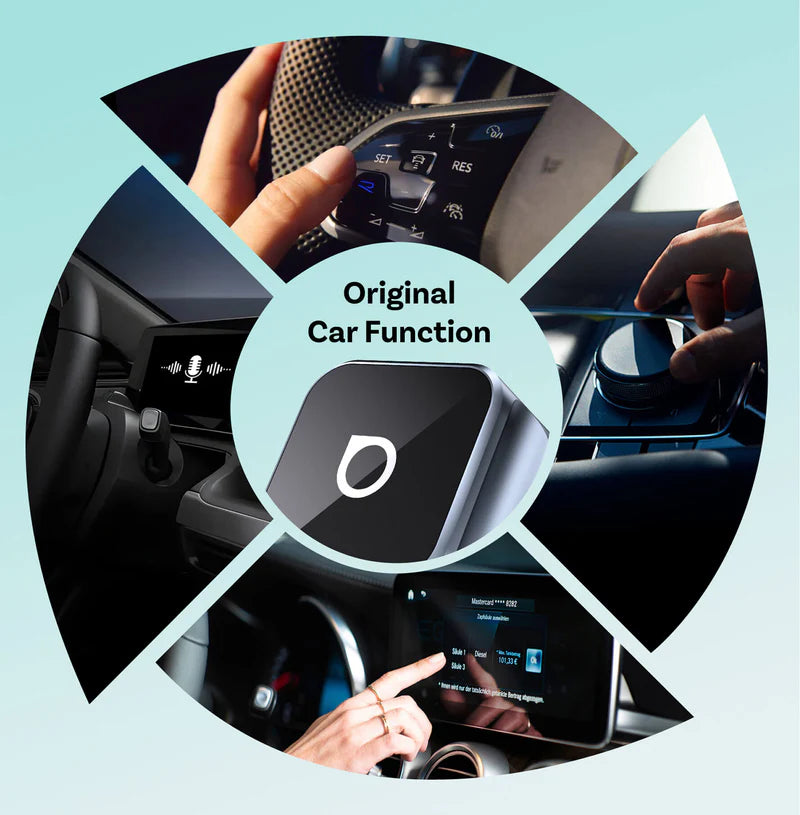
Enjoy CarPlay and Android Auto wirelessly while you drive, making it easy to take calls, play music and navigate with ease.
Fast Auto Reconnection
The Mini Cube remembers your device and reconnects automatically every time you start your car.
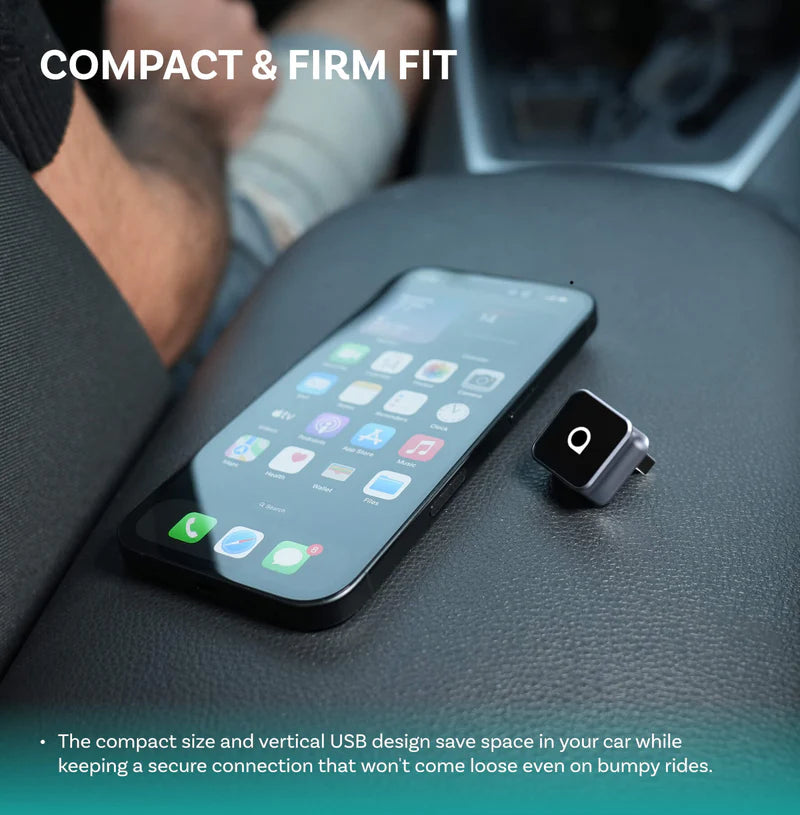
Compact & Firm Fit
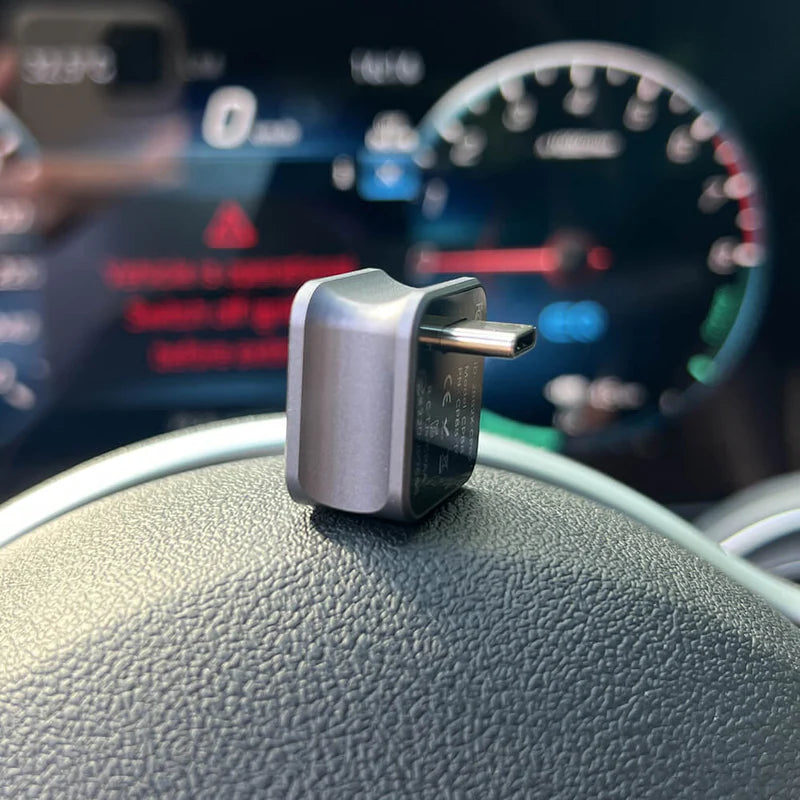
The compact body features a 90-degree USB connector that saves space and keeps your setup neat and refined.
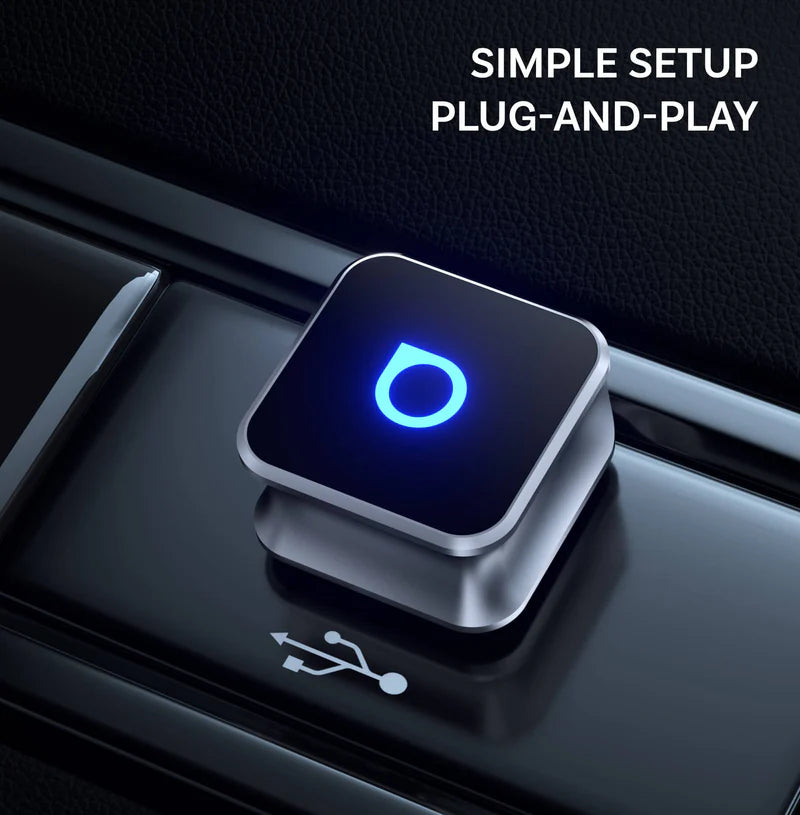
Simple Plug-and-Play Setup
No apps, no hassle—just plug it in and drive.
Keep It Compatible
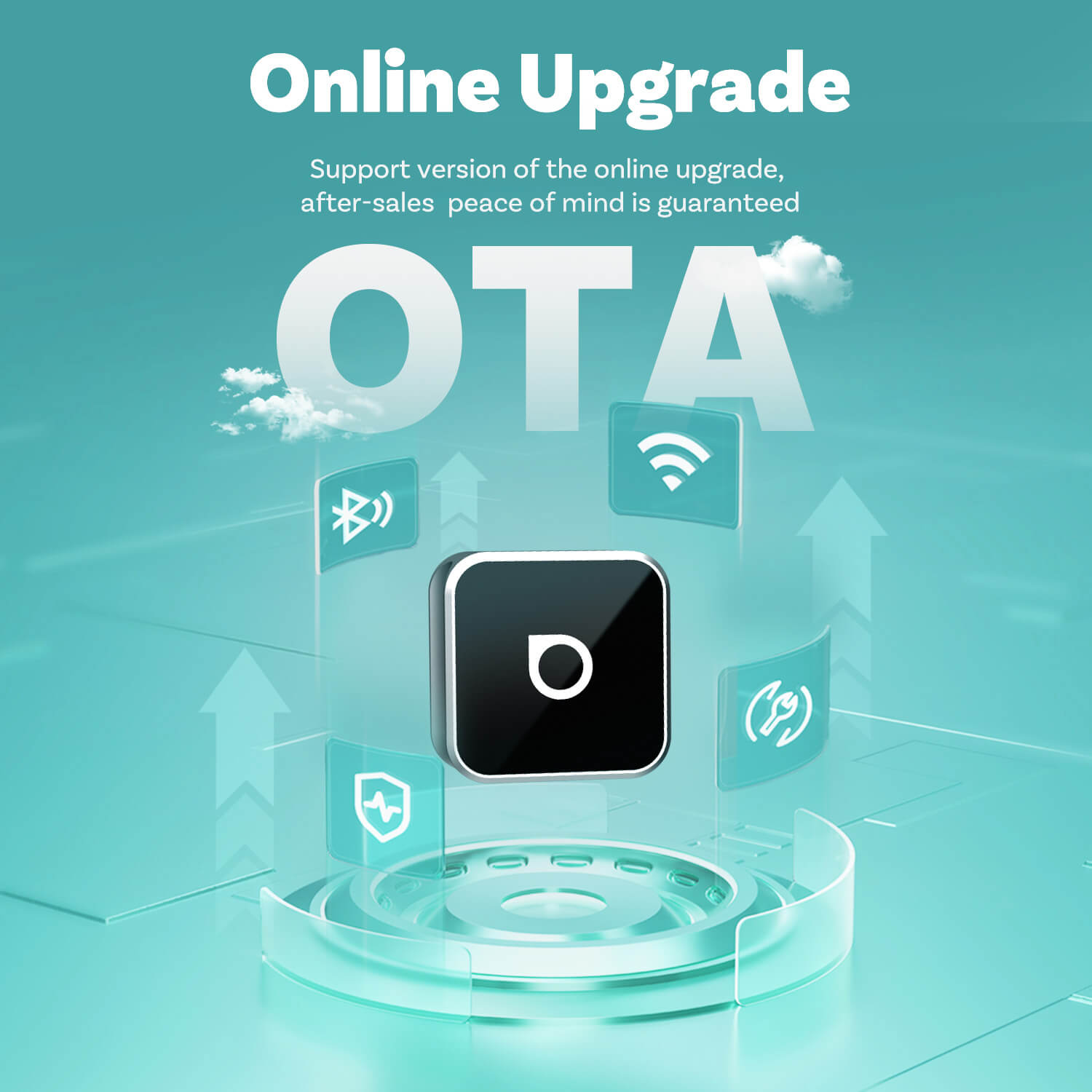
Get quick bug fixes on-the-go with the help of FOTA upgrades.
Warranty products
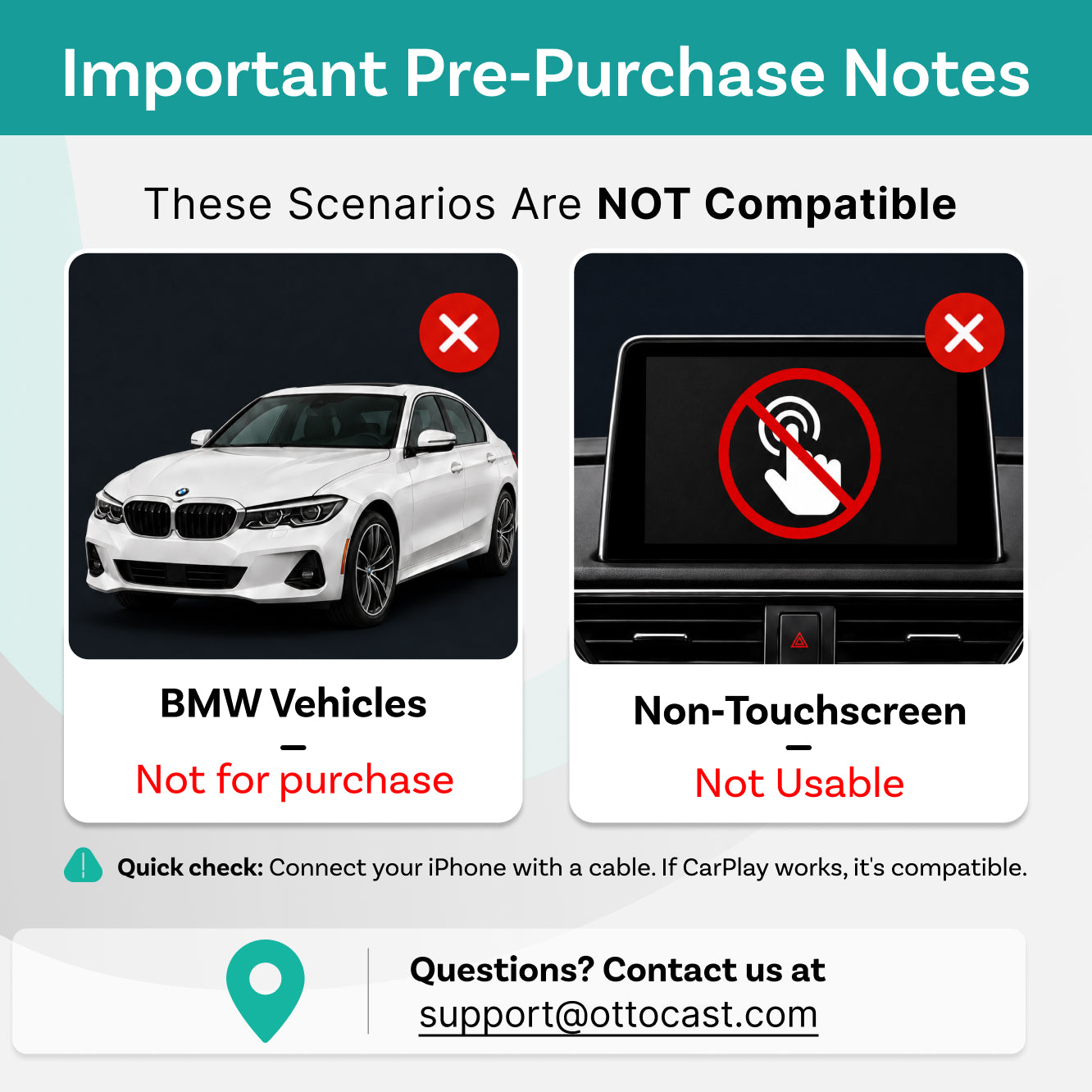
🚨BEFORE YOU BUY
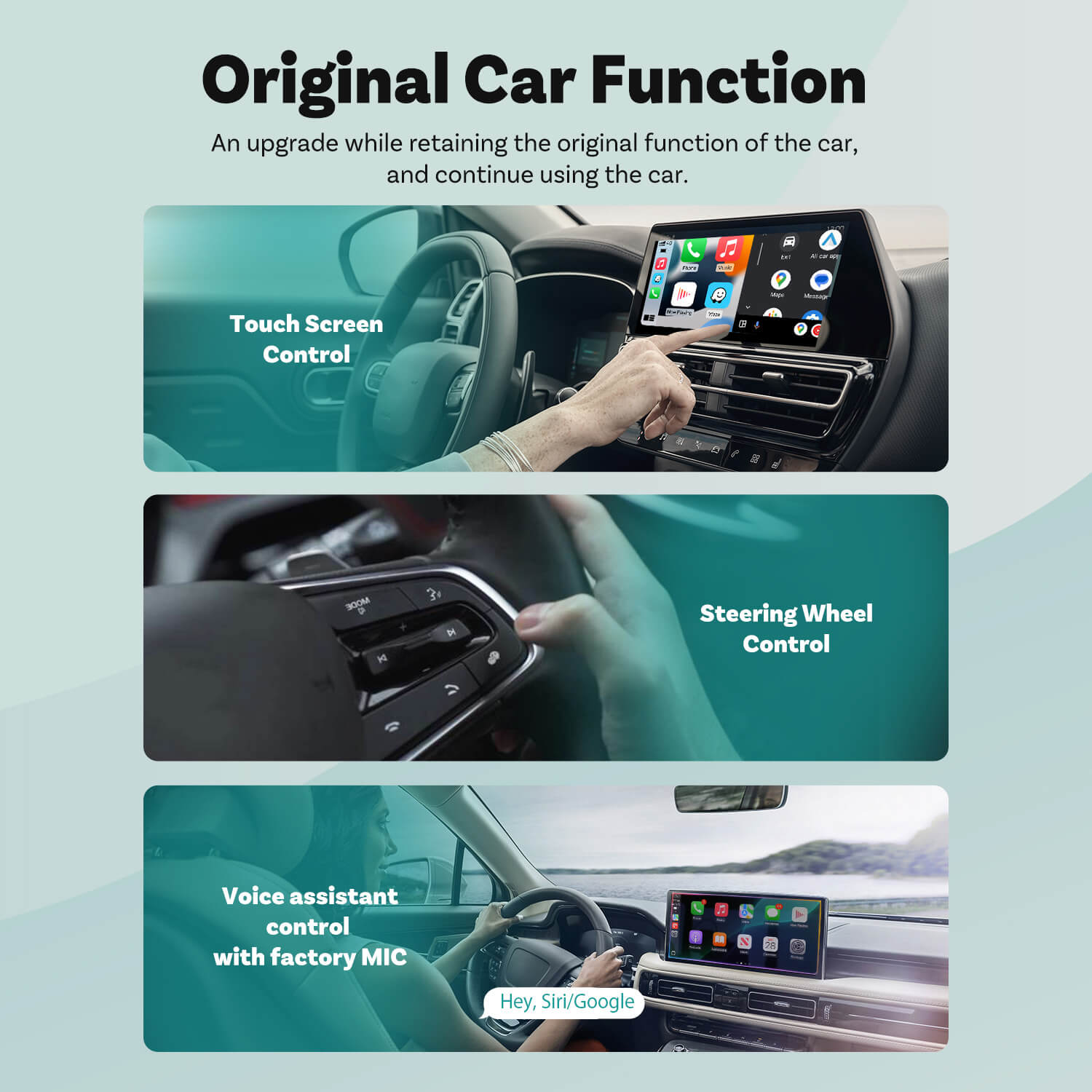
Requires Factory Wired CarPlay or Wired Android Auto
For 2016 or newer vehicles
Requirements:
-
Vehicle:
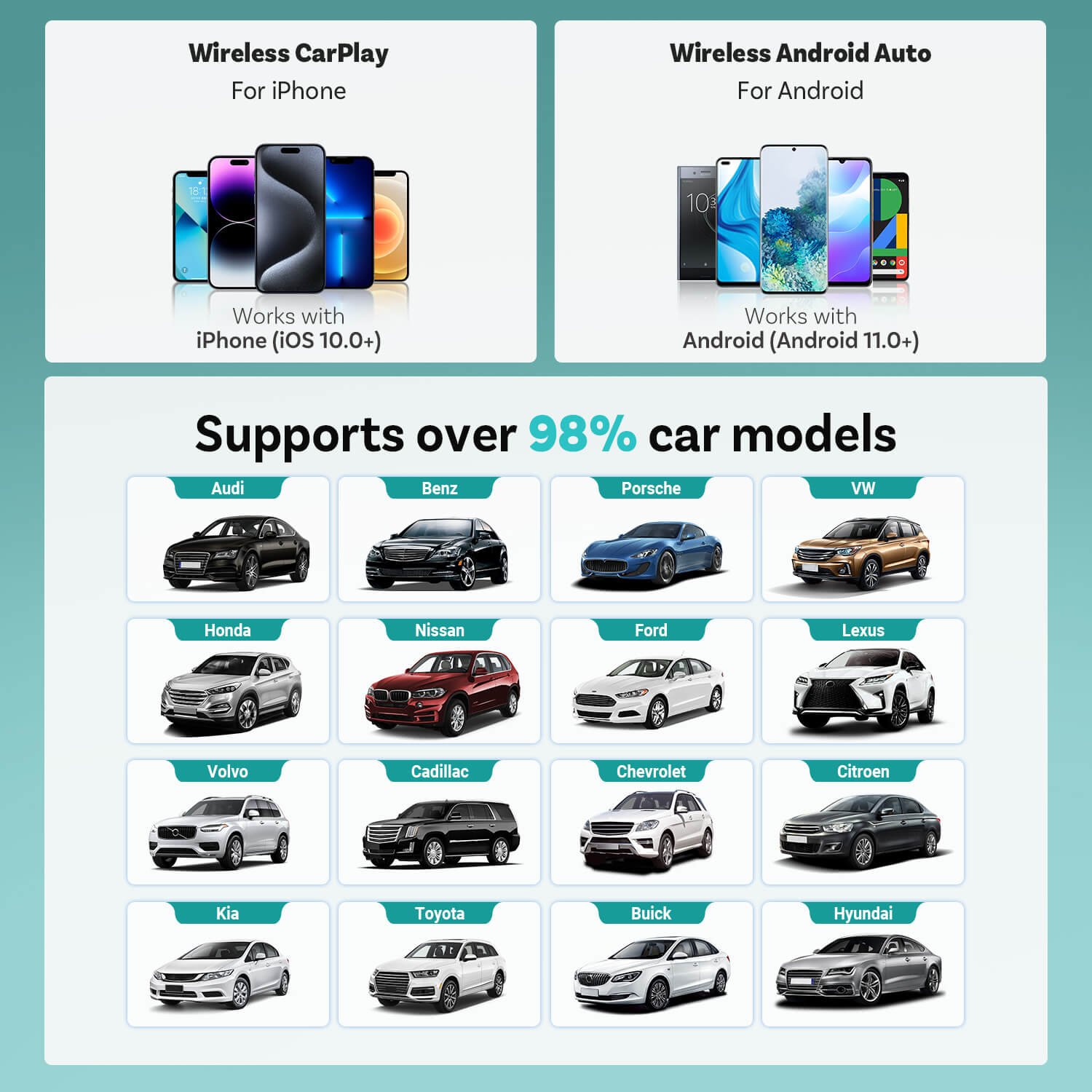
To use Wireless CarPlay, your vehicle must have factory Wired CarPlayTo use Wireless Android Auto, your vehicle must have factory Wired Android Auto
- Phone: Works with iPhone (iOS 10+) and Android (Android 11+). Selected Samsung/Google phones also support Android 9.
Not Compatible: Sony aftermarket head units.
Mitsubishi Vehicles: Please leave a note at checkout or email us before ordering.
Factory Wireless CarPlay Vehicles (e.g. some BMW models): Recommended Model: OttoAibox i3
How to Check Wired CarPlay / Android Auto Support
After-sale policy

30-Day Returns

1-Year Warranty
Share
Mini Cube 3.0 Wireless CarPlay/Android Auto
Sale price$66.00
Regular price$117.00


Why Choose Mini Cube?


Seamless Wireless CarPlay and Android Auto
Take calls, play music, send messages, use maps, and access your favorite apps with ease


Compact & Firm Fit
90° USB design saves space, keeps setup neat


Simple Plug-and-Play Setup
No apps, no hassle—just plug it in and drive.


Sleek & Cooling Design
Blends with your car interior while maintaining optimal temperature for smooth, reliable performance.


Fast Auto Reconnection
Connects automatically the moment you start your car.

Unlock the Latest CarPlay Features
The latest iOS innovations bring a smarter and more personalized CarPlay experience.


Refreshed CarPlay interface


Super Customized Widgets


AI Assistant Support

Freedom from Cables
New Driving Experience
Revolutionize what you can accomplish on the road with wireless capabilities.
Simple Plug-and-Play Setup
Just plug in the Mini and experience the same expanded functionality that CarPlay & Android Auto offer.
Automatic Reconnection
Your device reconnects seamlessly within 5 seconds after the first connection with smart memory pairing.


Form Meets Function in Every Detail
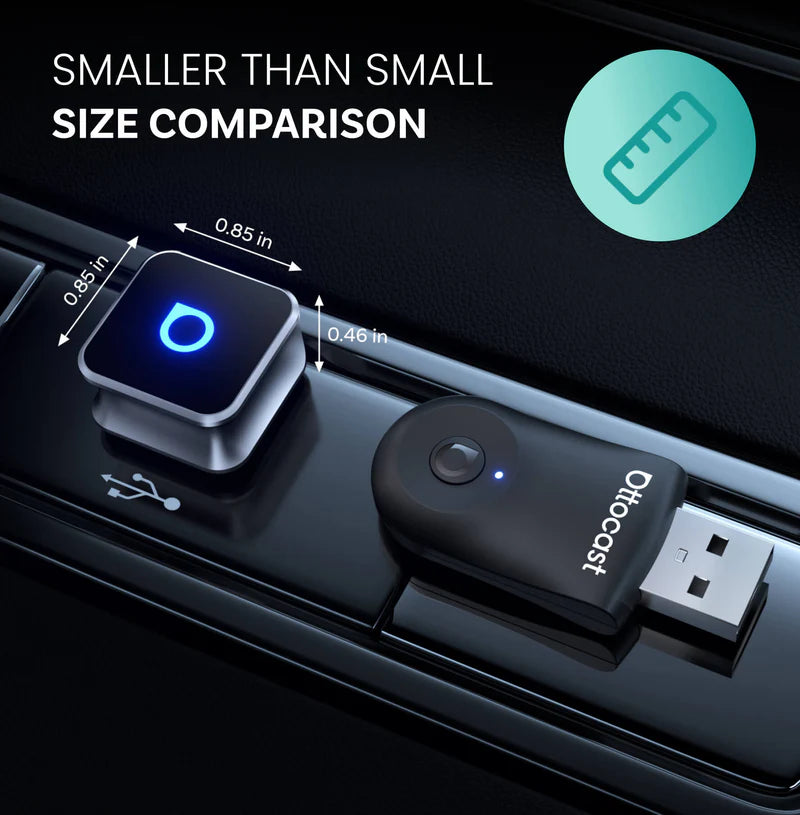
A sleek metal body keeps performance cool, while the compact grooved design ensures a secure fit and more space in your car.


The grooved design offers a secure and comfortable grip with a minimalist style that makes plugging and unplugging easy.


The compact design with a 90-degree USB plug saves space and stays firmly connected even on rough rides.


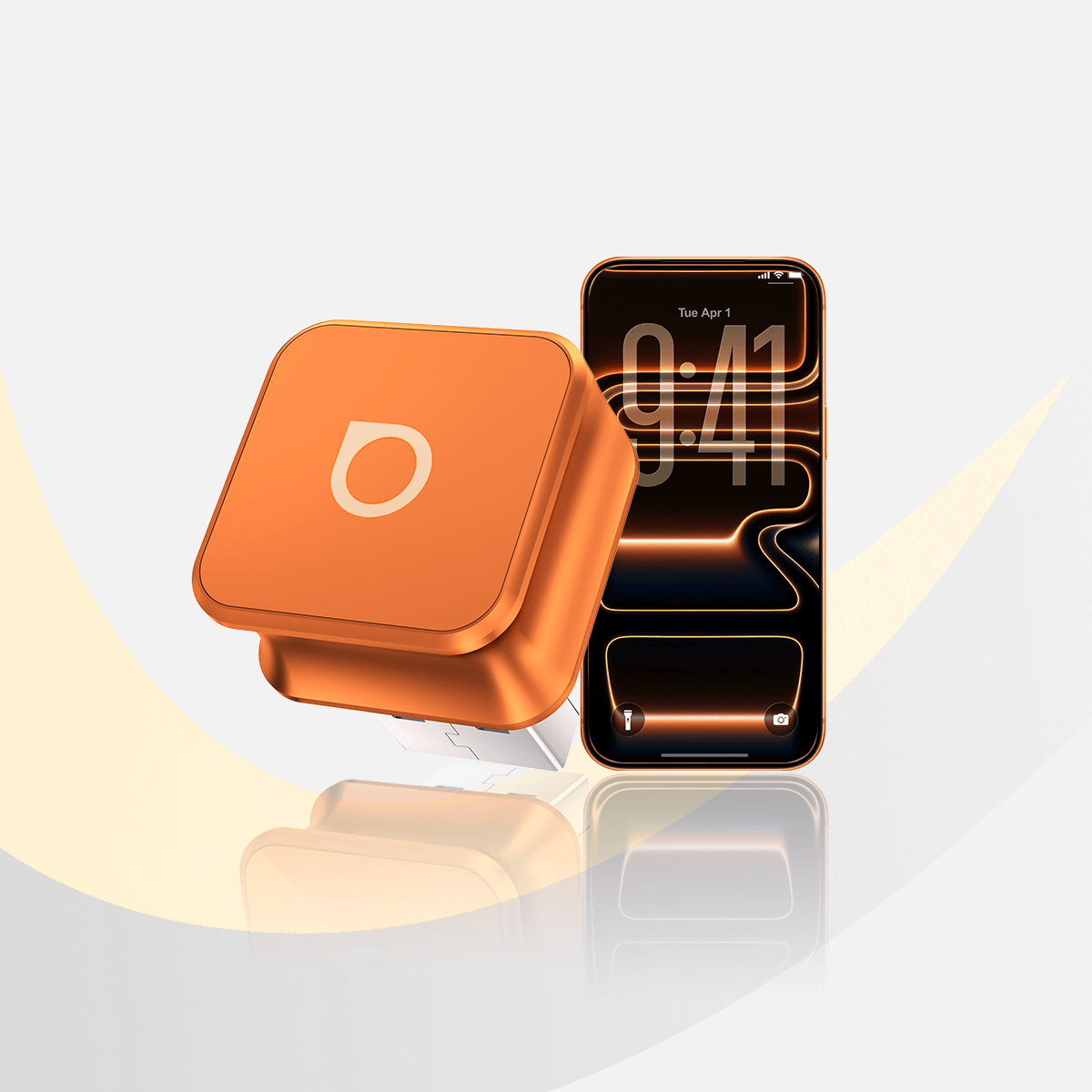
The sandblasted aluminum alloy body with a high-gloss finish blends seamlessly with your interior while efficiently drawing heat away and offering durable performance.
The Quickest Installation In Your Life
Many car accessories require complicated setup processes. The Ottoadapter Mini is designed for effortless installation—just plug it in, and it works. No apps or complex configurations needed.


Plug into USB port


Car screen displays wireless connection


CarPlay/Android Auto starts instantly.


FOTA Upgrades
Simple over-the-air updates let you install the latest system version with just a few taps.
Always Updated
Stay ahead with new innovations.
No Hassle, No Effort
Get the latest system in minutes with easy over-the-air updates.
Future-Proof Your Car
Enjoy more years of use with fresh tech and easy updates along the way.


FAQ
Use this text to share information about your product or shipping policies.
Is this Ottocast product compatible with my car?
Most Ottocast products are designed for vehicles (typically 2016 or newer) with Factory Wired Apple CarPlay and/or Factory Wired Android Auto. This product is a wired-to-wireless adapter and must be plugged into a USB data port (not a charge-only port).
Quick check: plug your phone in—if CarPlay/Android Auto pops up, it’s supported. Video: 👉 Watch video
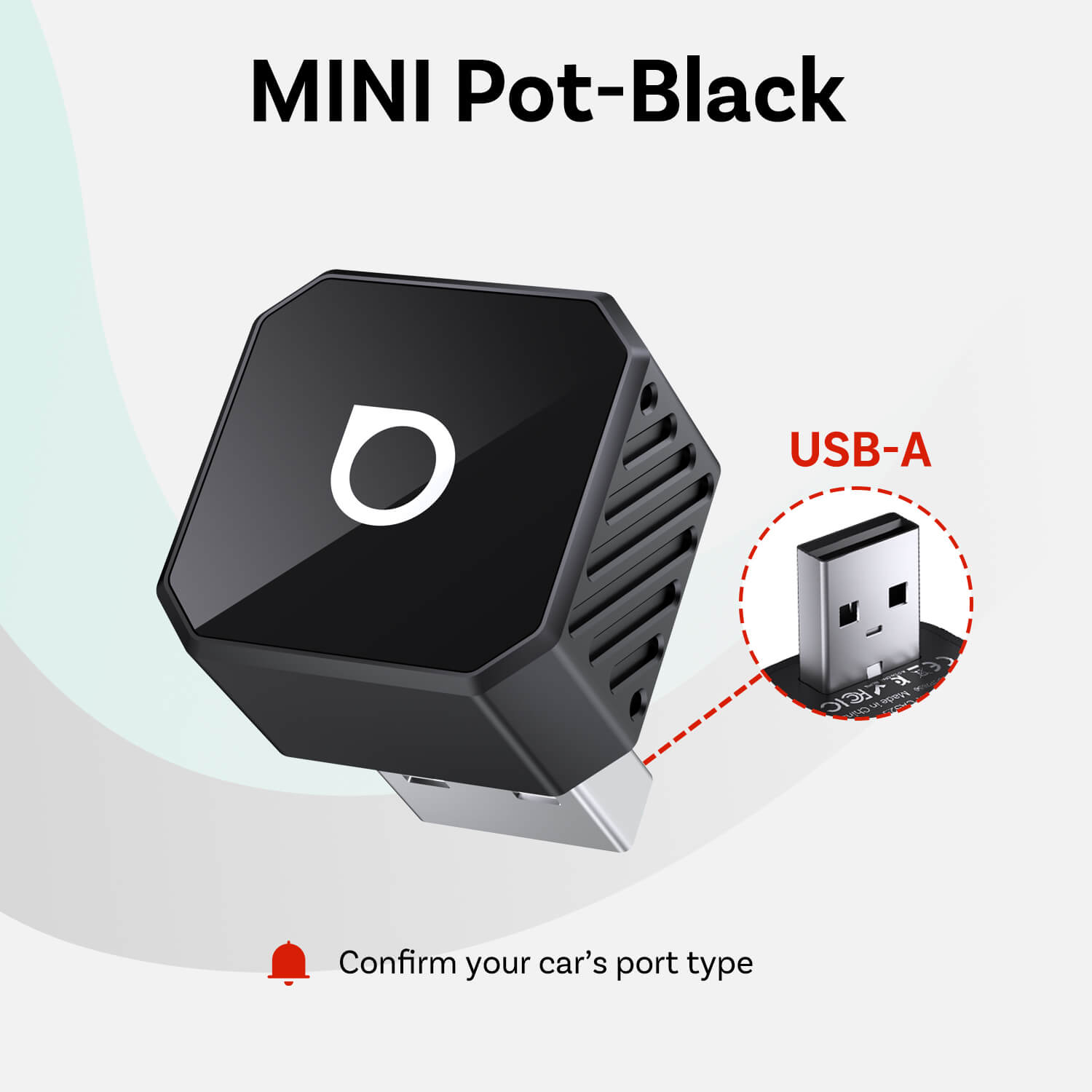
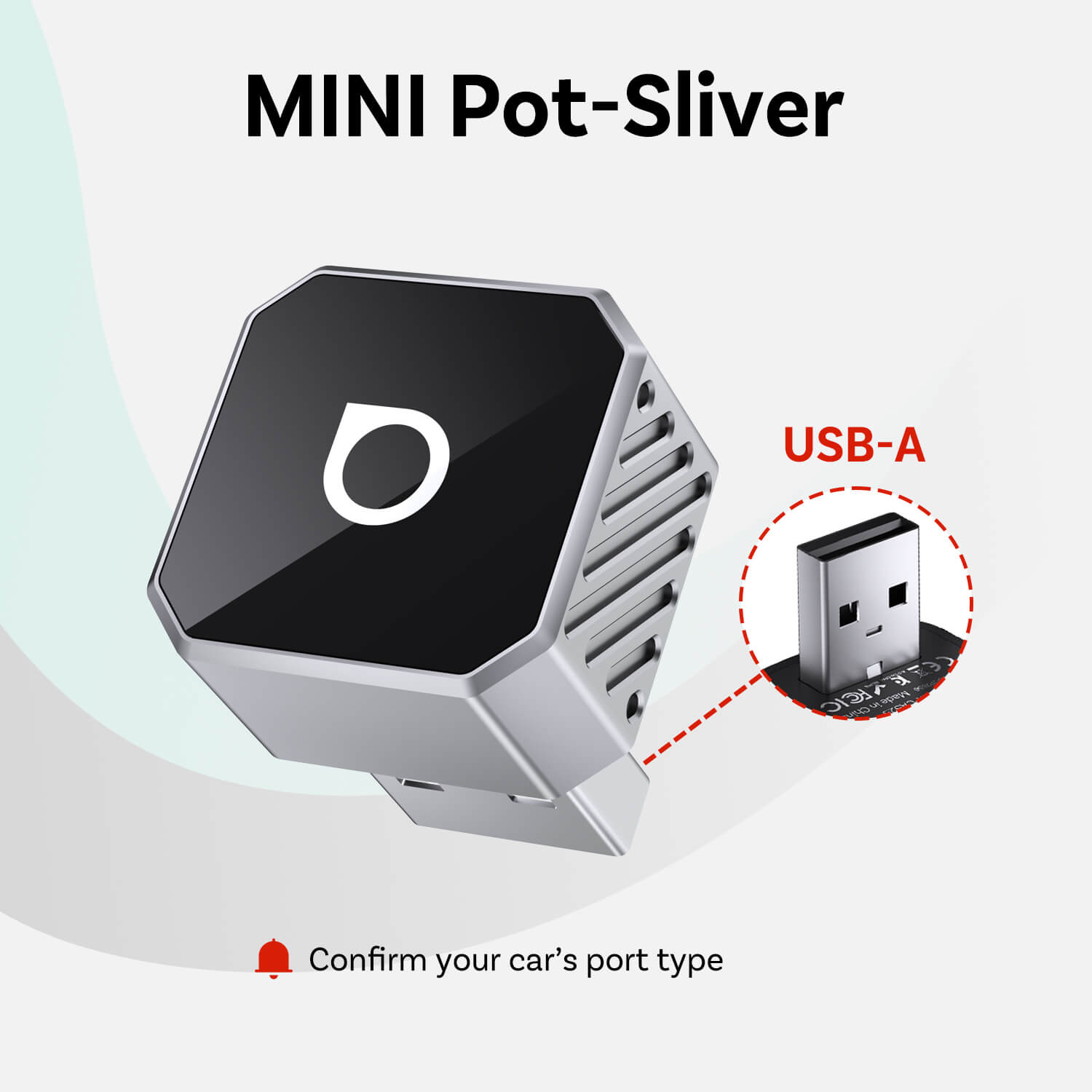
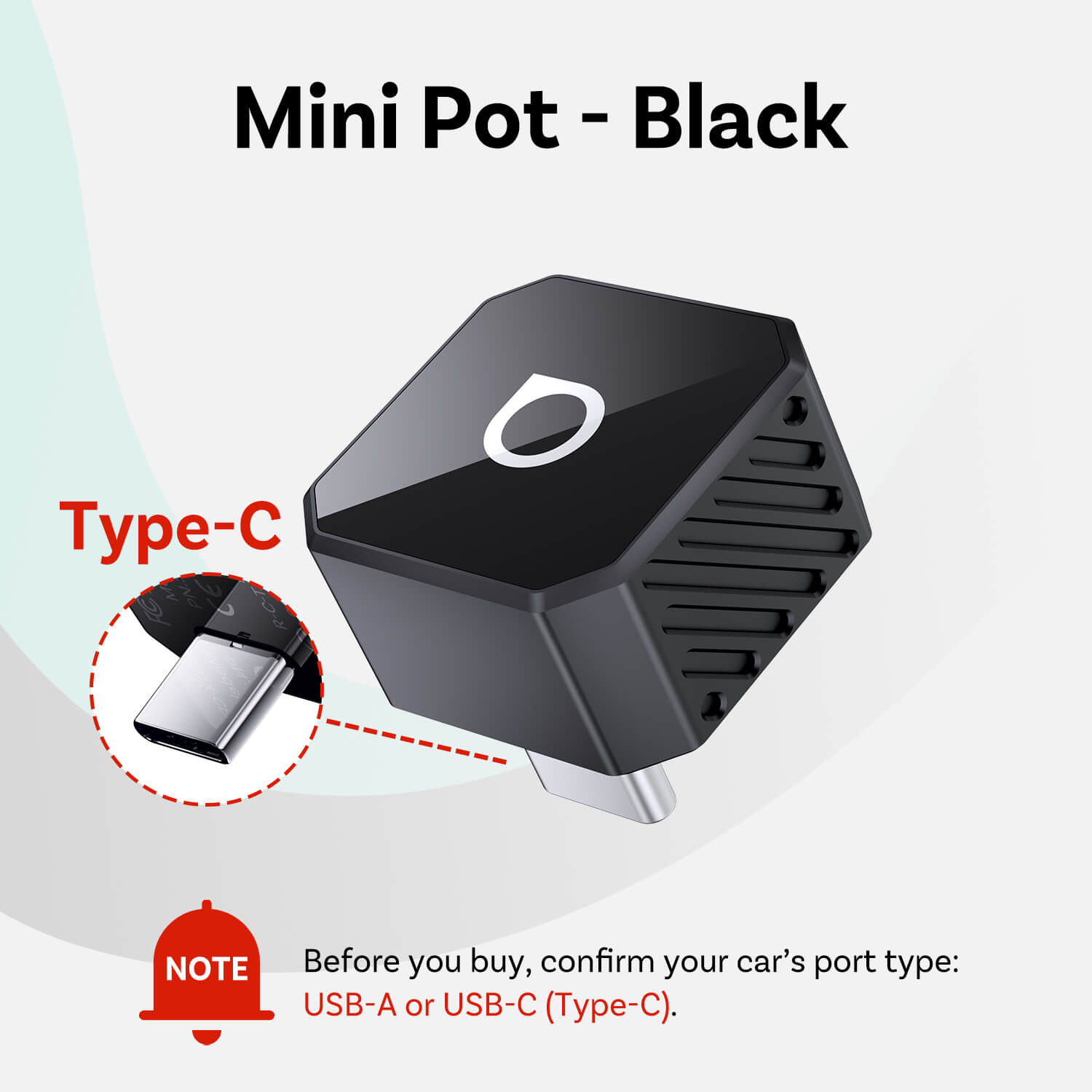
Should I choose the USB-A version or the USB-C (Type-Ca) version?
Choose the version that matches your car’s CarPlay/Android Auto USB data port:
- USB-A port → USB-A version
- USB-C port → USB-C (Type-C) version
Not sure? Check the port shape in your car or contact support.
If I’ve paired two phones, which one will it connect to next time?
If multiple paired phones are nearby, Ottocast will usually reconnect to the last used phone.
To switch devices, disconnect CarPlay on the current phone (or turn off its Bluetooth/Wi-Fi), then connect with the other phone.
Some models also support one-tap switching or manual device selection.
Can I move it between two cars?
Yes. Just unplug it and use it in another compatible vehicle. In the new car, you may need to re-pair your phone or do a quick first-time setup.
Is it hard to set up?
Not at all. Just plug it into your car’s wired CarPlay/Android Auto USB data port and follow the on-screen prompts for first-time pairing.
What’s the difference between Mini Cube 3.0 / Mini Pico / Mini Nova?
All provide wireless CarPlay/Android Auto. Key differences are in design/materials, Wi-Fi/Bluetooth spec, USB connector type, and whether a Smart Button is included.
Does it work with both iPhone and Android?
Yes. Mini Cube 3.0 supports Wireless CarPlay (iPhone) and Wireless Android Auto (Android). Your car must already support factory wired CarPlay and/or wired Android Auto (USB data port)—this adapter upgrades wired to wireless.
Recommended: iOS 10+ / Android 11+.
Our customer support is available Monday to Friday: 8am-8:30pm.Average answer time: 24h
You may also like
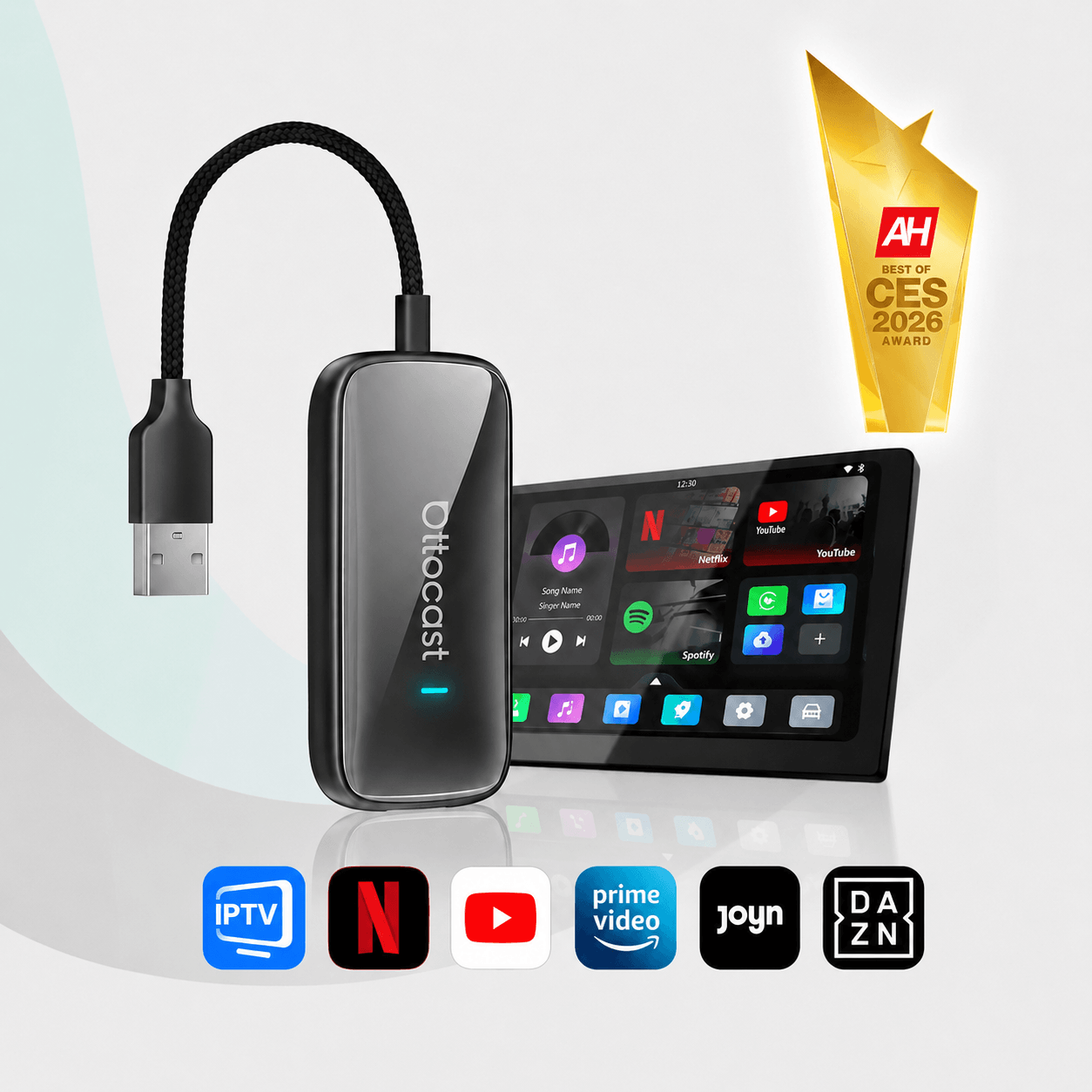
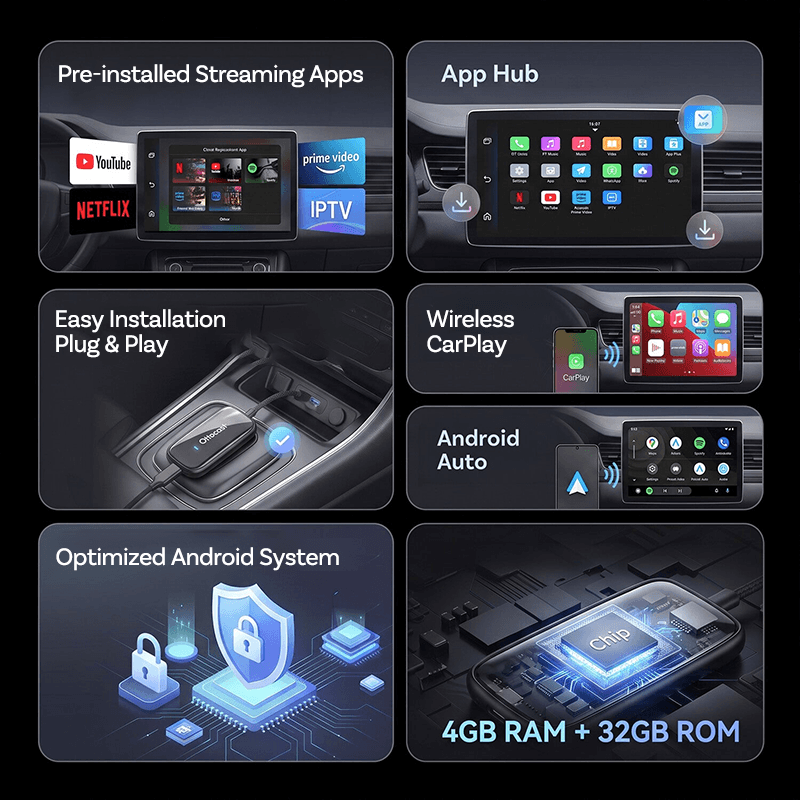
2026 New Play2Video Ultra Netflix YouTube Prime video car box with wireless CarPlay/Android Auto
Sale price$117.00
Regular price$262.00


Ottocast Mirror Touch adapter with bidirectional control CarPlay iOS/ Android Mirror 3 in 1
Sale price$145.00
Regular price$218.00