

Ottocast CloudSIM 10 GB/30 GB/60 GB/120 GB
PRICE


Stay Connected Without Limits

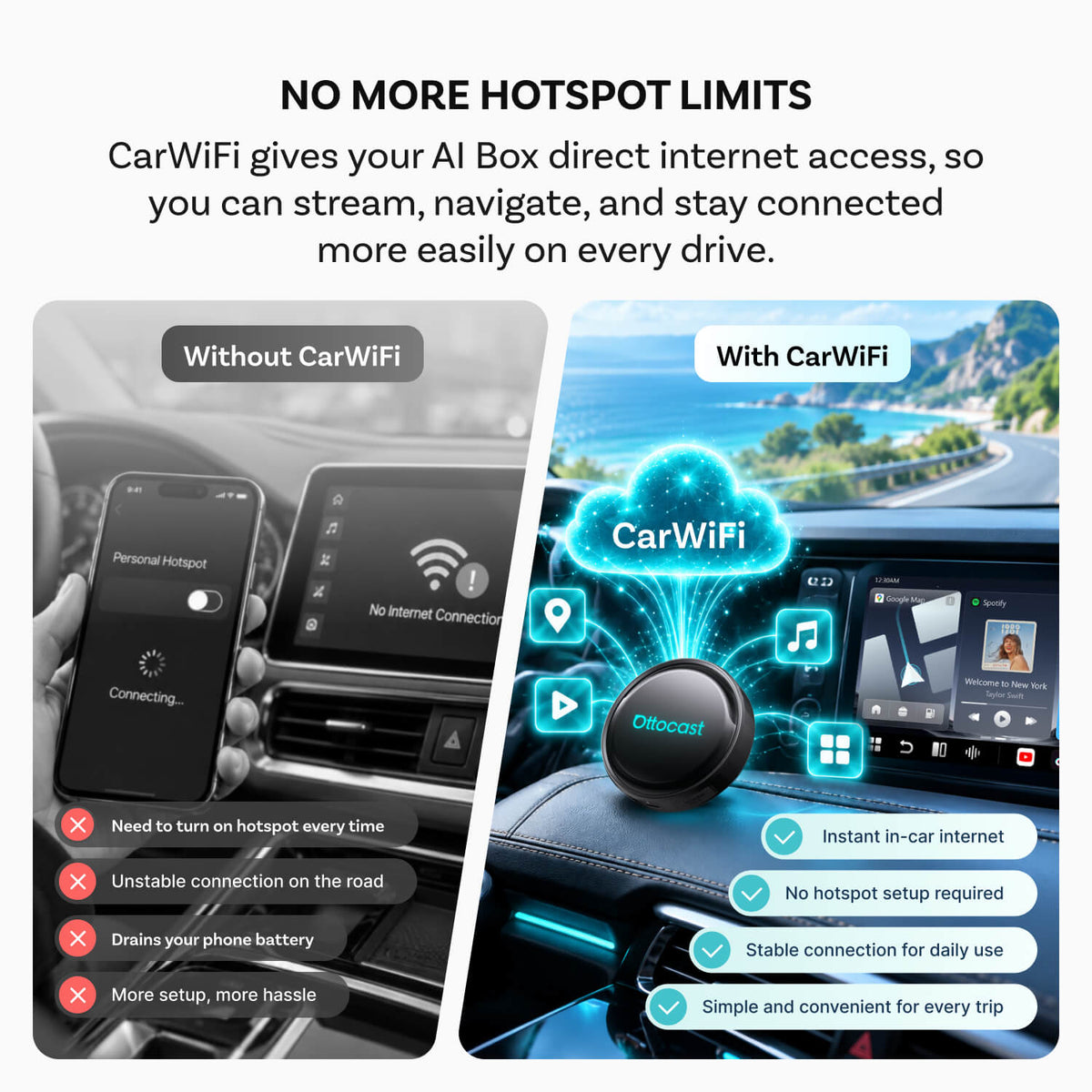
Connect your AI Box directly to the internet.

Choose the plan that fits your driving needs.

Enjoy apps and streaming wherever you drive.

Smooth streaming and navigation experience.
Connect your AI Box directly to the internet.
Choose the plan that fits your driving needs.
Enjoy apps and streaming wherever you drive.
Smooth streaming and navigation experience.


Stay Connected Without Limits


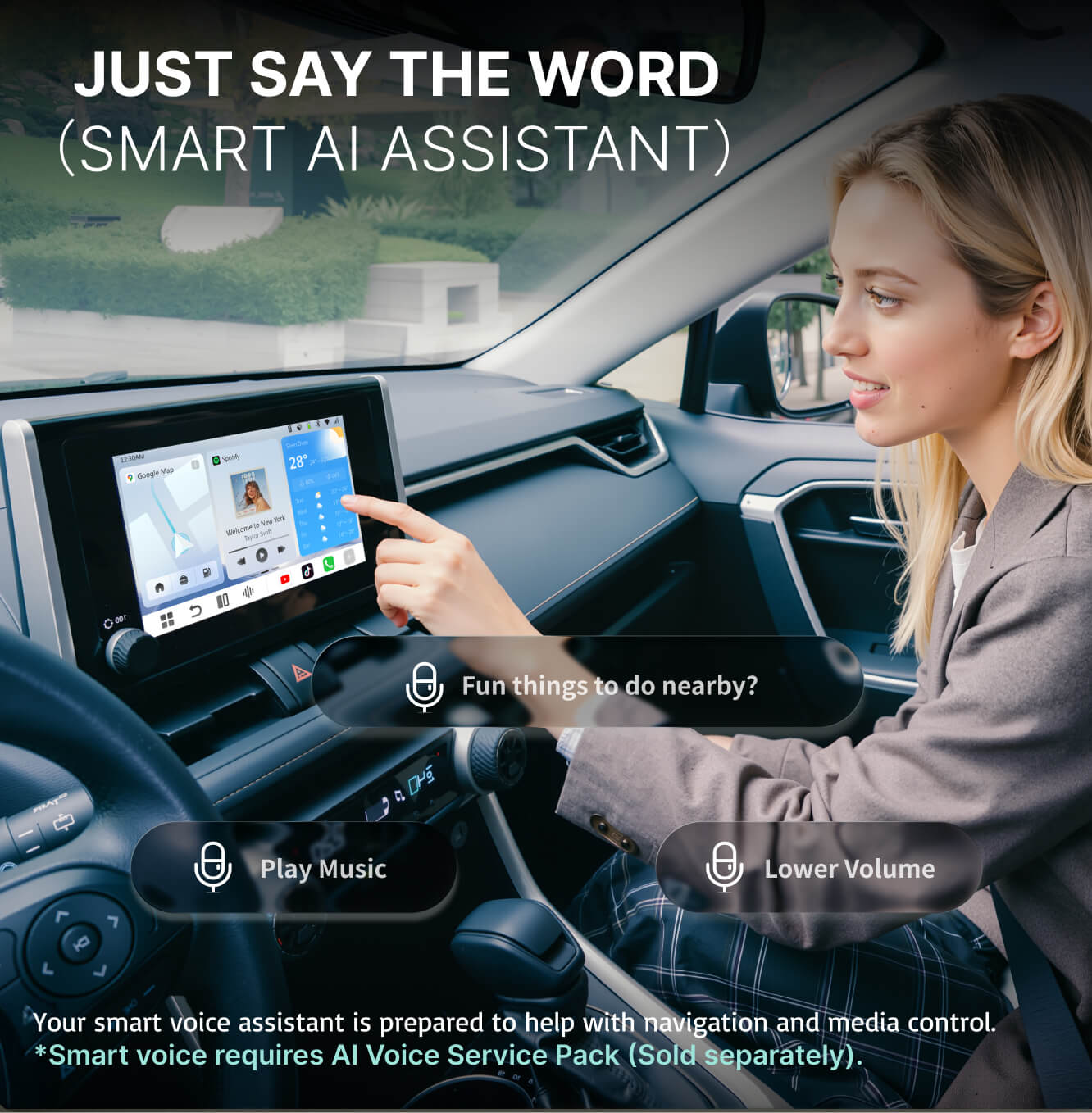
More Than Voice Commands
Your AI assistant helps you interact naturally with your car.
in 6 Easy Steps.


Click "Get the Code" to view your order. Click"View" to reveal your unique alphanumeric code, then tap "Copy".
Can’t Find Your Code? Check Your Email
If you closed the confirmation page or forgot to copy the code, don’t worry. Your voucher code is also sent to the email address used for your order. Open the email and follow the instructions to retrieve it.


New to CarWiFI?
Enter your email address, tap Get Code, and enter the verification code to create your account.
Already Have an Account?
Simply scan the QR code to go directly to your CarWiFI account page.


Return to the CarWiFi app (formerly CloudSIM) on your car screen and tap the OFF switch to turn data ON. Your active plan, remaining data, and plan details will appear in the app. You're now connected—enjoy navigation and music on the road, plus online entertainment while parked.


New User? Get 10GB Free
New users automatically receive 10GB of free data after registration. The free plan will appear directly in your CarWiFI account.
After the free data is used up, scan the QR code again, select Voucher Code, enter your purchased code, and tap Submit.


Video Guide

Compatible AI Box Devices
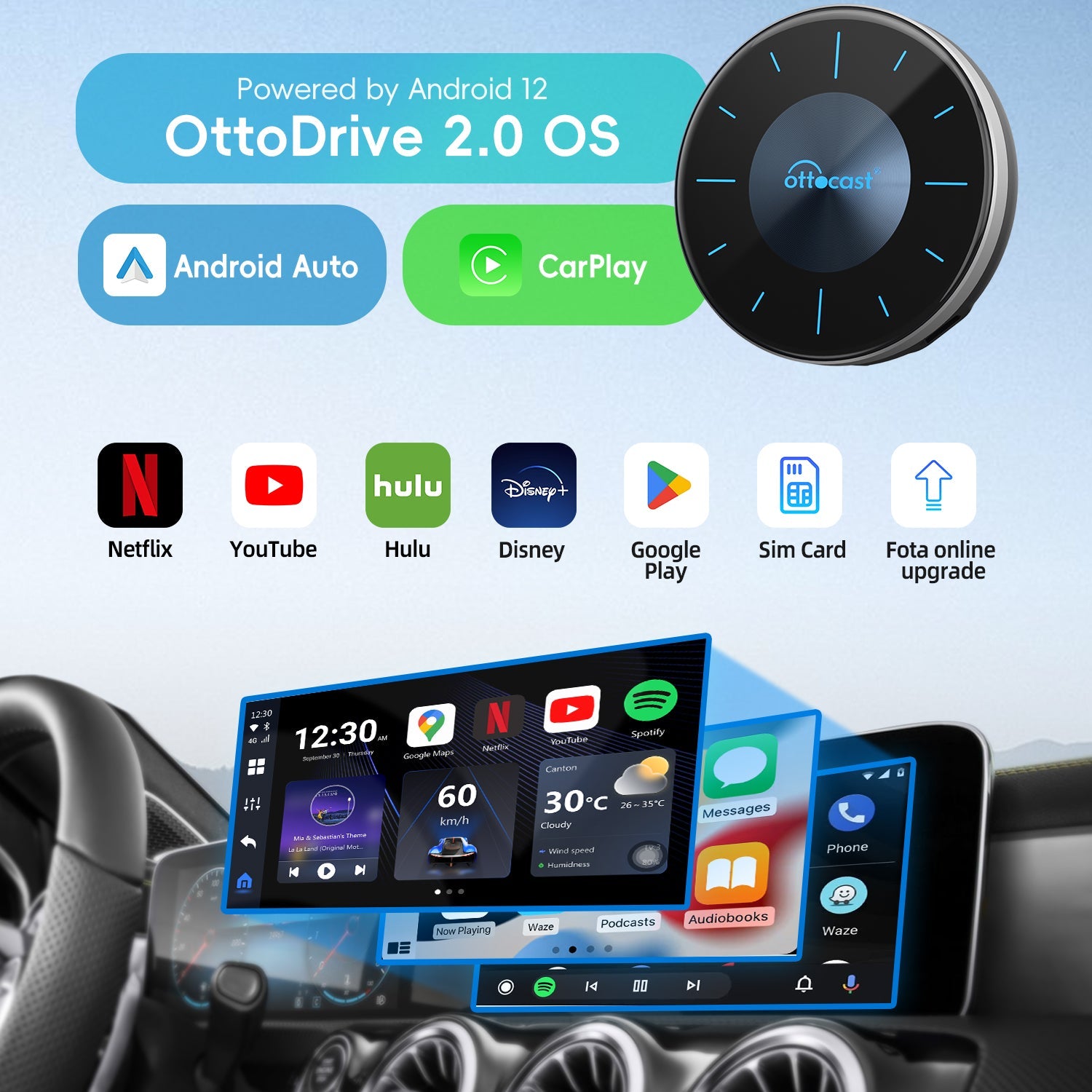
Works seamlessly with OTTOCAST Al Box series